Aptivi
One UI 8.5 Showcase [1/4] – Personalization – Galaxy A57
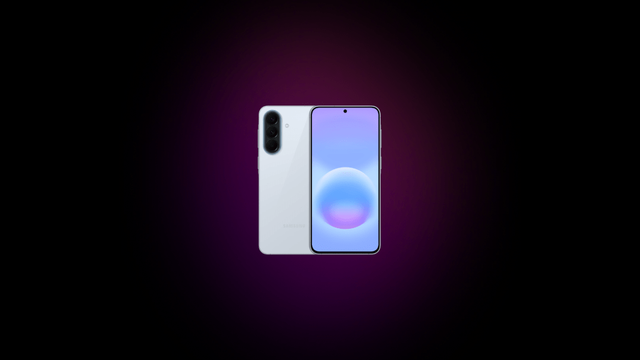
This set of articles showcases the changes that were made to One UI 8.5 as part of the stable rollout for the Galaxy A series devices. As we now have the Galaxy A57, which came with One UI 8.5 out of the box, we will showcase those changes on the A57, based on the changelogs that were made for the Galaxy A56, which you can find here.
We will split the showcase article into four parts, which you can choose here:
- Part 1: Personalization
- Part 2: Weather, Clock, and Connectivity
- Part 3: Power and Security
- Part 4: Miscellaneous
Now, let’s explore the personalization changes.
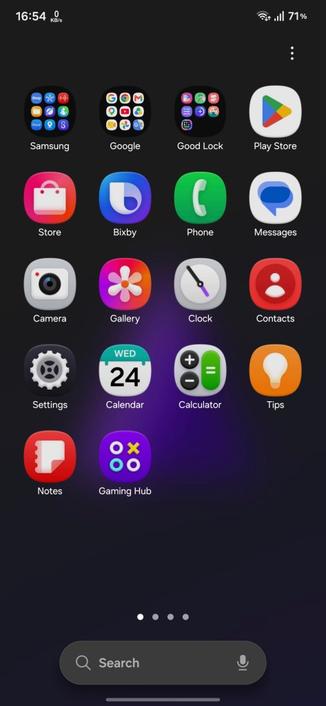
One UI 8.5 brings a redefined design language, which makes your phone look more attractive than before. Starting with this version of One UI, more blur effects have been applied, along with floating elements that react organically to your workflow. The design has become more refined and sophisticated.
The quick panel has also become more customizable, with the elements being more resizable and adaptive than before. Vertical sound and brightness controls can be implemented in your quick panel, along with circular icons for actions, resizable music player, and much more.
Interactive wallpapers are also implemented in One UI 8.5, with the existing graphical wallpapers now being interactive, along with two new wallpapers that you can use on your phone for a fun experience.
Clock fonts in the lock screen have become more customizable, with even the animated clocks (that are static in all Galaxy A series devices) becoming more customizable by making it thick or thin. The adaptive clock, which was added to One UI 8.0 that only worked with pictures of people or animals, now work with objects, too.
According to your current settings for the lock screen clock, wallpapers with pictures of people or animals now automatically adjust themselves to make it suitable with the position of the lock screen clock and its widgets.
To go to the second part of the showcase, either press a link below “Next Article”, or press the Part 2 link at the top of this article.
#A57 #Android #GalaxyA57 #news #oneUi #OneUI85 #Samsung #SamsungGalaxyA57 #smartphone #Tech #Technology #update