 Tecnoblog • tecnologia que interessa [Unofficial]
Samsung comemora rapidez da One UI no Brasil
https://fed.brid.gy/r/https://tecnoblog.net/noticias/samsung-comemora-rapidez-da-one-ui-no-brasil/

Samsung comemora rapidez da One UI no Brasil
https://fed.brid.gy/r/https://tecnoblog.net/noticias/samsung-comemora-rapidez-da-one-ui-no-brasil/
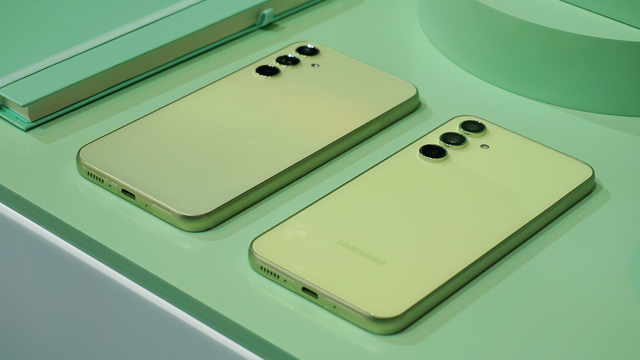
Samsung despliega la actualización One UI 8.5 para Galaxy A54, comenzando en Corea Samsung ha lanzado oficialmente la versión estable de la actualización One UI 8.5 para el Galaxy A54, uno de sus modelos más populares dentro de la gama media. La primera región en recibir esta importante actualización ha sido Corea del Sur, donde el...
Samsung globally expands One UI 8.5 for the Galaxy A55 and A35!
The time has finally come for users outside Korea, with One UI 8.5 reaching absolute stability! When One UI 8.5 was under development for the Galaxy S25 series, the flagship Galaxy S26 was unveiled to people around the world, and Galaxy A57 and A37 came after, all running One UI 8.5.
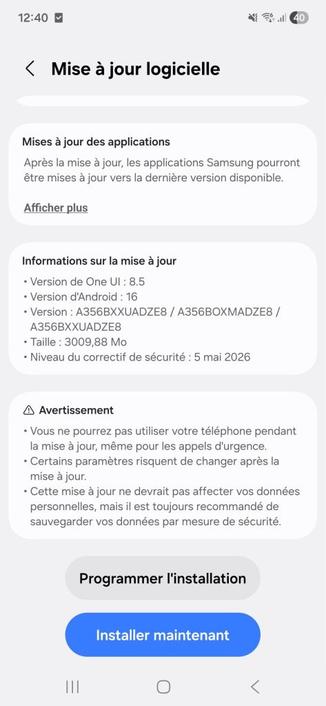
Starting from today, we are so excited to announce that One UI 8.5’s availability is currently expanding for the Galaxy A55 and A35 users!
A55 – SourceA35 – SourceThe following firmware information is found:
To update your Galaxy to One UI 8.5, follow these steps:
Make sure that you’re connected to a stable and fast Wi-Fi network to avoid high mobile data fees. Never interrupt the update in any way, or problems could occur later. Make sure that you apply all available updates once you update your phone for maximum stability. An update might take 10 to 20 minutes to apply, depending on the device and the type of the update being applied.
If you’re seeing “Your software is up to date,” this means that the update hasn’t reached your device yet. Keep checking for updates, as Samsung rolls it out gradually to all devices from country to country, usually starting from Korea.
#Android #Android16 #news #oneUi #OneUI85 #Samsung #smartphone #Tech #Technology #update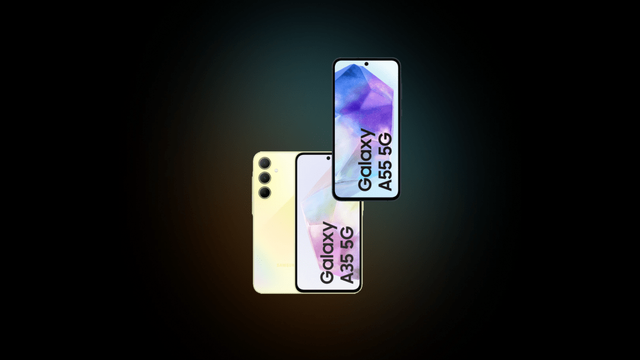
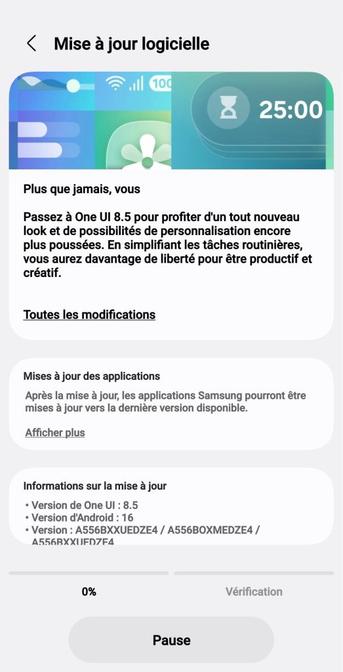
Samsung releases One UI 8.5 for the Galaxy A54 and A34!
The time has finally come, with One UI 8.5 reaching absolute stability! Since the development period of One UI 8.5 started, the flagship Galaxy S26 was unveiled to people around the world, and Galaxy A57 and A37 came after, all running One UI 8.5.
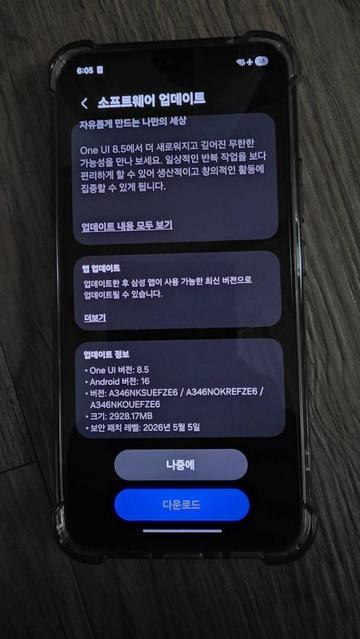
Starting from today, we are so excited to announce that One UI 8.5 is now available for the Galaxy A54 and A34 users, starting from Korea!
The following firmware information is found:
To update your Galaxy to One UI 8.5, follow these steps:
Make sure that you’re connected to a stable and fast Wi-Fi network to avoid high mobile data fees. Never interrupt the update in any way, or problems could occur later. Make sure that you apply all available updates once you update your phone for maximum stability. An update might take 10 to 20 minutes to apply, depending on the device and the type of the update being applied.
If you’re seeing “Your software is up to date,” this means that the update hasn’t reached your device yet. Keep checking for updates, as Samsung rolls it out gradually to all devices from country to country, usually starting from Korea.
#Android #Android16 #news #oneUi #OneUI85 #Samsung #smartphone #Tech #Technology #update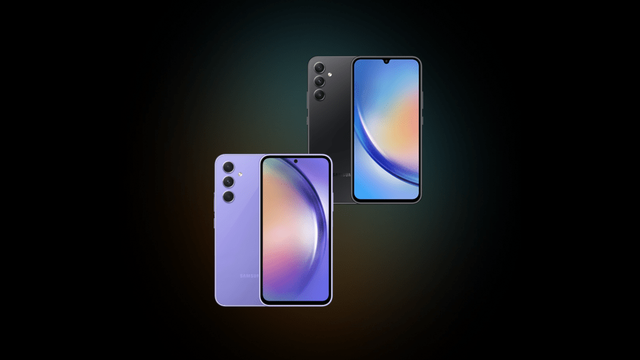
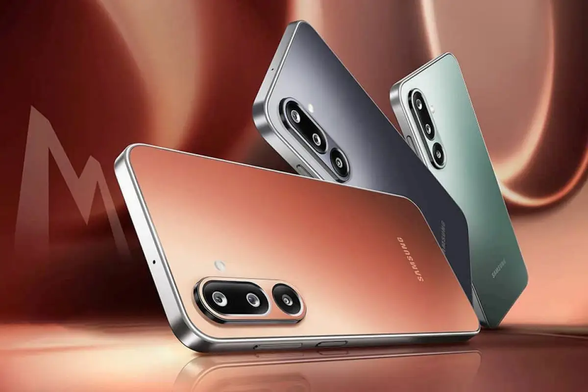
Samsung avanza con la actualización One UI 8.5 en la serie Galaxy M Samsung continúa con el despliegue de su última versión de interfaz personalizada, One UI 8.5, que se basa en Android 16. Tras acelerar la llegada de esta actualización a varios dispositivos de gama media y de entrada la semana pasada, ahora le toca el turno al Galaxy M36...
One UI 8.5 : Samsung lance la version bêta et dévoile une simplicité d’utilisation inédite – Samsung Newsroom France
https://news.samsung.com/fr/one-ui-8-5-beta
Es gibt enttäuschende Nachrichten für Nutzer von Samsung-Geräten aus dem Jahr 2022: Die Hoffnung auf das Update auf One UI 8.5 schwindet zunehmend. Wie aktuelle Analysen technischer Server und Berichte von SamMobile nahelegen, hat Samsung die Entwicklung dieser Software für eine Reihe beliebter Modelle eingestellt.
Welche Geräte sind betroffen? #GalaxyA53 #GalaxyS22 #GalaxyyA33 #OneUI85 #Samsung
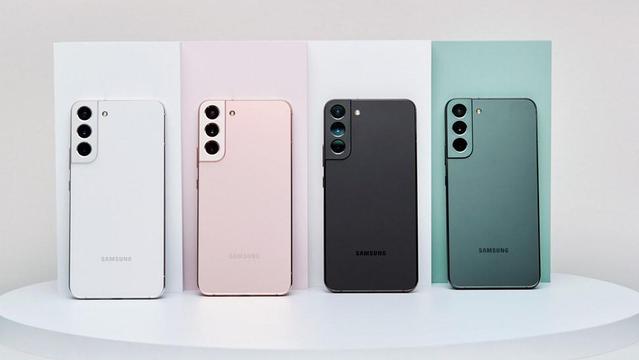
Samsung’s 2022 flagships receive the May 2026 security update, is One UI 8.5 next?
Samsung has started pushing the One UI 8.5 update to the newest flagship devices that were released last year and older flagship. This came after the Galaxy S26, the A37, and the A57 were released with One UI 8.5 already pre-installed.
According to the latest info found on the firmware servers, the Galaxy S22, the Galaxy Z Fold/Flip4, and the Galaxy Tab S8 all received the One UI 8.0-based May 2026 security patch update that fixes all vulnerabilities found since the February 2026 security patch. Currently, this update is only available in Korea, but the expansion is expected to be in next week, with the possibility of One UI 8.5 being released for those devices somewhere in the middle of June.
The following firmware information is found:
The security update is expected to be released for the rest of the countries next week to ensure that those devices become ready to receive One UI 8.5 when it releases.
Meanwhile, various Galaxy A devices, such as the entry-level Galaxy A07 5G, were already receiving the One UI 8.5 update in different countries. So, we expect that more devices will get the One UI 8.5 update in the next coming weeks. Only time will tell if One UI 8.5 will actually land to those devices, having already reached their 4 generations of OS upgrades.
To update your Galaxy, follow these steps:
Make sure that you’re connected to a stable and fast Wi-Fi network to avoid high mobile data fees. Never interrupt the update in any way, or problems could occur later. Make sure that you apply all available updates once you update your phone for maximum stability. An update might take 10 to 20 minutes to apply, depending on the device and the type of the update being applied.
If you’re seeing “Your software is up to date,” this means that the update hasn’t reached your device yet. Keep checking for updates, as Samsung rolls it out gradually to all devices from country to country, usually starting from Korea.
#Android #news #oneUi #OneUI85 #Samsung #smartphone #Tech #Technology #update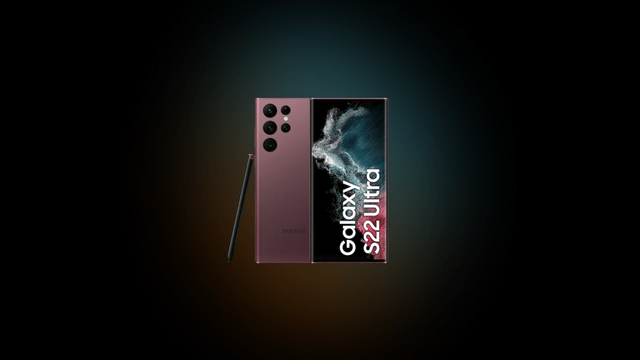
 Gizchina Ukraine
 Ґізчина — Gizchina Ukraine
 movilesdualsim
 Aptivi
 geantvertvert (greenman)
 Samsung Newsfeed