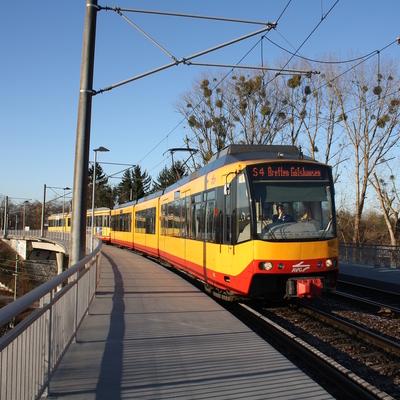
I’m vaguely looking at putting some #railway #timetables onto paper to have a backup during a trip I’m planning this summer, where I expect both power and coverage to be sparse.

I’m guessing that Fedi is the right place to ask this: Is there a guide to timetable layout best practices out there? Preferably in English? Or some sort of standard?

Most of my online searching seems to bring up information on how to schedule #trains, rather than how to present the schedule to users.

@moof I wouldn't say there's a guide per se, or if there was, it's lost among reports from timetable conferences from decades ago.

I wouldn't say it takes much to make a workable design, and some things may depend on your particular needs, but we could talk about this some more (might be a good excuse to finally mockup something of my own, too)

@HaTetsu @moof I still want to make an interactive timetable – basically a classic timetable table that lets you hide parts you don’t care about.

@partim @HaTetsu Colour me interested.

I have a specific set of timetables in mind for the moment, but I have a larger project to try and create some for all of Spain as I clean up the GTFS data I can get hold of.

@moof @HaTetsu Making tooling for this will be the interesting part. I suspect you will end up having to do some manual cleanup to not end up with something like the Trenitalia timetable book. Streamlining that process will be paramount.

@partim @moof @HaTetsu If you want to have a look at
https://www.faspule.de/faspule/web

I don't Have a manual yet and it's all in German. You load a GTFS to to "Abfahrtstafel" (departure Board), select a reference trip create a timetable template out of it. Then you could edit this

And in "Fahrplantabelle-Export" you can export on that timetable template to put it in
https://www.faspule.de/faspule/scv

But the basic goal is to explicitly generate an interactive document, so the user can filter the operating days as they like.

Everything works locally in your browser nothing is uploaded to the server.

And it's considered in prototype stage, so dont be too harsh on me please.

FaspuleWeb

GTFS-ZIP importieren und Rohdaten lokal im Browser betrachten.

@besuka @moof @HaTetsu This is so very cool!

I couldn’t figure out how to add trips to a template, though?

@partim @moof @HaTetsu oh, you don't have to. It collects all trips based on the lines you filter.

If you say "Negativliste" and leave the filter empty than it's equivalent to no filter, so all trips that match the station pattern will get included

@besuka @moof @HaTetsu Ah! Now the fan spins up when I export. Maybe make the negativliste the default? I completely missed that part of the configuration.