Drag & drop in Planify just got a lot more reliable.

Someone once said our DnD "doesn't work at all half of the time" — fair point. Fixed the random failed drags and gave the drop indicator a cleaner look with a softer accent color. Small change, big difference in feel.

https://github.com/alainm23/planify/pull/2519

#vala #gnome #ux #indiedev

@a23
Hi Alain,
Since one of the recent updates, I can no longer hide the ‘No Section’ section in my version of Planify (Linux Mint 22.2 Cinnamon, Planify 4.19.4).
I used to be able to do that via ‘Manage Sections’, didn’t I?
Has that feature perhaps been moved somewhere else?

@mazi25 Hi! That feature was replaced by a smarter behavior — "No Section" now only shows up in Board view when it actually has tasks. If it's empty, it just disappears automatically. No need to hide it manually anymore!

If it's still showing, it means there are tasks in it — just move them to a section and it'll be gone.

Hi Alain,
Thanks for your super-quick reply! :)
I had a look straight away:
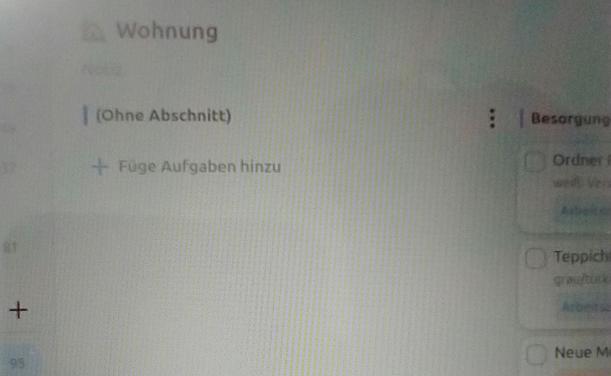
In some projects, the automatic hiding works, but in others it doesn’t (see screenshot).
Maybe I’ll figure out the trick. :D