 pulusound
trying to buy a non-booting mac mini g4 👀
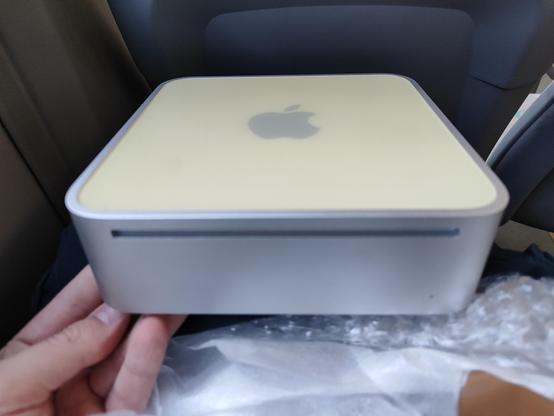
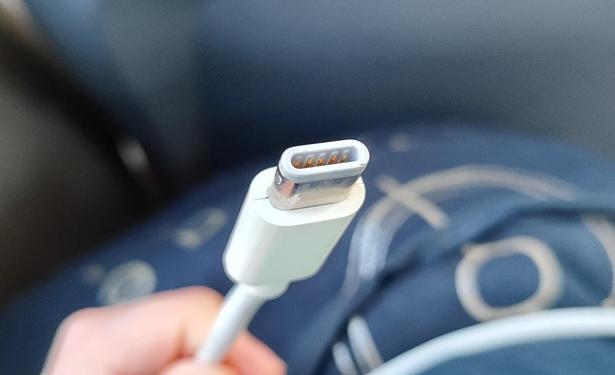
i cant believe apple invented yet another proprietary power connector
i mean of course i can but COME ON
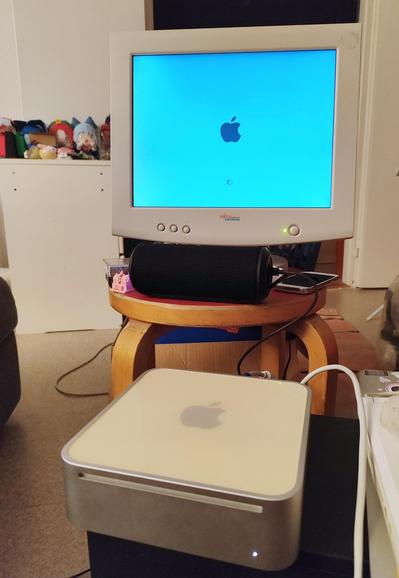
i think three beeps is RAM issues so it might be intermittent. or just badly seated even
i get into Leopard but the HDD is failing (also known in advance) so everything takes forever
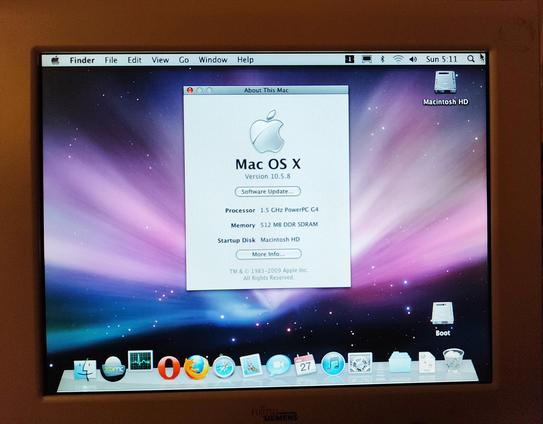
also theres wifi, which i dont expect to use in OS9, but usually people sell me things lacking an airport card. so thats nice
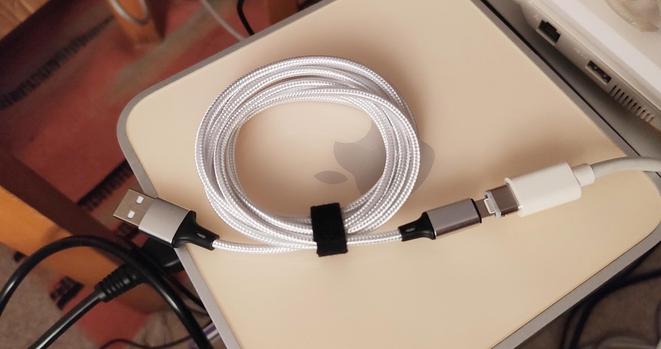
the power plug is Lightning compatible. you will surely not regret plugging this into your USB port
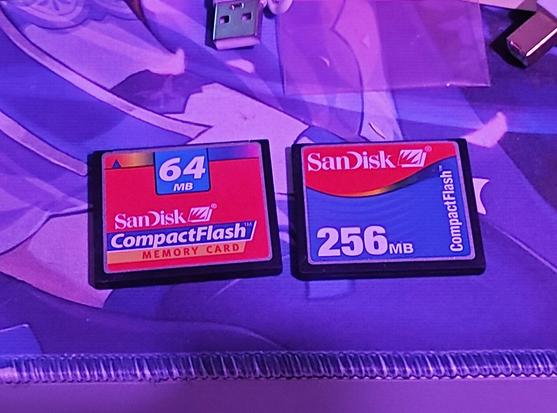
i do have a CompactFlash adapter though. and possibly even some cards
theres a photo of me at idk, 12-13 years old? it is pretty funny but i will not be posting it 😂
50 photos of the same heart-shaped piece of ice melting on a silver color coated piece of cardboard. can you tell he was a graphic designer?
:')
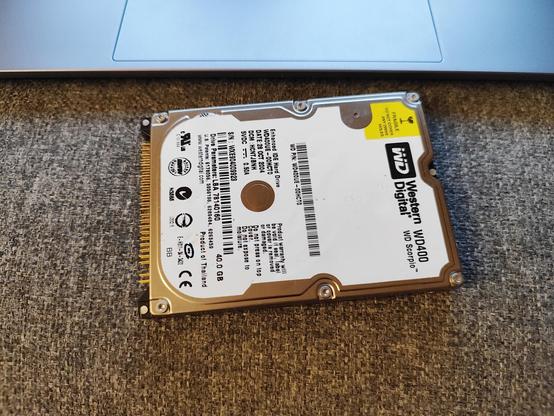
its not from the iBook G3 because that one had the CF/SD adapter contraption
its not from the iBooks G4 or PowerBook G4 because i havent swapped the disk in those
its not from any desktop because why would they have a 2.5"
it does seem to work though. of course you can never be sure how long that will be true with disks of this age (well, any age, but you know)...
but since this wont be any kind of mission-critical system, maybe ill just put this one in the mac mini and save my money for now?
the real question is do i brew a cup of mate and disassemble the machine now (it is 3 in the morning), or another time
surprise stream: lets repair the mac mini [gone]
entirely unprofessional kitchen table live setup with bad audio! but come hang out if you like :-)
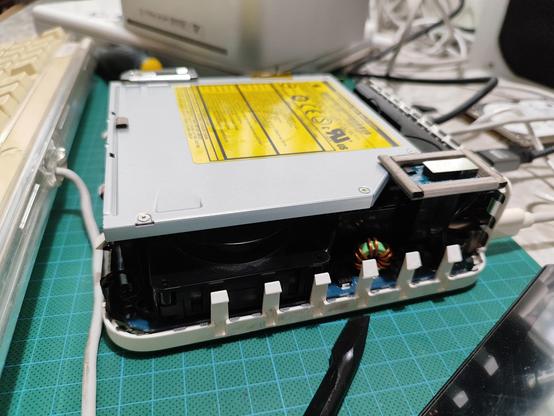
help :D how do i physically eject the disc from a Mac Mini G4 optical drive that doesnt respond via any digital means? #Macintosh #VintageApple
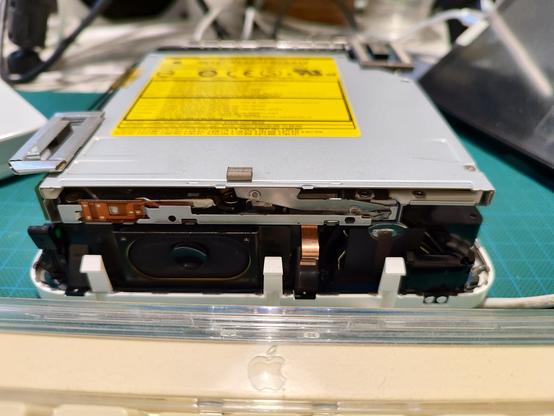
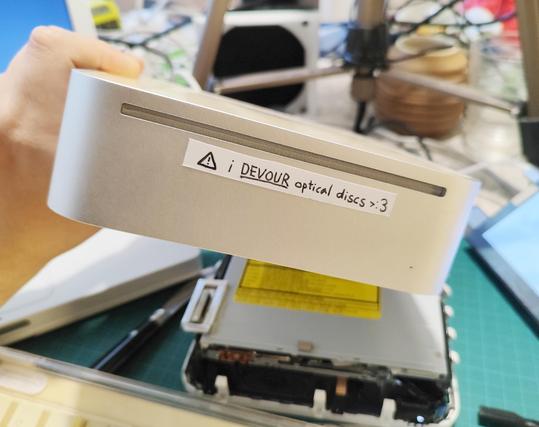
okay so fun fact about this machine. it is quite easy to accidentally plug in the hard drive such that only one row of IDE pins is inserted into the socket. unsurprisingly, this may result in things not working
thats probably why the optical drive wasnt responding either. with that sorted out, both the HDD and ODD are now recognized. im not gonna try inserting another disc though
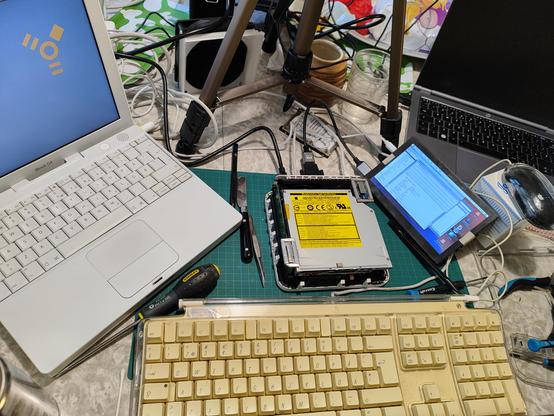
basically its ready to try installing operating systems via the usual methods. but ive had enough for now and will go to bed
 Aleksandr Koltsoff
@ahihi Might the small round hole left-off-center be a release mechanism? A mechanical lever pushed with a straightened paper clip? It.. feels like one.
 Ozzelot
 wordsmith‽ ⁂
@ahihi glad to see you were using a mouse pad of the Correct Colour.
 C.Circo
@ahihi photos at 640x480
@wordsmith @ahihi or some cisco stuff
@ozzelot @wordsmith wrong. its photos at *gasp* 2048x1536
@wordsmith @ozzelot ive been hearing it is now possible to do cropping and all sorts of editing in this new software called "photography shoppe"
@CCirco @ahihi @wordsmith Also, for those of us with old eyes, there is something called "large format printing" which benefits from photos with many picture elementals!
 Pixel Purrito
@ahihi I would be happy to swap some bigger CF card I have around (not sure if it was 4 or 8 GiB, I'm not at home right now to check) for the 256 MiB one. The flashcart I have for the MSX chokes on my big CF card and the Amiga doesn't like it much either... And I suspect the older ones would work well for me 
@aperezdc i think 8 is still a bit too small, as i need both an OS9 and OSX partition and also space for a bunch of software. but if you have 16 or 32 GB im interested 😁
@ahihi right, I'll check what I have exactly later in the evening. I am sure there's some 4 and 8 GiB CF cards at home because that's what I tried recently in the Amiga; but I might have some larger ones, not sure of unused.
@ahihi finally got round to checking this... Of my three 16 GiB CF cards, two are already being used; I plugged the third one to erase it and Linux started spewing I/O errors in the kernel log, Haiku didn't even let me try to access it. Sorry that I don't have any spares in the end