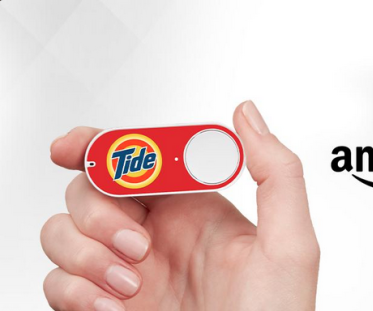
Lazyweb: I have local servers that have HTTP(s) endpoints for doing Special Events.
What's the easiest way to get a physical button that I can stick some batteries into, and it'll trigger that HTTP call (over the wifi) when I push the button?

like I know I could build this with an arduino/rp2040 but is there some existing thing I can reuse for this? like, including the battery and the button housing?
@foone I seem to recall there was some way to hack amazon dash buttons, but that's as far as my knowledge goes :P
@foone the crappy thing is Wi-Fi + battery. Could maybe do a BLE button and pick up the beacon with a dongle or a tiny Esphome thing?
@foone ex: https://esphome.io/components/esp32_ble_tracker/ provides an on_ble_advertise that could probably be used with some random ble button or remote.
ESP32 Bluetooth Low Energy Tracker Hub

Instructions for setting up ESP32 bluetooth low energy device trackers using ESPHome.

ESPHome - Smart Home Made Simple
@foone I personally do this with cheap zigbee buttons and home assistant but that assumes quite a bit of infrastructure.
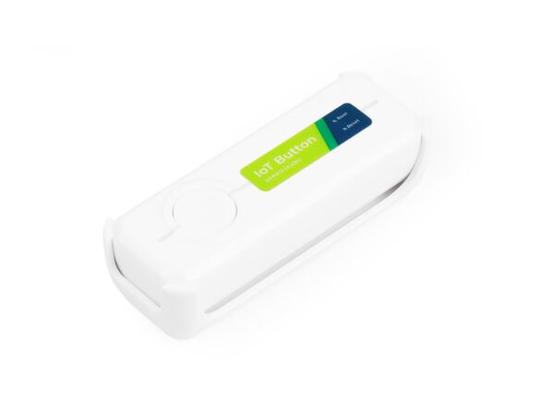
Seeed Studio IoT Button V2

  The IoT Button is a versatile smart switch offering dual Home Assistant integrations through ESPHome and Zigbee. Powered by ESP32-C6, it features customizable RGB LED indicators, programmable event triggers, USB-C charging, and flexible mounting options - everything you need for intuitive smart home control.

@mattdm @foone I second this approach. ESPHome works on a bazillion devices and is usually a low futz solution.
@foone hacked Amazon dash button?
@cinebox @foone used to have fun with those, yeah. No idea where they all went to now.

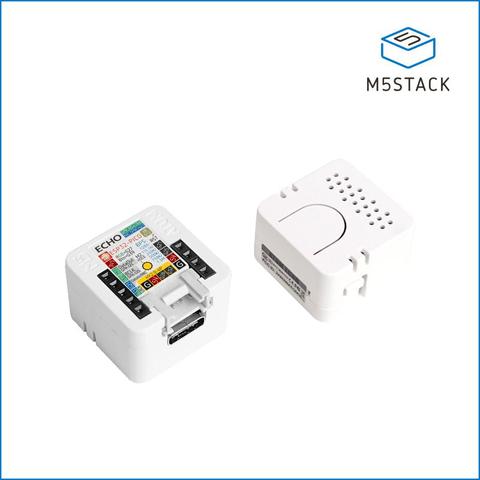
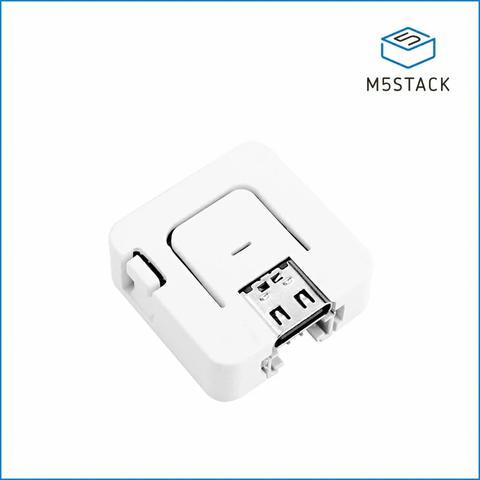
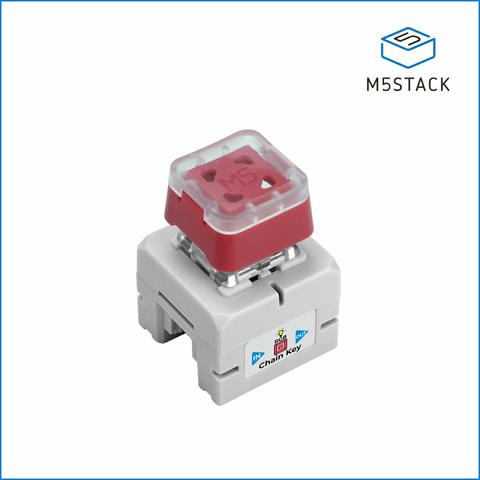
@foone ooh, this just needs a esp32 worth a button. I just got a thing from M5 for home assistant that has at least that much. They've got a bunch of things similar.

I got this one, but I'll have to look for a better match for what you're wanting

https://shop.m5stack.com/products/atom-echo-smart-speaker-dev-kit

ATOM Echo Smart Speaker Development Kit

@foone the old Amazon buttons?
Amazon Dash Button Hack

Amazon Dash Button Hack: On March 31st, 2015, Amazon launched the Amazon Dash button in an attempt to change the paradigm by which we regularly purchase consumables. August 10th, Ted Benson publishes details for a fairly involved Amazon button hack on medium.com August 26…

Instructables
@foone there's a bit of setup for the first device, but aqara buttons + home assistant are a good flexible combination. other button options I havent tried... mystrom wifi buttons, and adafruit has a button option too.
@foone you can buy those old amazon buy now buttons on ebay, ive got a big bin of them, they are a battery and button and some kinda wireless all in one!
@0x00string @foone second this; I use them via the amazon-dash python package and redirect the press to an internal network endpoint for random house stuff. Only issue is you can brick the older ones (I've got a few dead ones); Adafruits's feather hardware is probably more reliable/less costly choice if not on hand
@foone Pi Pico and micropython?
@foone I use Flic buttons all around the house. Various integrations, including the ability to make http requests. Will need to be tethered to a phone or a hub; with a hub you can also write code in javascript.

@foone easiest? Wireless nes style controller. It's lots of buttons, but you could ignore most of them, or have them all so the same action.

Or those tiny wireless keyboards the size of a wallet

@foone it’s not wifi, but those cheap Bluetooth camera buttons just send volume up/down messages, you could presumably catch that in some custom software and do whatever. You’d even get 2 buttons

@foone

Most of the things that were good for that have vanished from the cheap places.

I should have bought so many more WiFi mains switches when Poundland* was filled with them . . .

*Those were not £1. They were £5 but it wasn't bad for an easily co-opted, mains powered Tuya ESP microcontroller module with a relay to switch mains current, all packaged in a nice inline case to fit any appliance.

@foone shelly used to sell a WiFi Button (https://kb.shelly.cloud/knowledge-base/shelly-button-1). Battery powered and can send http requests on click, long click, double click and long double click. It seems that's now discontinued. They were always a bit slow (0.5-1s) to send those requests with all the WiFi/IP connection setup required each time you wake it up, but otherwise work fine.
Shelly Button 1

We developed Shelly Button to help you easily activate or deactivate any device or scene manually with just a click. Additionally, Shelly Button is so small and convenient, you can carry it with you absolutely everywhere.