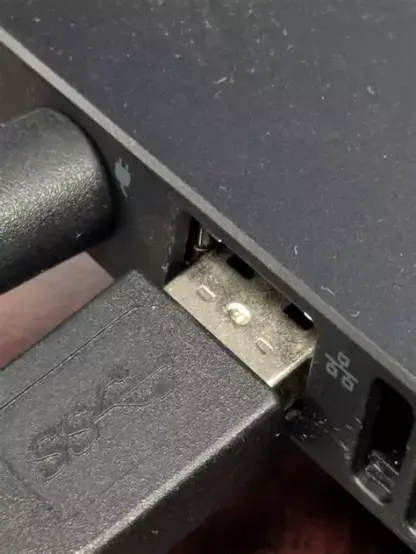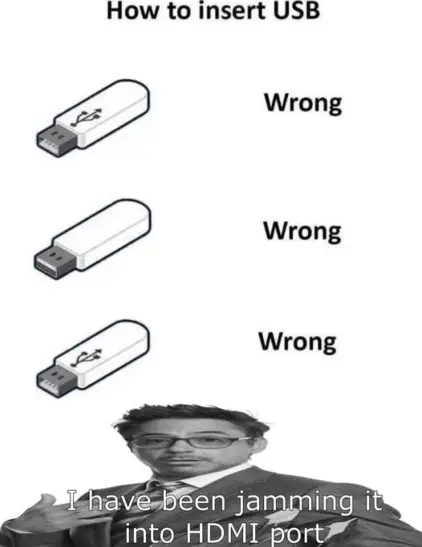
Little did you know this was preparing you for a life of plugging cables into the right hole
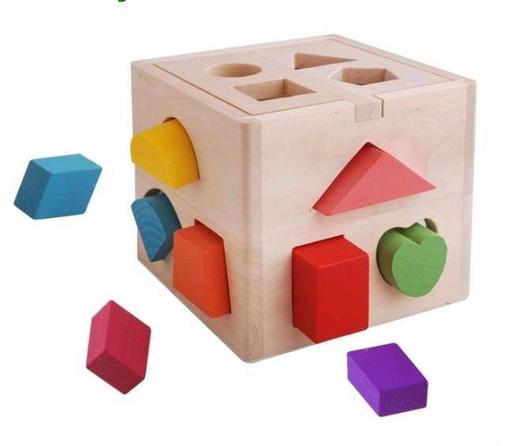
@JenMsft I was gonna ask where the fun heart-shaped plugs are, but I suppose there are a certain type of plug that comes with a heart shape
@JenMsft the USB-1 must be in the back. Put in by touch only and definitely minimum 3 attempts before going in.
@JenMsft and don't forget those "follow the tangled line" puzzles. Easier to solve than actual cable balls!

@JenMsft This reminds me somehow of the square hole video
https://www.tiktok.com/@tired_actor/video/6912855387788102918

… and yes, I‘ve seen USB cables stuck in HDMI ports.

TikTok - Make Your Day

@Augenweide @JenMsft I once complained to my roommate that my mouse wasn't working, he went to my computer and found it plugged into the ethernet port.
@JenMsft "That's right! It goes in the square hole"
@catsalad @JenMsft "Universal" means "everything"! 😤

@catsalad @JenMsft

“It’s a USB-A, so it goes in the square hole.”
“HDMI? It goes in the square hole.”
“Power supply? It goes in the square hole.”
“Oops, the magic smoke is coming out. But that’s ok, (waves hands gently) it goes in the square hole.”

@catsalad @JenMsft came here to say this 🤜🤛
but all of them fit in the square hole tho @JenMsft

@JenMsft but... they all fit into the square hole!

youtube.com/watch?v=cUbIkNUFs-4&themeRefresh=1

@JenMsft Maybe we should have color-coded plug types then 😃
@JenMsft I thought this was supposed to have taught my former clients that when they want to send a new photo for their website, it should be roughly the same shape as the place it needs to fit on the page

@JenMsft The keyboard, into the USB C hole.

The power adapter, into the USB C hole.

The display, believe it or not, into the USB C hole too.