Hailey
I am a web developer and even I have no clue what this actually means
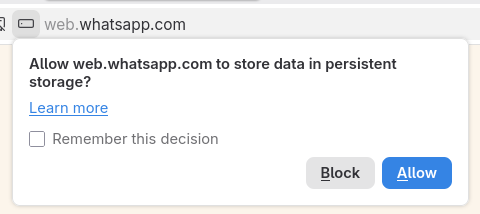
@kkarhan @hailey It's not malware. It's a new warning they're putting on when you use StorageManager. Basically if you store any site data which really should be clientside (think session data, or for games, think things like high scores etc.) it will give you a warning like this now.
It's not a malware thing at all, necessarily.
I use it on my own sites all the time, esp because I like to make applications that don't depend on a central server.
@kkarhan @hailey The main issue is they dumbed down the information about the warning to the point it is useless if you actually know what you're doing, it's like "haha don't worry dumb luddite, this is just storing data from the website on your computer."
It... is not reassuring or helpful, to be quite blunt.
 Kevin Karhan
 Elizabeth