 I Don't Know
 Leander Lindahl 🇪🇺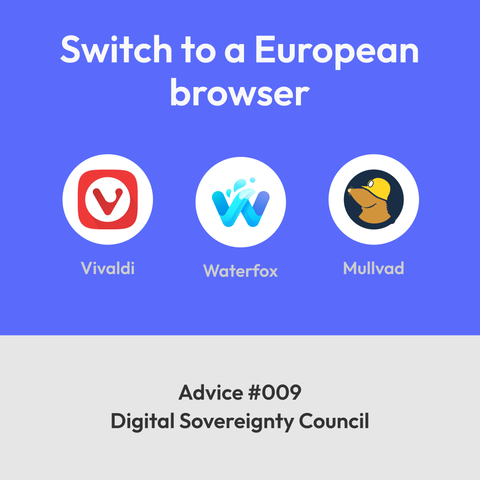
 Gabor Hrasko
@leanderlindahl I tried Vivaldi, but it seemed to be too "everything" to me. I switched to Brave.
@ghrasko sorry to hear it didn't suit you. Brave seems nice too, but its from the US. Some people are upset about their crypto stuff and AI too. But it was the default on my Zorin install, so I tried it a bit and it seemed nice apart from not helping with our digital decolonisation.
 Jörg
Jörg 
@ghrasko Brave is a great browser with superior adblocking capabilities - especially under Android. Vivaldi has some problems here.
I'd prefer Brave over Vivaldi, but since the Brave CEO is at least questionable, I've decided to stay with Vivaldi :-)
@leanderlindahl
I'd prefer Brave over Vivaldi, but since the Brave CEO is at least questionable, I've decided to stay with Vivaldi :-)
@leanderlindahl
 Paulo
Paulo@leanderlindahl I use mullvad and Vivaldi, still havent tried Vivaldi email. Waterfox is new to me. Is it a good browser?
@Franzini I use it as my Firefox browser. I always have one Chromium browser (Vivaldi) and one Mozilla browser (Waterfox). There's LibreWolf too, but its not available for mobile.
As to preferences and likes/dislikes – I leave the thread open for discussion. Out of the European alternatives, I recommend these. Ehum, I mean the Council does...
 Fire Spritz
@leanderlindahl Waterfox is a great privacy focused Firefox fork. Love it 🙌
 SebasFC
@leanderlindahl Do you know what I have to do to log in into my mastodont.cat account on the @Vivaldi browser?
@SebasFC @Vivaldi no, I haven't tried that yet. You mean the vertical desktop toolbar section, don't you? (I'm on mobile now) I played a bit with it the other day and wound up creating a tool icon for a web site by mistake (that I removed again). So you can customise anything there.
But I'm sure @Vivaldi will reply tomorrow once office hours begin. They're usually active and helpful here on Masto.
 Vivaldi Browser
To change the Mastodon instance in Vivaldi browser's Web Panel, you need to add your own instance as a new Web Panel and remove Vivaldi Social's Web Panel.
There are a few ways to add Web Panels, but I recommend the following method:
1. Open your instance in a tab and log in.
2. Right-click on an empty area of the web page and select "Add Page to > Add Page to Web Panel".
To remove a Web Panel, right-click on its icon on the sidebar and select "Remove from Toolbar".
You can learn more about Web Panels on https://help.vivaldi.com/desktop/panels/web-panels/.
Hope this helps. 
 Andreas
@leanderlindahl I can't find anything about this council. Where does this come from exactly?
@cvap hej, its just an invention. Like The Ministry of Sound. Not a real thing.
Or if you will: it's me, myself and I. You're welcome to join.