 Özkan Pakdil
Checked out #Vulkan this morning, absolute beast. Then I tried installing OpenClaw one curl command and suddenly it wanted sudo root.
Now I’m reconsidering whether this setup is worth the trouble.
Anyway vulkan numbers here in case you want to run llama-server in an old laptop
https://ozkanpakdil.github.io/posts/my_collections/2026/2026-03-22-vulkan-llamacpp-debian-13/

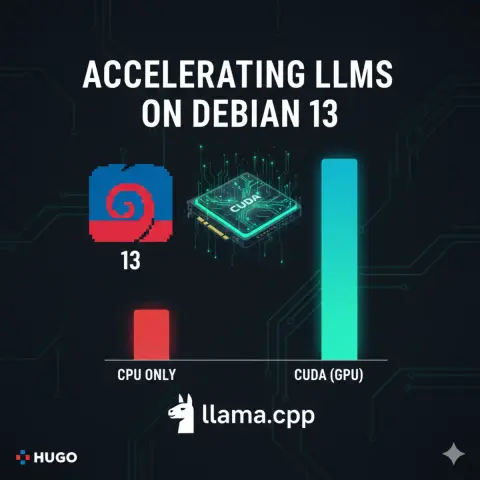
Accelerating LLMs on Debian 13: Setting up Vulkan for llama.cpp
After setting up CUDA on my other laptop, I moved to a different(older) machine that doesn’t have an NVIDIA GPU. This one is an everyday laptop with integrated Intel graphics, but that doesn’t mean we have to settle for slow CPU-only performance. On this machine, I switched to the Vulkan backend for llama.cpp and the results were even more dramatic than I expected. Machine Hardware Info This laptop is running Debian 13 (Trixie/Sid) with the following specs: