 🇳🇿
🇳🇿  💉*10 Roger
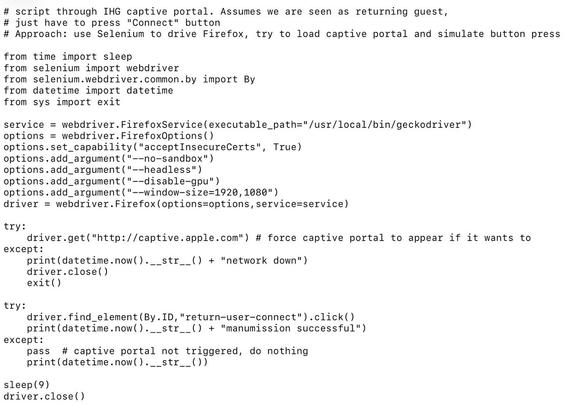
Does anyone know the secret of connecting a laptop to Auckland Libraries' WIFI? My Android devices are fine but my Lubuntu laptop just won't. It connects, I get a DHCP address, but it doesn't register with Tomizone so all requests are blocked. I can't get it to go to the Tomizone portal so I can't do anything. Last time I tried it I sent a support request to Tomizone and got zero response. I just sent another one.
It worked about a year ago if I fiddled with the DNS settings, but not any more.
Maybe someone knows the current trick?
Thanks for the help guys. This time Tomizone support did get back to me and I did get connected.
I'm not completely sure which step was key to making it work.
I had already cleared the Chromium caches, including the dns cache, and that alone didn't help.
I set the captive portal service to true in FF and that was encouraging in that it popped up the "get connected" page, but it failed after that.
Then I restarted the network service, still no joy in FF
But when I went into Chromium it worked. FF requests worked after that too. So Chromium managed to register me okay at that point.
I'm using de-googled Chromium, so it's safe enough. It must do some handshake that FF doesn't (or not without further tinkering).
 Colin Jackson