So Ombre development enters its third year this month, so let's start a new thread to track the progress !
I spent the past few days reworking my Depth of Field, which started off the GPU Zen method and then evolved a bit.
The part I'm currently trying to figure out is how to make the effect "scale-up", aka resolution independent.
Since the kernel is computed on the fly from a function, I should be able to find a formula to adjust it based on a resolution reference (so via a ratio or something). 🤔
My bokeh pass shader on Linux has a little issue it seems. For some reason it result in my pass taking 0.7ms, but if I increase the number of samples it actually goes down !
Switching to Vulkan or another shader compiler fix the problem. That was a fun one to investigate. :p
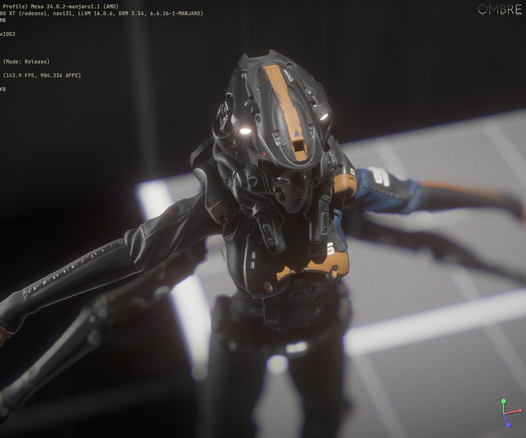
While trying some different bokeh radius, I thought of scaling up/down the render targets resolution and it worked without changing anything... this means I could have dynamic resolution scaling !
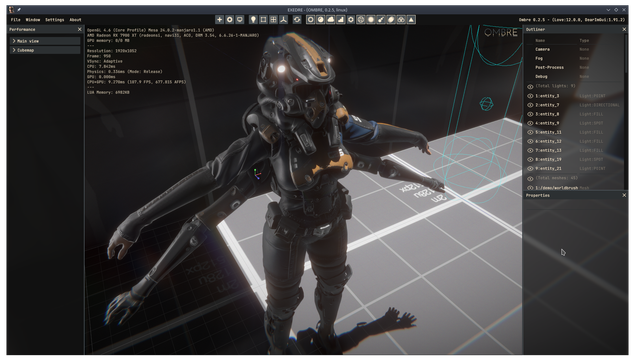
Here is 1080p x 2, aka 4K.
That's basically SSAA(2x) ? :D
Still hitting 80 FPS, but the post-process stack and shadow volumes are getting quite expensive at that resolution.
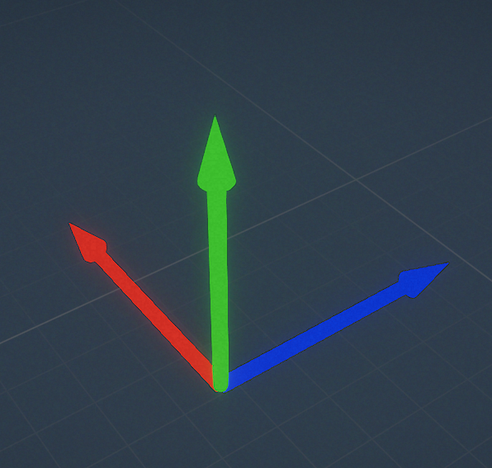
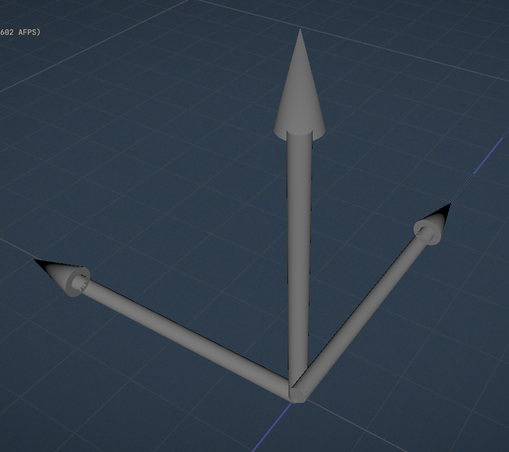
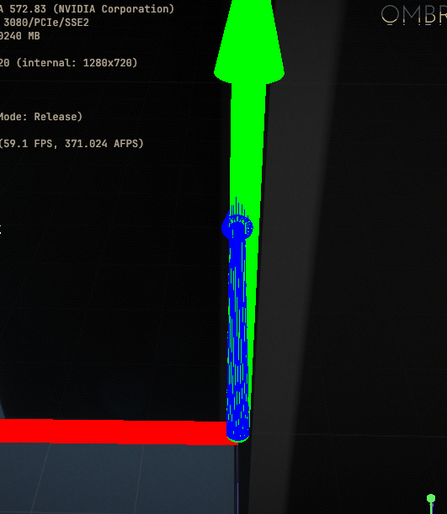
(Some stuff is broken obviously, like the tiny and wrongly placed viewport axis.)
I made an in-editor tweak to change the resolution, this way I could try out different bokeh sizes and sample count.
That made it easier to figure out how to make the bokeh stable across different resolutions. (My bloom isn't it however, so I will have to look into it.)
So the past few weeks I have been working on my refraction implementation and I'm finally starting to get some good results. I also added absorption which is going to be nice for liquids and colored glass.
I'm struggling with a specific point however. I have read that glass IOR should be around 1.5 for example, but when I use such value then I get this kind of double layering:
I tried looking around, to see if I was missing some notion, but even with a simple shadertoy I get the same result:
https://www.shadertoy.com/view/ttBBWzSame with this one, IOR of 1.5 gives the same warping/duplicated result:
https://www.shadertoy.com/view/4lB3D1So it was juts a silly bug, I had the IOR for the Material and the Air swapped around, so I had the wrong value. 😅
Alright, with that last new feature in I backed the project up and I can now increment the engine version. That's a good milestone. :)
So initially I was thinking of jumping onto Steam Audio as the next topic, but recent discussions are now tempting me more to go into Global illumination instead. 👀
Not sure which method I want to dive into yet. I have been gathering information about different methods (Light Propagation Volume, Distance Field, Voxels) but I'm still hesitating on which one would fit best my needs.
DDGI is another potential solution, but building and updating a BVH is not necessarily something I would like to do. 🤔
After spending quite a bit of time digging into GI methods I decided to implement Voxel Cone Tracing.
Now the challenge I'm facing is about how to voxelize the scene.
One common approach is to exploit the GPU rasterizer to store directly into the voxels the position and colors via the fragment shader execution for each triangles of a mesh.
The framework I use doesn't support it unfortunately.
So two alternative are possible: slice rendering (re-render the scene with small near/far for each voxel slice) or compute based rasterizing.
Slices on paper look expensive, because you have to re-render the same meshes for each voxel along an axis, then do that 3 times for each world axis (to ensure you don't miss face aligned to an axis).
I read about tricks based on instanced rendering and all, but that still seem a bit overkill because while looking around I found an interesting paper.
The "Optimizing Surface Voxelization for Triangular Meshes with Equidistant Scanlines and Gap Detection" paper !
It's not directly compute raster which is nice, and the performance noted look promising.
https://onlinelibrary.wiley.com/doi/full/10.1111/cgf.15195So I started doing a CPU based implementation for now (because that's much easier to debug than a compute shader). Pretty excited to have voxels soon !
(Younger me would have never guessed I would have been reading research papers in the future and try to implement them. It's the second time it happens even !)
I turned away from that paper in the end. It's missing too many bits to make it working and I felt like I would end-up rewriting the algorithm myself instead.
So instead I went looking into slice rendering. While not optimal I can at least use this to move forward and focus on the steps that are just after.
What I do is render a line of voxels (a slice of the 3D volume) as a regular pass into a 2D texture with a small near/far clip. Then I copy that into the volume via a compute shader.
That's quite a lot of drawcalls, even with a small list of meshes, but it's a start.
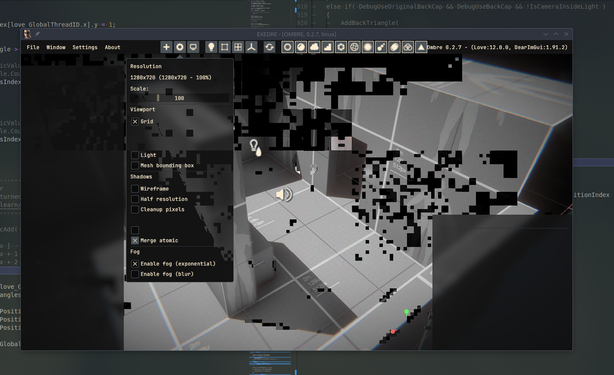
I added some quick debug drawing (by using 2D quad to render each slice of the volume) to visualize one axis.
You can see that the debug draw of the volume is shifted from the soruce mesh, that's actually a bug. This offset seems to be because of my view matrix made with my look at.
I investigated but haven't found the exact reason yet. However that made me notice that a cross product (the up vector) in my LookAt function was inverted. Fixing it broke the renderer of course... 🤪
I had to change once again that damn line in my projection matrix function.
Didn't make an update in a while.
Well for starter, I decided to shelve voxel rendering and the GI topic for now. That wasn't working for me and I hit too many snags to stay motivated about it.
So I switched instead of integrating Steam Audio.
The first step only took a day or two, which was about replicating the example from the documentation to process a sound.
I got a nice duck quack at startup getting panned. :)
(First quack is original, second is after processing.)
That was on Feb 10. Today I got attenuation working, but under the hood things are very different.
I don't just load the sound and process it, instead I stream a portion and then merge it into a main stream.
I have to buffer audio chunks myself but it allows dynamic updates while a sound is playing.
You can hear a slight delay when the camera quickly zoom in near the sound origin: that's the trade-off between fast updates and audio chunk buffering.
It's still quite WIP, so maybe there is a way to get a better result.
Right now the processing is still happening on the main thread (there is no threading at all in Ombre so far).
To be able to get occlusion (and maybe other effects) working I will have to move audio into a separate thread. Maybe then I will be able to adjust the delay.
I'm a bit unhappy this took a month to figure out. I ended-up again in one of those "can't code if I can't figure out what to do" moments. Twice in a row because of voxel stuff, which hit quite a bit my motivation.
 Froyok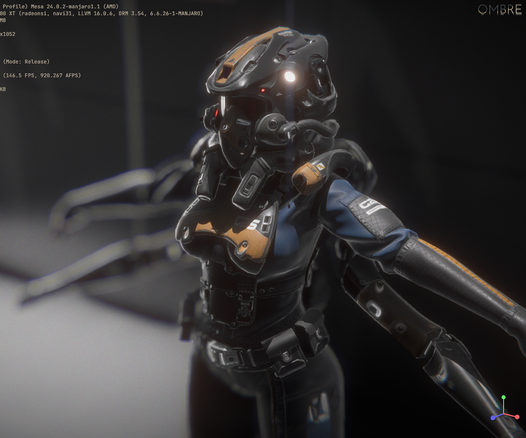




 Kristian Sivonen
 agersant
 Nick Appleton
 Olivier ZUCCARO