Cleaning up my digital collection hits my happy buttons:

* Sense of completion from seeing the 'list of stuff I still need to get to' shrink
* Metadata, yo
* Trips down memory lane
* Excited about all the stuff I forgot about that I want to listen to again
* Dealing with filenames that have to be quoted on the command line
* Deleting turds left around by macOS
* Fighting with filesystems that have different allowed character sets in filenames

@ricci
I see those files put up by Mac OS for no real specific reason other than just identifying something and putting it in a random manner

I see them when I have to work on media by users who work on Macintosh systems

On the Amiga computers we had info files which had everything neatly captured

#Amiga #Retrocomputing #Mac #RandomFiles

@ricci @RL_Dane

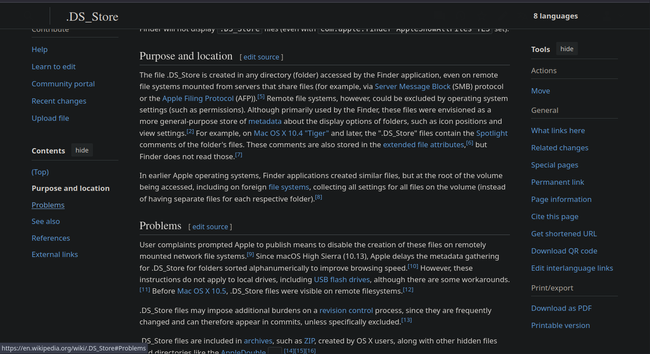
Just did some homework on .DS_Store files and saw that they are also crapped on foreign filesystems, when a mac accessed those. That is seriously wrong
Luckily that seems to be reversed

https://en.wikipedia.org/wiki/.DS_Store

#mac #dsstore #filesystems #metadata #Mac #RandomFiles

.DS_Store - Wikipedia

@RadioAzureus @ricci @RL_Dane I always understood them to be a cached listing of a folder’s files so a visit to the folder only has to check for changes since last visit. It won’t hurt to toss them, but the next time a Mac is there, it will be created again.

@pomCountyIrregs .DS_Store includes metadata about folders (including any comments, and any changes from the default folder sorting/icon movement) from Desktop Services.

It’s not a cached listing of files. It was added as the UFS, NFS didn’t support HFS+ folder metadata and people get annoyed when their folder-specific comments/settings don’t get saved.