 paulrickards
We're Zoning out! We've now got three different sites connected via Apple Internet Router!
#RetroComputing #VintageApple #VintageMac #MARCHintosh #GlobalTalk #LiveLaughLocalTalk
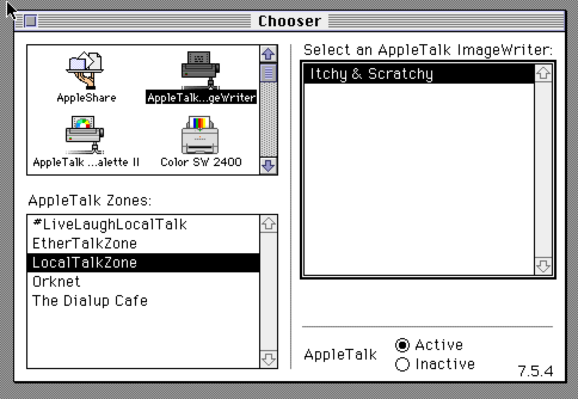
We're Zoning out! We've now got three different sites connected via Apple Internet Router!
#RetroComputing #VintageApple #VintageMac #MARCHintosh #GlobalTalk #LiveLaughLocalTalk
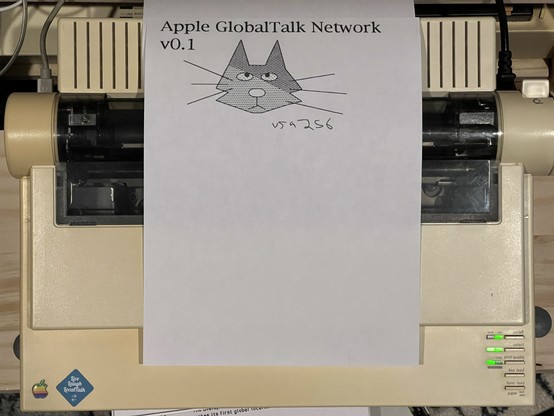
It’s like Kinko’s here, print jobs being sent from afar to my ImageWriter II via LocalTalk. This one from @vga256
#RetroComputing #VintageApple #VintageMac #MARCHintosh #GlobalTalk #LiveLaughLocalTalk
I wrote a quick blog post about how to spin up your own Apple Internet Server with WAN capability (tunnel AppleTalk over the Internet).
https://biosrhythm.com/?p=2767
#RetroComputing #VintageApple #VintageMac #MARCHIntosh #GlobalTalk #LiveLaughLocalTalk
Messages from #GlobalTalk
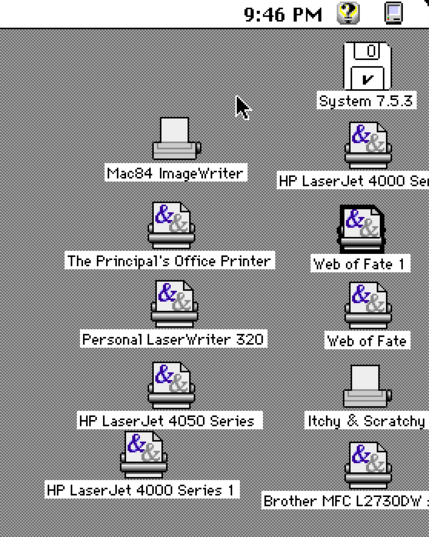
My desktop is littered with printers!
#MARCHintosh #RetroComputing #VintageApple #VintageMac #GlobalTalk
I'm helping so many folks behind the scenes to get onto #GlobalTalk. We're up to 15 nodes and counting!
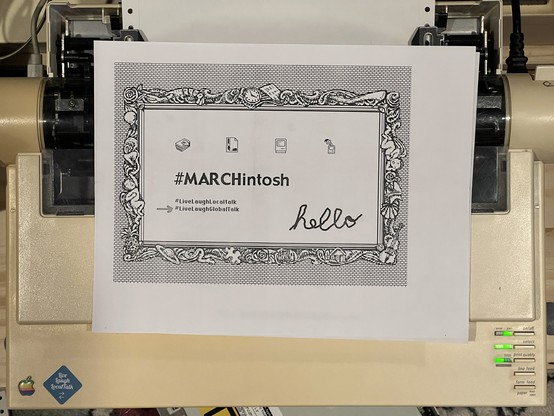
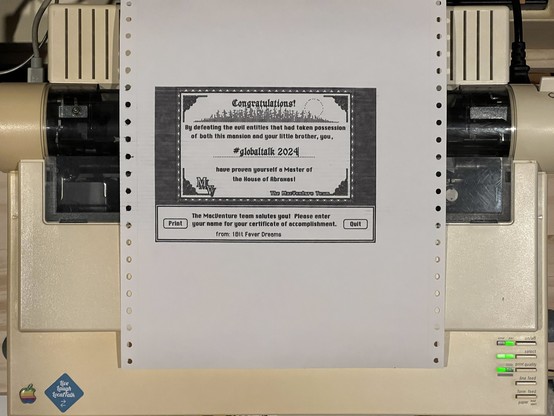
Hot off the #GlobalTalk ImageWriter II press, a print from @1Bit via Quebec!
The #AppleLisaClone gets in on the #GlobalTalk fun. Running MacWorks XL and System 6, it works quite nicely as a workstation.
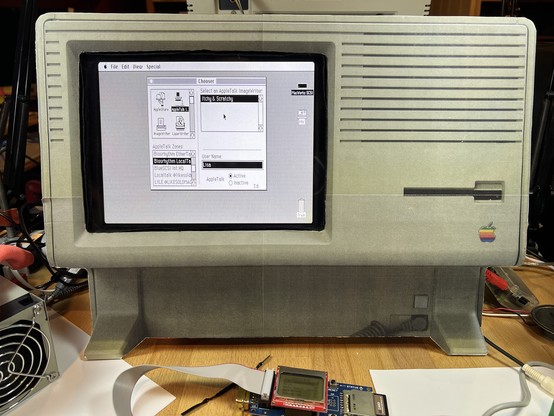
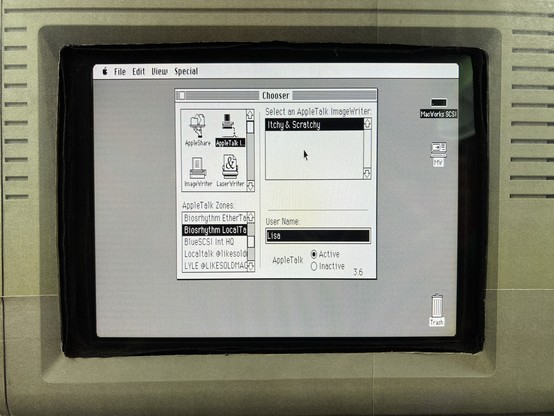
#GlobalTalk problems. Unattended ImageWriter II output -> input and so forth. The issues of the 80s and 90s .. today! 😂
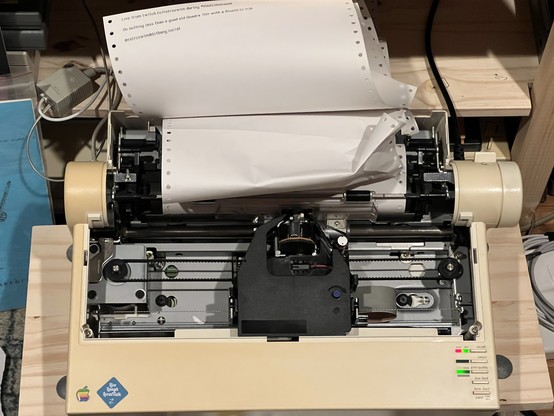
I just turned on my ImageWriter LQ (you know, the giant wide carriage model) with a LocalTalk option card. It's connected to #GlobalTalk right now!
It's loaded with 14 7/8" x 8.5" paper (I think is called "Computer Paper" in Page Setup sometimes).
Have fun!
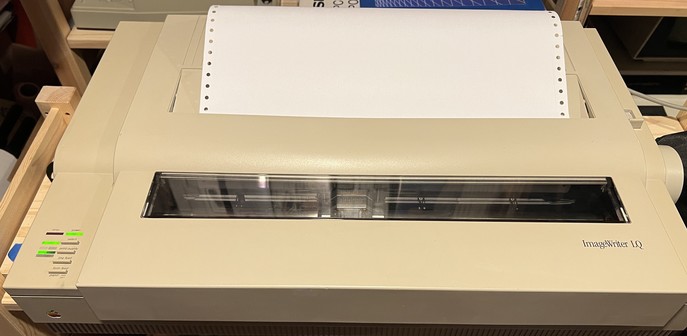
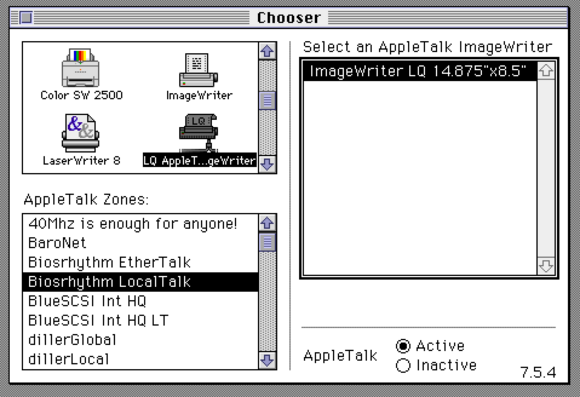
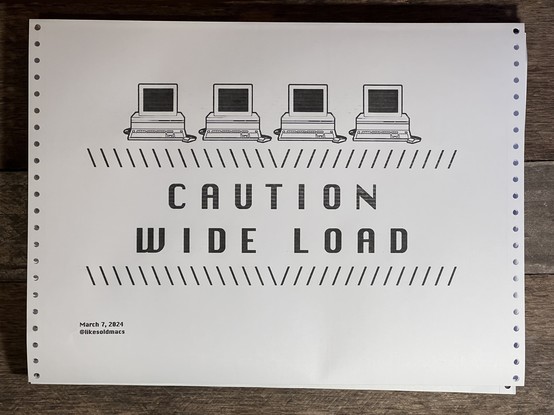
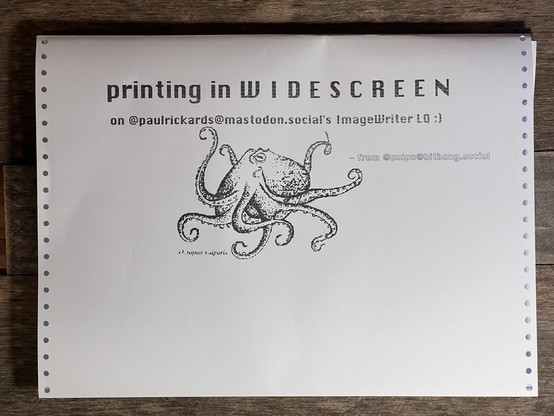
After a rocky start (it helps to put a ribbon in it 😂), here’s the #GlobalTalk mail from the ImageWriter LQ wideboi. Thanks @likesoldmacs @polpo @halkyardo
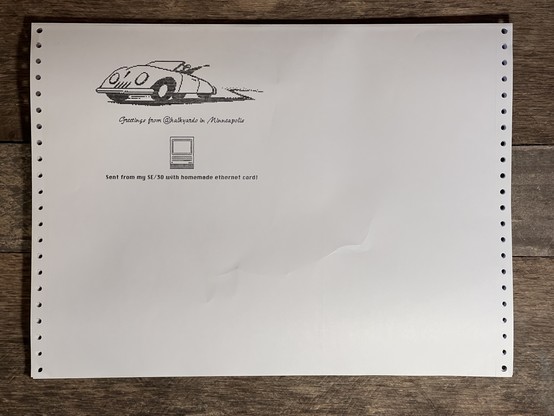
I think I’ve responded to everyone who requested access via PM to #GlobalTalk. If not PM me again.
Just a reminder, your email you send to me must be associated with a Google Account, sorry, it’s a Google Sheet.
#GlobalTalk update: Send a PM to @mac84tv with your Google Account-associated email to request access to the host tracking Google Sheet.
Warming up the #GlobalTalk infrastructure this morning here with four different printers online:
LaserWriter II
ImageWriter LQ
ImageWriter II
HP LaserJet 4000
Tried running Apple Internet Router on the #AppleLisaClone but with only 2MB of memory, it’s too much to ask.
It’s a shame, I think it might actually work, bridging EtherTalk (via BlueSCSI V2 WiFi), IP tunneling, and LocalTalk. I couldn’t thin the system down any further (that I can see).
#MARCHintosh #GlobalTalk #RetroComputing #VintageApple #VintageMac
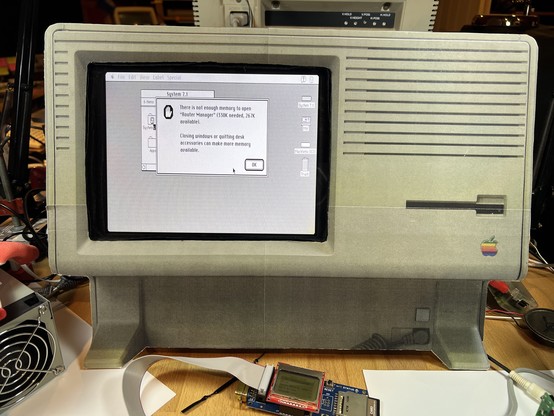
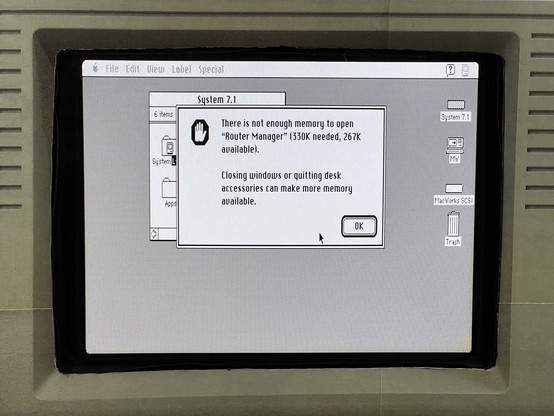
I've been trying to get the TashTalk Hat running with the MacIPRpi distribution to have one machine that can bridge all of my LocalTalk, EtherTalk, and LToUDP AppleTalk traffic plus provide file and time services. So far, it's only partially working with "tashtalkd" and not at all with "tashrouter".
I'm following this post loosely. Has anyone else made progress with an all-in-one solution?
https://68kmla.org/bb/index.php?threads/tashrouter-an-appletalk-router.46047/post-518796
@paulrickards yeah that sounds like what I saw too. I'll share the exact setup after work today, but one thing to look at is LocalTalk routing in your AIR.
I believe the combo that worked for me is defining the EtherTalk zone in both AIR and TashRouter, but having a LT zone ONLY in TashRouter, none in AIR
@paulrickards so here's my tashrouter, netatalk and AIR config. Tashtalk I'm running with ./tashtalkd --device /dev/ttyAMA0 -vv &
I still think that tashrouter should have additional settings to make it a soft seed router, but for whatever reason this is now working really well and I've got all my EtherTalk and LocalTalk (+ Mini vMac over LToUDP) speaking to each other, to my Netatalk server and everyone else on #GlobalTalk
I didn't get to do a proper writeup yet but I hope this helps!

 Vlado Vince