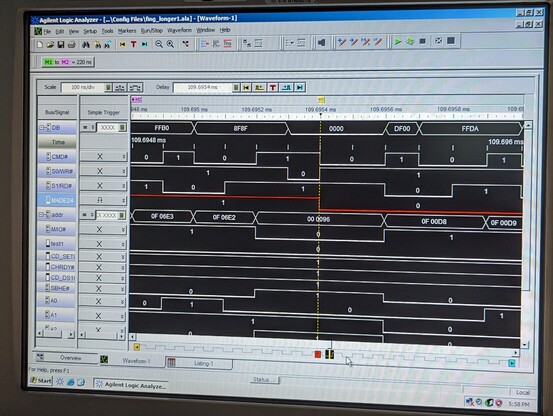
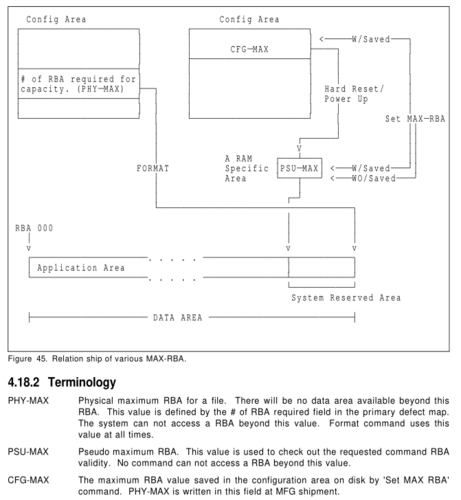
i'll need to figure out what is up with the MADE24 line. could be that the pin doesn't actually do that. the HDD pinout is one that i reverse engineered a while back, so it might be a mistake.
this could also explain the damage to the PC, perhaps the card tried to write to the data bus when it was not supposed to and damaged the output drivers of some other chip.
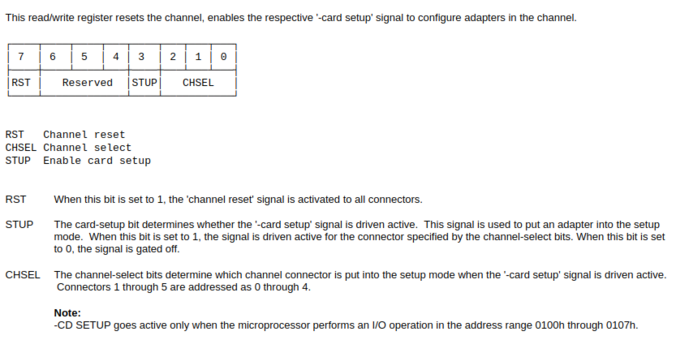
huh, the "MADE24" line is controlled by bit 7 of register 96. I wonder what that is.
lol, this is the active high CHRESET! i was wondering why that line seemed to be missing.
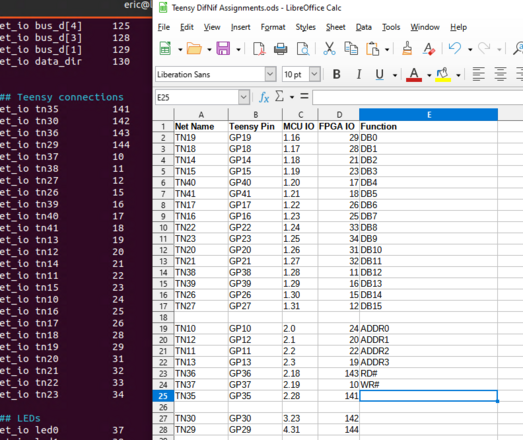
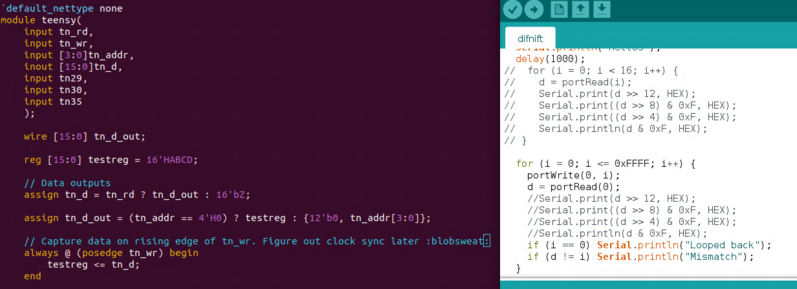
moving on to the Teensy interface. i had to choose the IO pins carefully so i can make a 16-bit parallel IO port.
got the Teensy interface up and running. i'm using direct IO port access on the Teensy 4.1. take a look at core_pins.h in the Teensy header files. basically you can read from GPIOx_PSR and write to GPIOx_DR.
i also had to add a short delay to create some setup time for the FPGA--the Teensy 4.1 is a hair too fast lol
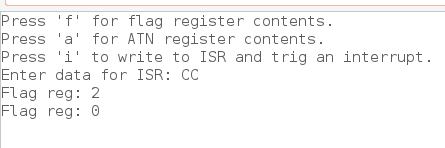
bidirectional registers now work! i can write a command from the PC to the Teensy, and i can write a response from the Teensy and read it from the PC. there are also status flags showing when new data is available. it may not seem like much, but this is huge progress.
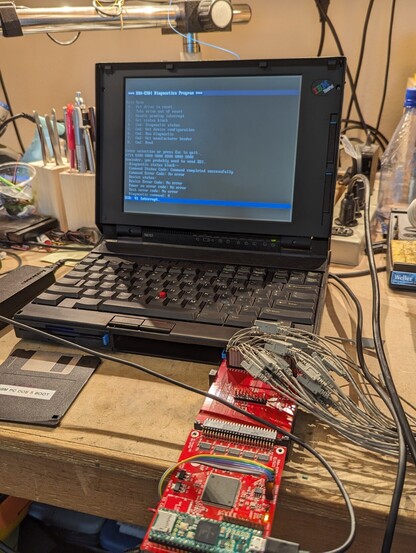
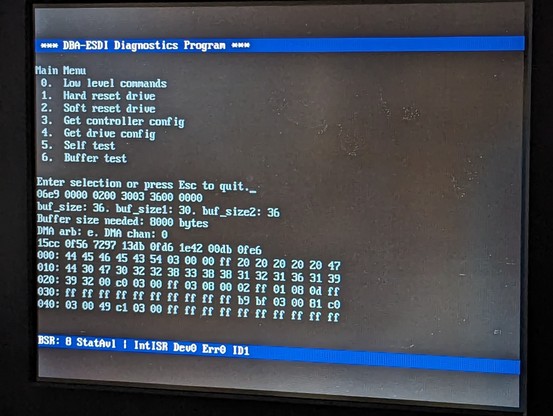
excellent progress today. I've been able to implement the "Get Diagnostic Status" command. it transfers the command block and handles the returning status block as well as the flags and interrupts. best of all, it works on real hardware using my diagnostic program!
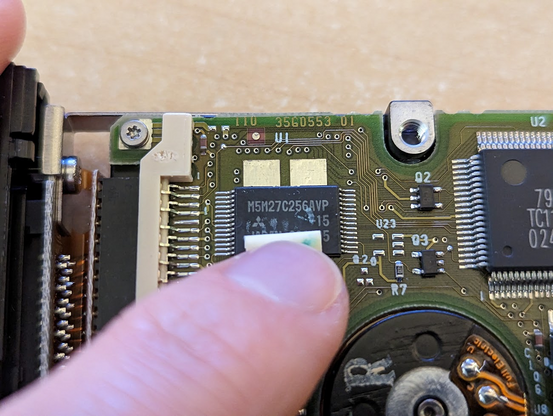
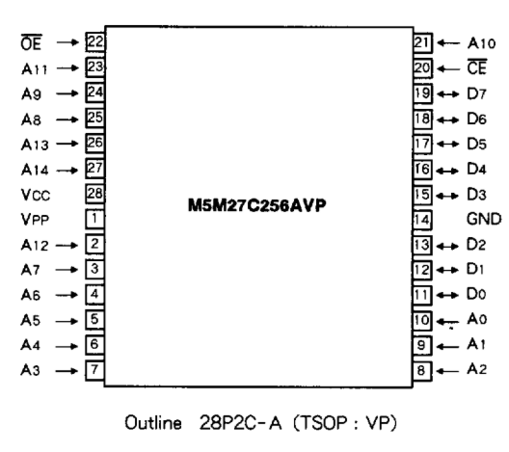
OK why does pin 1 start halfway down the edge of this chip???
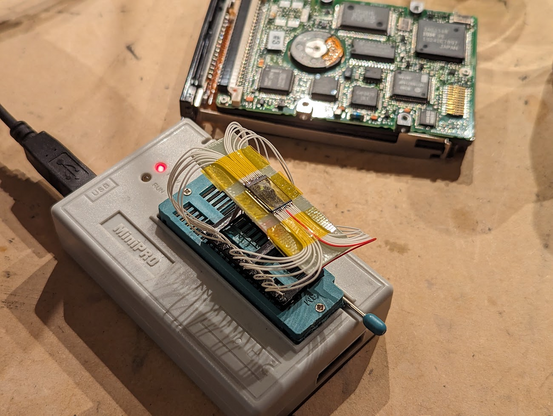
my best guess is that the die is rotated to a 45 degree angle. anyway i want to dump the contents so i can analyze the drive firmware.
no 28-pin TSOP socket, oh well
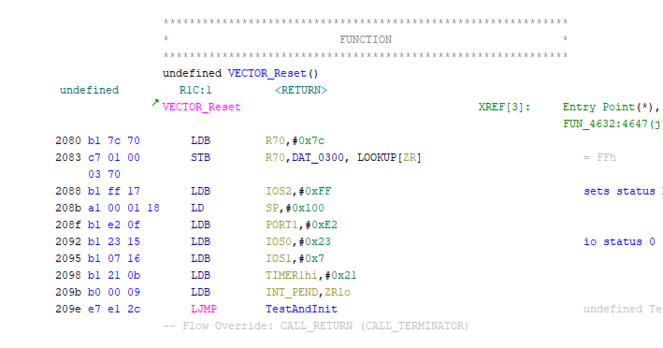
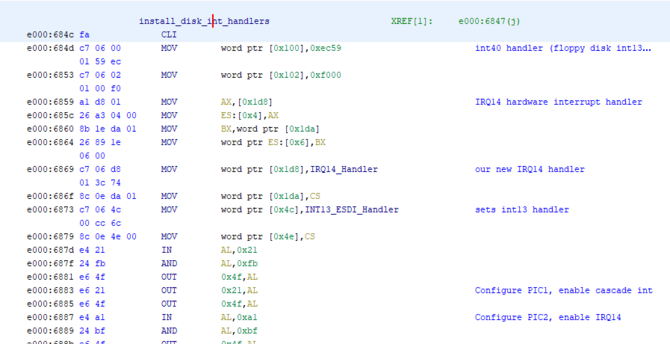
now i'm knee deep in Ghidra listings. this code probably runs the entire hard drive, not just the host interface.
this sort of reverse engineering is very much like solving a challenging puzzle. you push and push until you can deduce something based on what you already know, then you pivot, taking that new knowledge and pushing on that until you learn even more.
so last night I identified the power on self test routines by inspection. it's not too hard to identify a checksum routine or a memory test routine. this helped me fill in the memory map.
also, the POR test function stores the results at a particular memory location, and the codes match up with the POR error codes in the DBA-ESDI spec! the next step is to search the whole ROM for any instructions that read this memory location--this should identify the functions that generate the status block.
drive firmware is turning into a bit of a slog so i switched over to the IBM BIOS. having a spec is nice, but the code will cover a bunch of corner cases.
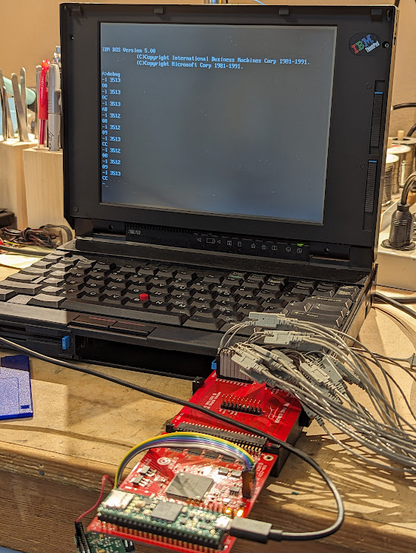
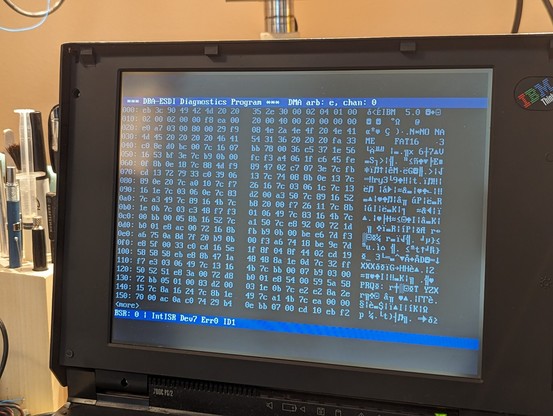
managed to reverse engineer enough that I was able to read the defect map out of one of the original hard drives. sounds easy but the process uses DMA.
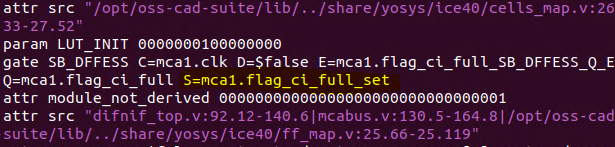
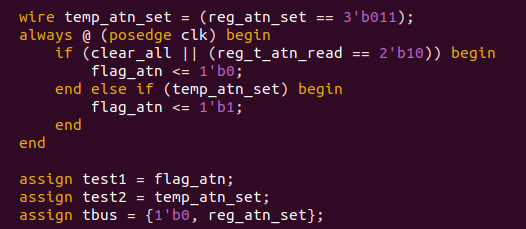
working through a nasty timing hazard with the mailbox flags on the command port. sometimes you write data and the "data available" flag never gets set.
so now i am digging through the logic that yosys generated to see if it even makes sense.
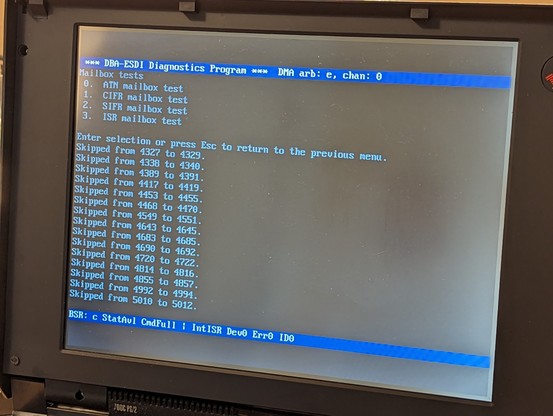
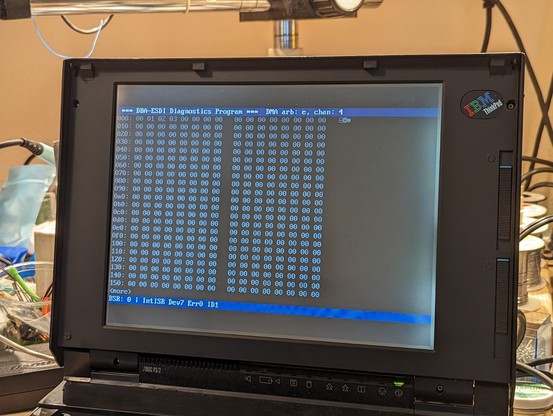
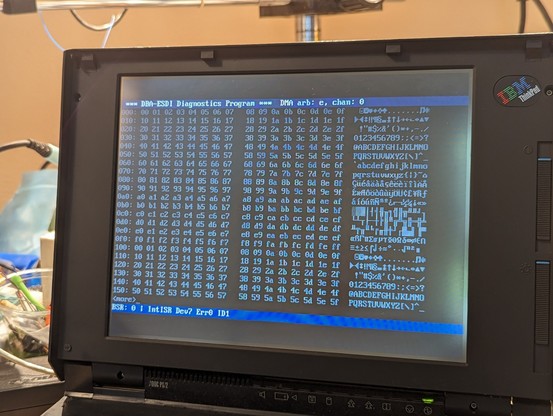
having good test programs is important. here's the status interface register dropping values. the Teensy program is just writing an incrementing number, and the diagnostics program is checking for gaps.
got that all sorted out. it was a synchronization issue with the flags between the two interfaces.
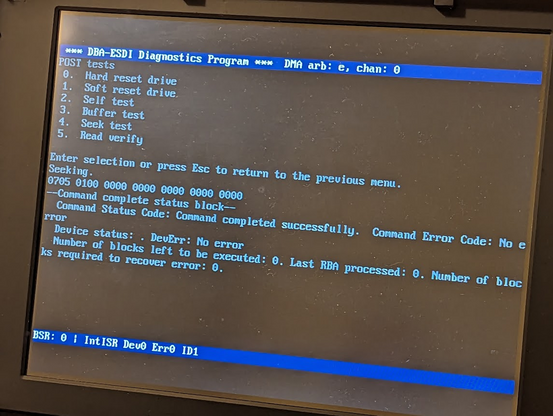
this is the "seek" command successfully completing! this is a *major* step since it requires 4 working mailboxes and interrupts.
another important step today--i got the data port and data port mailbox flags working. it can also detect 8-bit vs 16-bit transfers. getting very close to working PIO transfers.
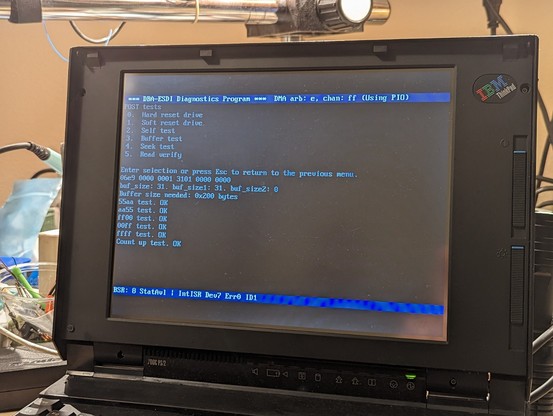
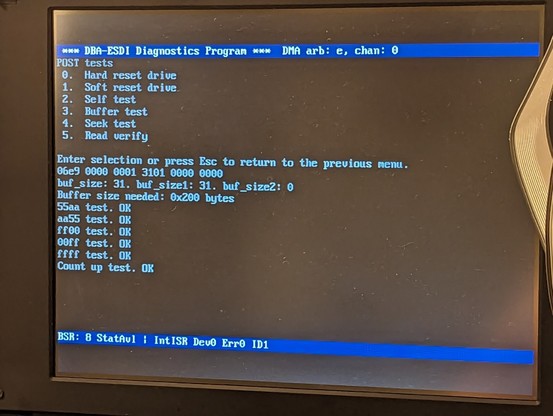
nice! I managed to get PIO data transfers working well enough for the buffer test routine to pass.
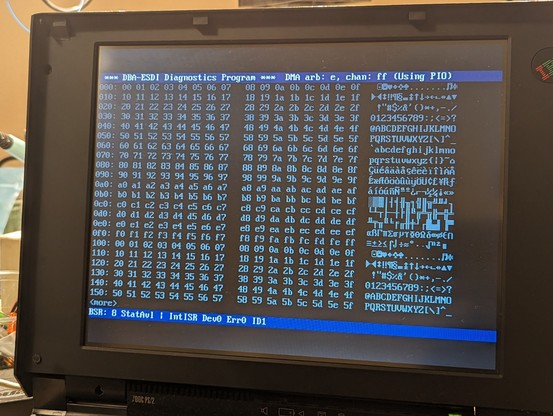
ok this is fantastic--I've managed to transfer my first actual sector! it's just using PIO and the data is not from a real filesystem, but this is another big step forward!
DMA on Micro Channel is really hard. i'm running a bunch of simulations first, making adjustments to the logic as needed.
so many moving parts.
wow, got four bytes to transfer successfully over DMA! not sure why it got stuck after that.
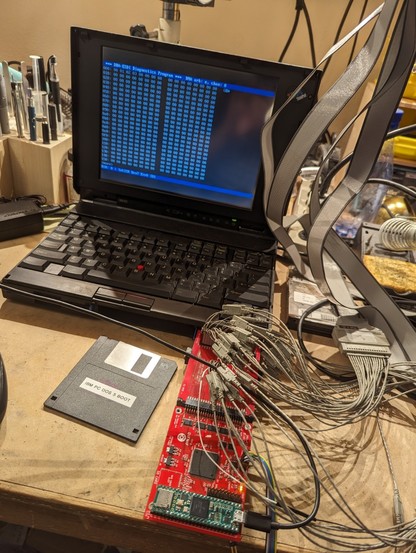
just ran the same test again and it transferred the whole sector over DMA!!
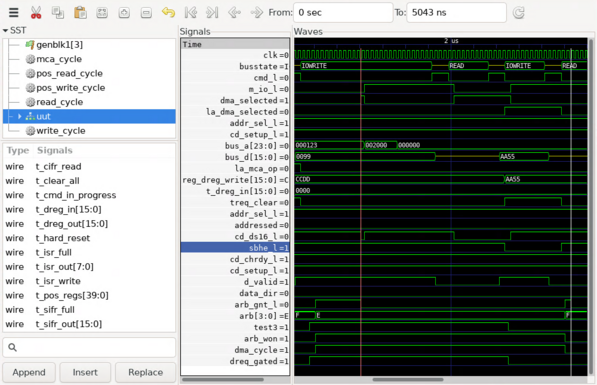
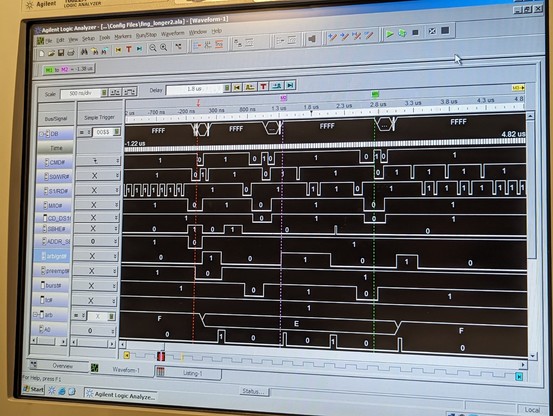
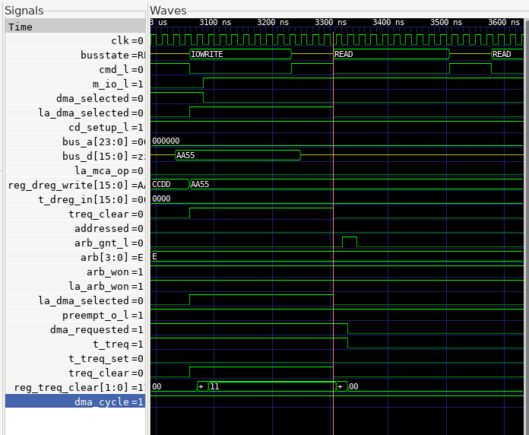
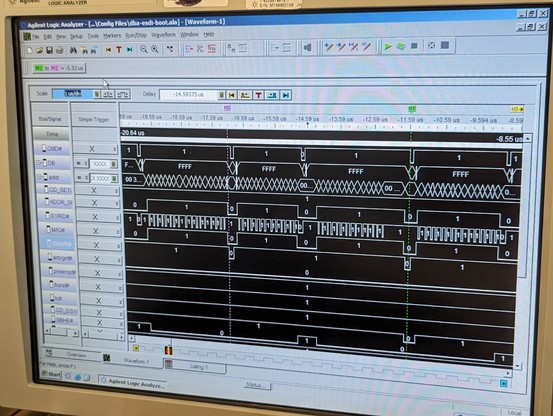
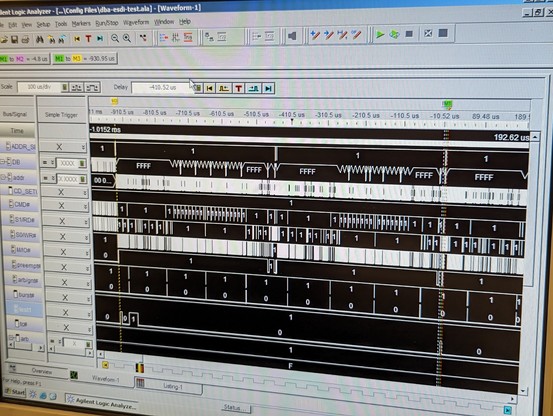
so at least read transfers are working partially. writes just hang the machine after transferring half a sector. it's probably time for the logic analyzer.
not sure why I always end up in front of a logic analyzer, but here we are.
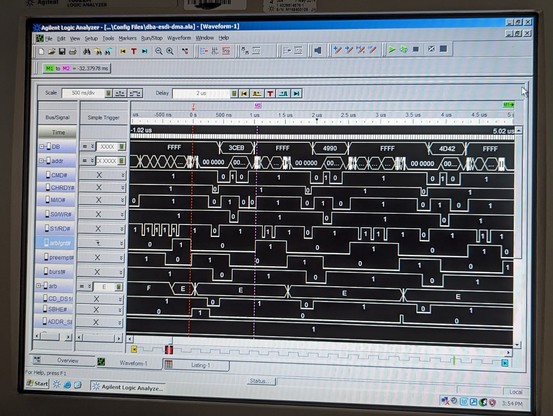
several issues. this first issue, during a host to device write, holds the arbitration bus too long. it should release immediately after the second arb/gnt pulse
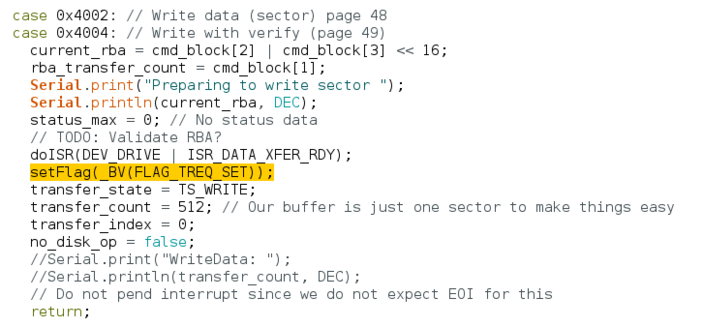
had a theory and it reproduces in simulation. the transfer request flag isn't getting cleared soon enough. la_dma_selected is what can clear this flag and it is changed on the falling edge of cmd, which is too late to catch the ARB/GNT pulse.
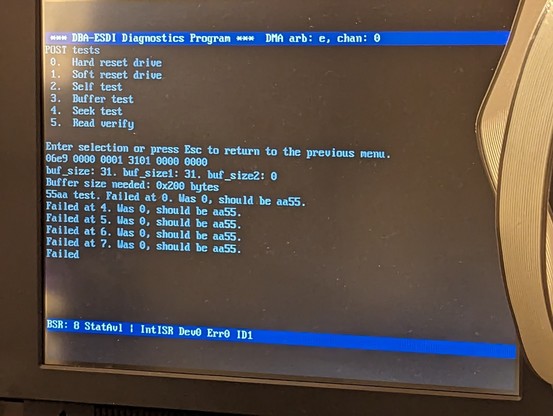
yes, that solves the crashing problem. but data isn't getting transferred correctly, so I've got more work to do.
weirdly enough, it works the second try!!! something on the host was prematurely turning off DMA. maybe a bug in difdiag.
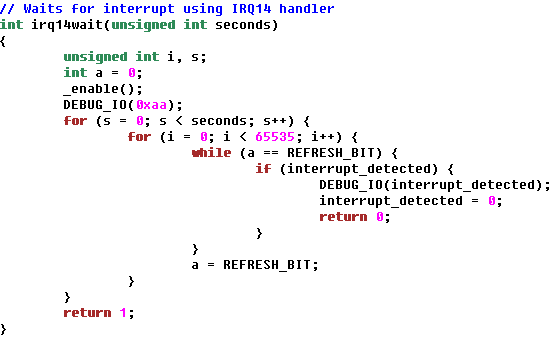
so the interrupt_detected flag is supposed to be set in the irq14 handler, and it is *supposed* to be set only when DMA is done. but somehow interrupt_detected is set without the IRQ handler ever being called! then the DMA operation is broken down prematurely.
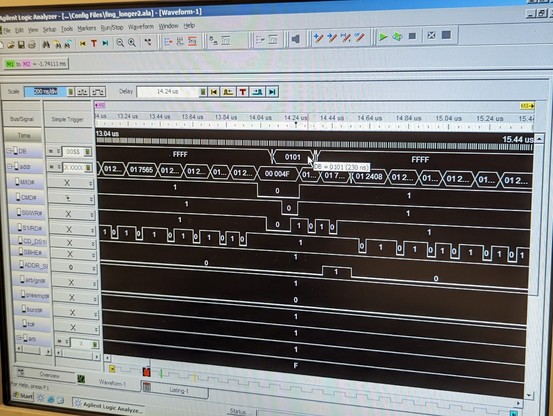
using the logic analyzer, i proved that the irq14 handler never gets called. the only code that *ever* sets the interrupt_detected flag exists in this handler. it's declared as a volatile so it can't be cached in a register.
I wrote the flag value out to an unused IO port, 0x4F, so I can see it on the logic analyzer. a neat trick!
so i don't know how this flag is getting set. my hack is to preemptively clear the flag right before starting DMA, and so far, it seems to be working.
i think this code was "working" with the real ESDI drive because that one uses burst mode DMA and it finishes up very quickly, before the irq14wait routine can exit early.
decided to look at the real drive. and guess what--it's not using burst mode. the POS registers have it turned off by default. it's also slow to read the data from the spinning disk, so IBM must have figured that it wasn't really necessary.
now I'm reading up on accessing SD cards from the Teensy 4.1. looks like SdFat is the library? could it be so easy?
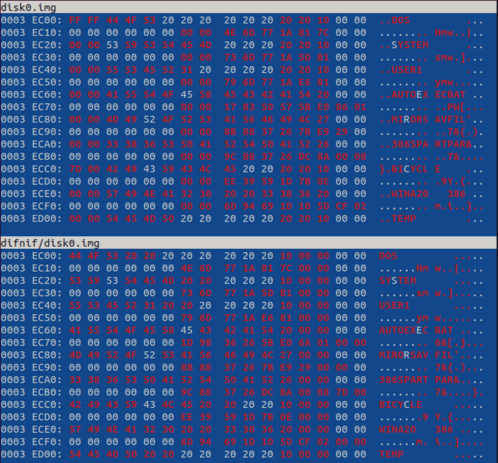
turns out it's easy but I had to reformat the SD card using the official sdcard.org utility. anyway, I've read the first sector from a real disk image!
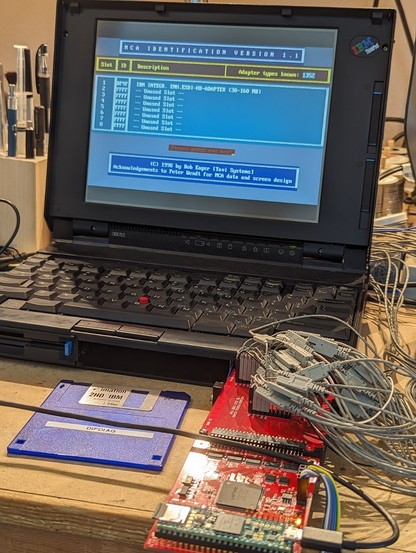
the drive now gives the POS ID. let's try to boot!
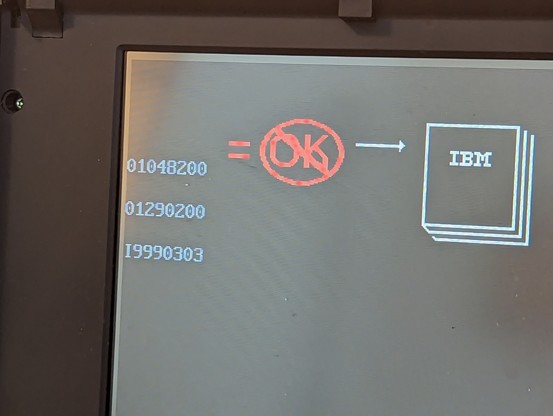
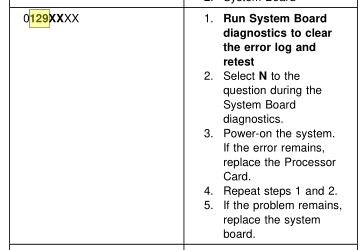
hmm 01048200 is a drive select acknowledgement error.
the BIOS runs faster than the DIFDIAG utility, and so it seems like it is hitting a timing problem that i didn't hit before.
my drive code seems to randomly hang up and not respond correctly.
it's occasionally getting a spurious end-of-interrupt command which is really odd and points to an issue with the mailboxes (again, sigh).
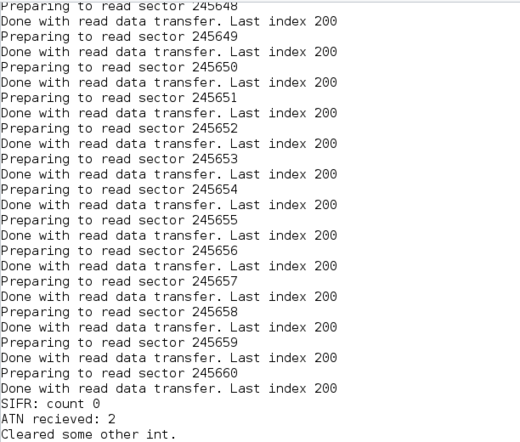
but it's SO DARN CLOSE. it's transferring sectors from the IML region in the disk image.
figured out one problem. the disk boot routines slam the drive with an ATN and the first command word in 5.5us. the Teensy code takes too long to see the ATN and clears the command register full flag, which drops the first word. oops.
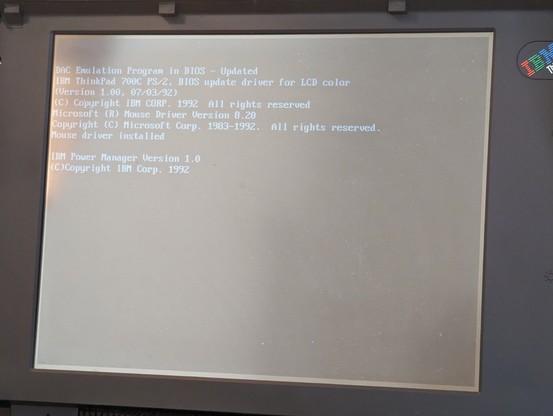
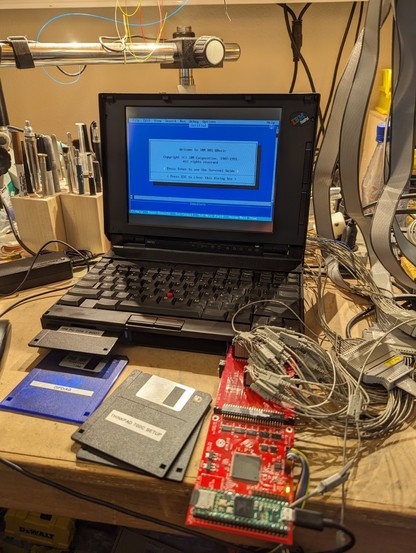
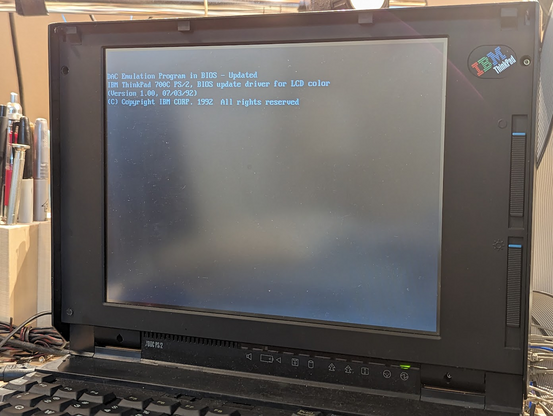
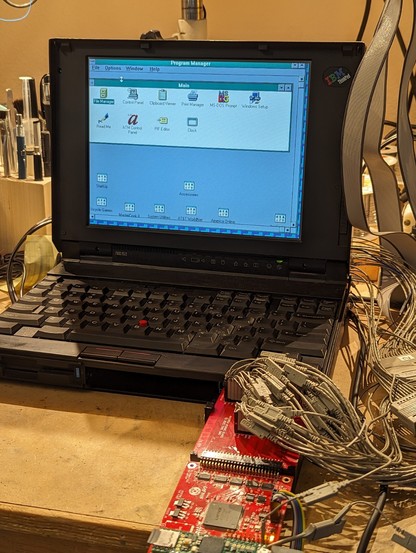
so it *almost* boots now. in fact it successfully loads the IML sectors from the hidden partition on the drive, and no longer throws an I999... error code!
 Tube🌿Time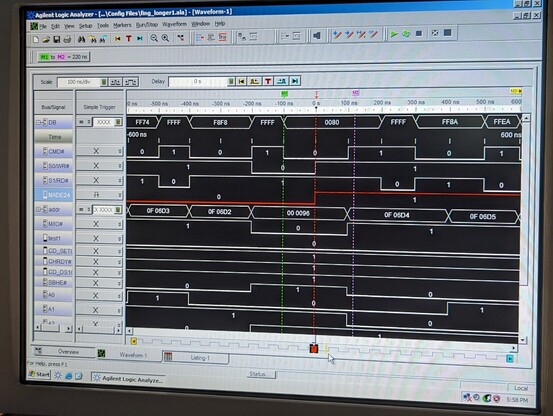
 Chuck
Chuck dumb future
 Ted Spence
 jgeorge
 Eloy. @ EH23
 Fritz Adalis
 bitsavers.org
 Brian Swetland
 Marsh Ray
 Ian Hanschen
 Samantaz Fox
 Vlad Vukicevic