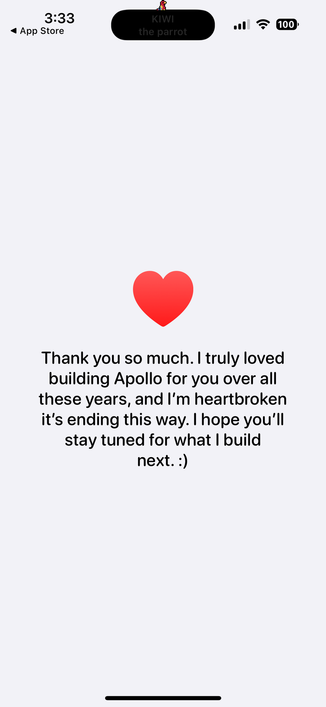
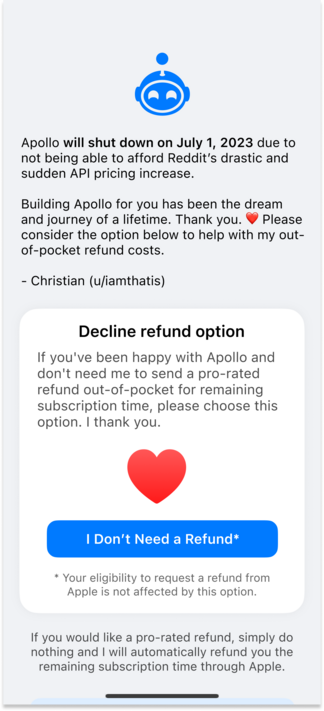
I just released a really important Apollo update that adds the ability for users with remaining subscription time left to decline an automatic refund. Devs pay refunds out of pocket, and this will be about $250K, so I thank you for your consideration. ❤️

Also, this update includes an amazing "Goodbye Apollo Wallpaper Set” for your phone, tablet, or desktop, created by outrageously talented Apollo icon designers. You can unlock the pack with a donation that helps with refund costs. 🙂

@christianselig Immediately declined a refund. :) You gave me so much enjoyment out of this app.
@christianselig I can’t find the wallpapers. I swear I’ve looked.
@Jordanduke @christianselig Same here, pretty sure I’ve looked through every page of the app!
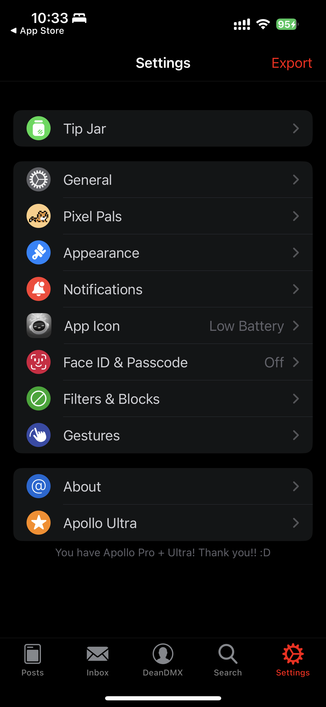
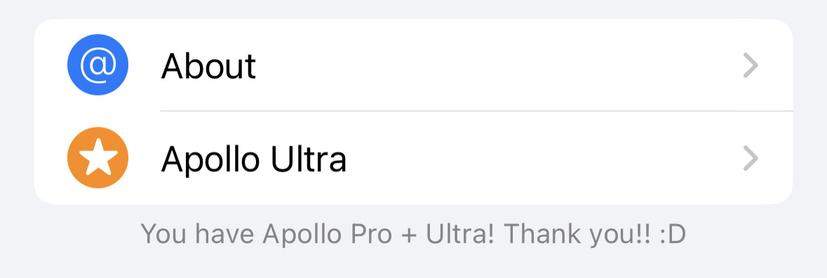
@SambaSpy @christianselig Ah. I had to force quit after the update and it shows up on launch or Settings > top left corner
@Jordanduke @christianselig Settings > top left. Totally missed it for a bit despite actively looking for it too!
@davidzumini i had to force quit!
@Jordanduke You may have to after unlocking the wallpapers too, FYI - I seemed to get stuck in the wallpaper view with no way back out.
@davidzumini @Jordanduke @christianselig Same here! I only found them when someone else pointed out where they were.

@christianselig Thanks for making and maintaining one of the best apps I have ever used, not just Social Media apps, but all apps.

I really look forward to following any project you work on.

@christianselig Pro + Ultra user here. Thanks for such an awesome app. I was a one-time payment kinda guy, so didn’t need to decline refund, but would have otherwise.
@mookie aha so was I but didn’t realize that was my problem. Came here looking for an answer why I didn’t see it. Thanks

@mookie @christianselig

Me too. I kept reloading hoping the decline popup would appear. As usual the answer is in the comments

@Two9A Your thread has been unrolled! You can view the full conversation at: https://threadtree.xyz/110626903636511602
Thread by [email protected] - Thread Tree

@mookie @christianselig

ah hah...that's why i'm not getting the decline option. thanks!

@christianselig This really sucks and I’m so sorry to see this happen Christian. Hopefully people decline. I look forward to whatever comes next from you. You’re an incredibly talented developer!
@snazzyq @christianselig I wonder what is next 🤔
@ken147 @snazzyq @christianselig we are on pins and needles… literally, I built a bed of pins and needles to be able to say that.

@snazzyq IMO @christianselig is a treasure and we must protect him at all costs!

@tekphloyd

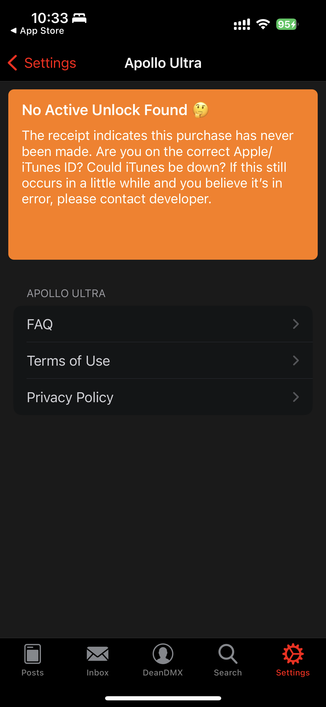
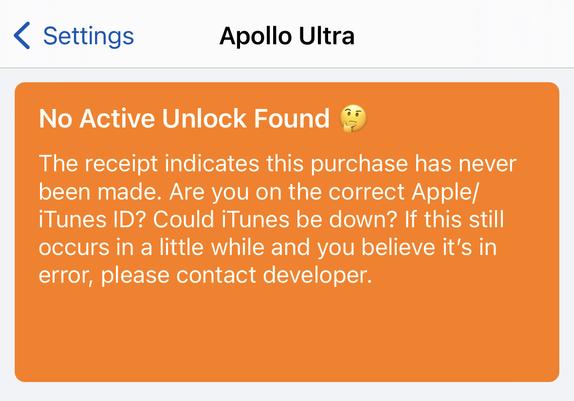
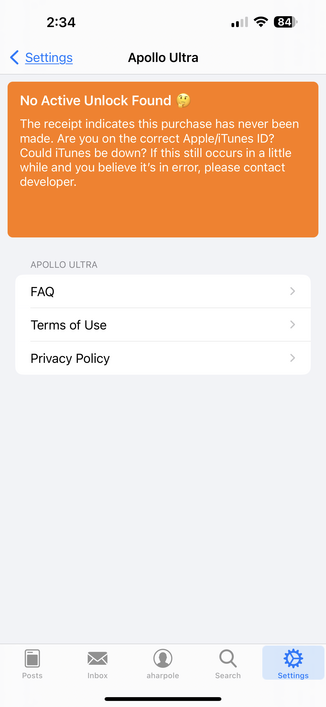
@christianselig Something is up with the receipts in this version. I have Ultra but I get this banner.
@deandmx @christianselig I've got the same issue.
@Wildbill @deandmx @christianselig Same. “Bought" the wallpapers and got stuck on the “View Wallpapers” flow. It hasn’t shown me a spot to decline the refund.
@davidr @Wildbill @christianselig got stuck on the view wallpaper screen also and had to force quit. Can’t find how to get back to the wallpaper screen 😅
@christianselig same issue here. Not sure if it’s related, but I had the TestFlight build installed, which might have caused some confusion. (Did you ship this build to the TF group also? Maybe there’s some way to contact the group so they know to switch to the App Store release?)
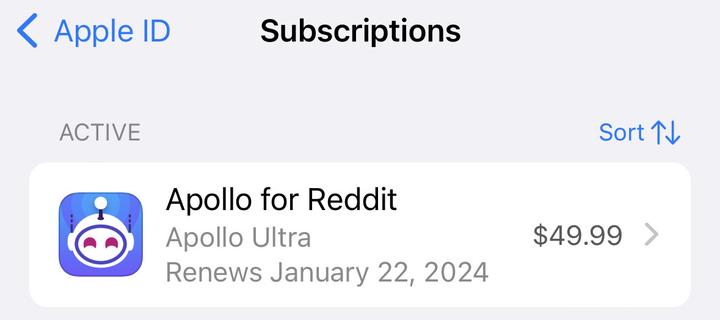
@christianselig I might be getting a clue. Would this be expected behavior for a Lifetime purchase? There’s Ultra but no subscription receipt? I didn’t remember purchasing Lifetime but it makes sense to me now.
@deandmx @christianselig Same, I haven't been able to reject the refund because of this
@noah Are you yearly or monthly?
@noah Are you on TestFlight or public App Store version?
@christianselig I'm on the public version. Had uninstalled the app a while ago to remove the temptation to give Reddit any traffic, but just reinstalled Apollo from the App Store when you announced the refund screen was added
@noah And you received no prompt? Huh, that's not good, and you're sure you have an active yearly subscription that hasn't expired? If so, can you go to Settings tab > About > Logs, and mention this issue in the email?
@christianselig yuuuuup. just mailed the logs.
@noah All I can think is, do you have like PiHole or some router level block enabled for some domains? Per the logs it doesn't even look like it's trying to check
@deandmx Yearly or monthly?
@christianselig I got the ‘lifetime’ 🥴
@deandmx Oh, no worries then, not a subscription and the lifetime of the app is about to cease, so there's nothing to handle there
@christianselig reinstalling the app to press the button…

@christianselig FYI, I see this on my app so I wasn't prompted. I'm pretty sure i have an active Ultra subscription.

I'll keep an eye on this but just letting you know in case it's a more widespread issue!

@harpaa01 @christianselig Same for me but I think mine is because I have Lifetime and there’s no real subscription to refund.

@tekeous @christianselig checking my receipts, that looks like what I did too. False alarm!

I did take the liberty to drop some $$$ in the tip jar though. Thanks Christian for a great app.

@harpaa01 @christianselig Same for me. Ultra but no offer to decline refund
@SockToy Might be worth double checking your iTunes receipts to see what Ultra you bought. For me it turned out I had bought a lifetime Ultra ages ago so I didn't actually have an active subscription.
@harpaa01 Thanks!
@SockToy Yeah, I just kept giving Apollo money every time it asked so I assumed I had an active subscription but I guess I didn’t!
@christianselig Declined and bought the wallpaper pack. Christian, thank you so much for building Apollo. It was truly one of the best iOS apps ever made and I’ll miss it a lot. :(
@christianselig I just found the wallpapers if anyone is having troubles finding them. Top left on settings tab
@christianselig man this sucks. Thanks for the amazing effort you’ve put forth over the years.
@christianselig I have Apollo open, and i have utlra+pro enabled. its not clear to me how to decline the refund, which I am very happy to do …
@ThereBryant @christianselig you might need to manually update it first. I had to