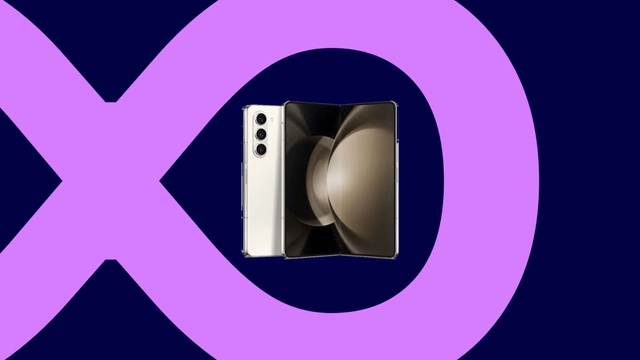
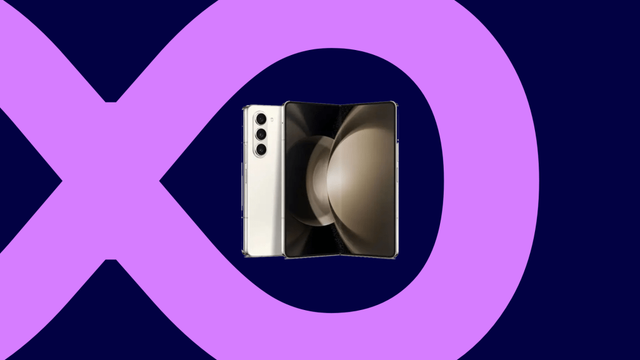
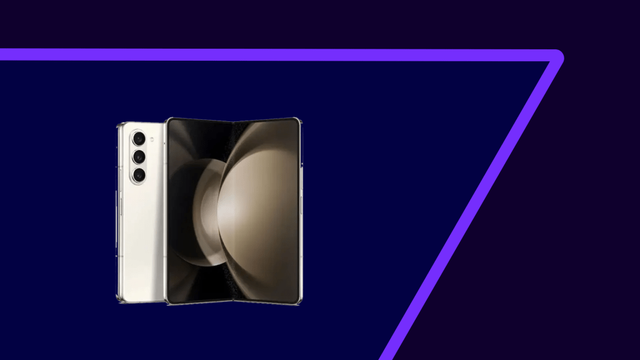
Samsung Galaxy Z Fold/Flip 5 gets the One UI 8 update!

We are excited to announce that starting from today, users can now download the One UI 8 update to their Galaxy Z Fold5 and Flip5 foldables as Samsung has finally released this exciting version of One UI. Your Galaxy has now become more powerful as One UI 8 brings more powerful features.

The firmware information states:

  • Galaxy Fold5: FYI8 [KOO]
  • Galaxy Flip5: FYI8 [KOO]

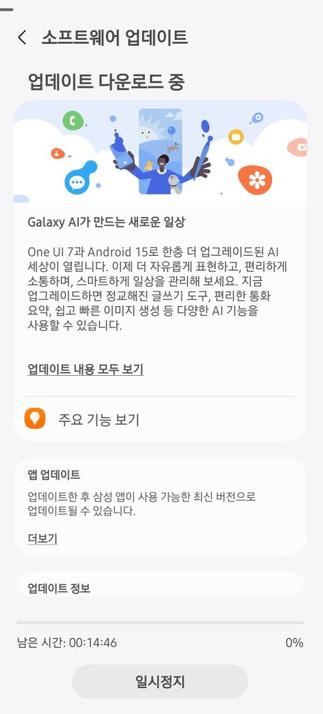
To obtain the update, perform the following steps:

  • Open the Settings app
  • Navigate to Software Updates
  • Tap on Download and Install
  • Wait until you see One UI 8 at the top of the page, then tap on Download
  • Wait for the download to complete, then tap on Install
  • After you perform the above steps, your phone will be running One UI 8 based on Android 16, and you can enjoy its new features and with many improvements on place. This makes sure that your experience gets improved.

    If you still didn’t get the update for your device, wait for a few days or a few weeks, then check for updates again. If you still see “Your software is up to date,” this means that the update didn’t reach your region yet.

    Note that the update process may take 15 to 20 minutes, and this can vary from device to device. The download process may incur extra charges if you’re using the cellular network as the update size is around 5 GB, depending on the device, so we recommend downloading it through Wi-Fi. Never interrupt the update process in any way, or problems may occur. Make sure that your phone gets charged before you initiate the installation process.

    #Android #Android16 #AndroidB #AndroidBaklava #Flip5 #Fold5 #GalaxyZFlip5 #GalaxyZFold5 #news #oneUi #OneUI8 #OneUI80 #Samsung #SamsungGalaxyZFlip5 #SamsungGalaxyZFold5 #smartphone #Tech #Technology #ZFlip5 #ZFold5
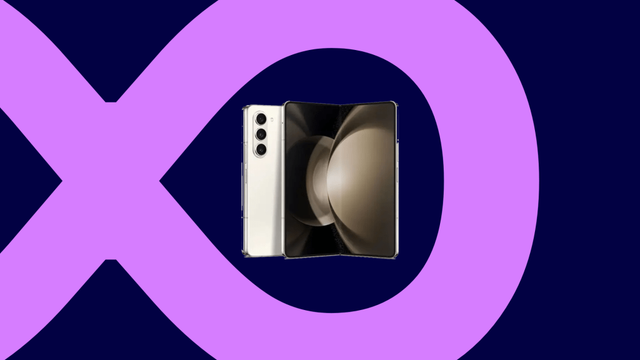
    Samsung shuts down the One UI 8 Beta program for Korea [Galaxy Z5]

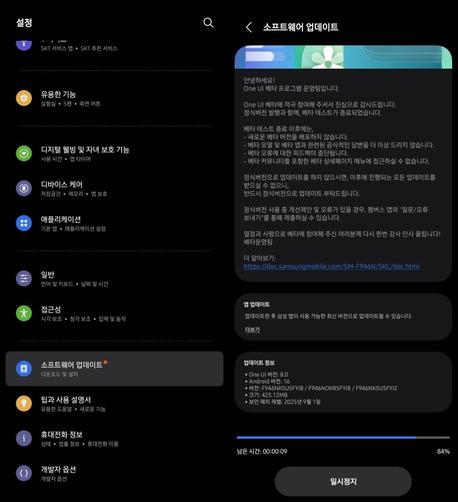
    We are excited to announce that starting from today, One UI 8 Beta users in Korea can now download the One UI 8 update to their Galaxy Z Fold5 and Flip5 foldables as Samsung has finally released this version of One UI. Your Galaxy has now become more powerful as One UI 8 brings more powerful features.

    The firmware information states:

    • Galaxy Z Fold5: FYI8
    • Galaxy Z Flip5: FYI8

    To obtain the update, perform the following steps:

  • Open the Settings app
  • Navigate to Software Updates
  • Tap on Download and Install
  • Wait until you see One UI 8 at the top of the page, then tap on Download
  • Wait for the download to complete, then tap on Install
  • After you perform the above steps, your phone will be running One UI 8 based on Android 16, and you can enjoy its new features and with many improvements on place. This makes sure that your experience gets improved.

    If you still didn’t get the update for your device, wait for a few days or a few weeks, then check for updates again. If you still see “Your software is up to date,” this means that the update didn’t reach your region yet.

    Note that the update process may take 15 to 20 minutes, and this can vary from device to device. The download process may incur extra charges if you’re using the cellular network as the update size is around 5 GB, depending on the device, so we recommend downloading it through Wi-Fi. Never interrupt the update process in any way, or problems may occur. Make sure that your phone gets charged before you initiate the installation process.

    #Android #Android16 #AndroidB #AndroidBaklava #Flip5 #Fold5 #GalaxyZFlip5 #GalaxyZFold5 #news #oneUi #OneUI8 #OneUI80 #Samsung #SamsungGalaxyZFlip5 #SamsungGalaxyZFold5 #smartphone #Tech #Technology #ZFlip5 #ZFold5
    One UI 8 Beta 2 is out [Galaxy Z Fold/Flip5]!

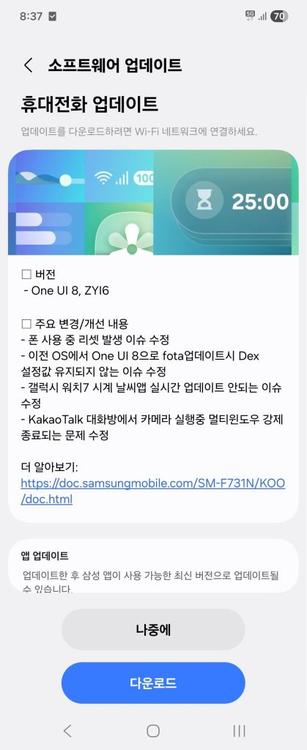
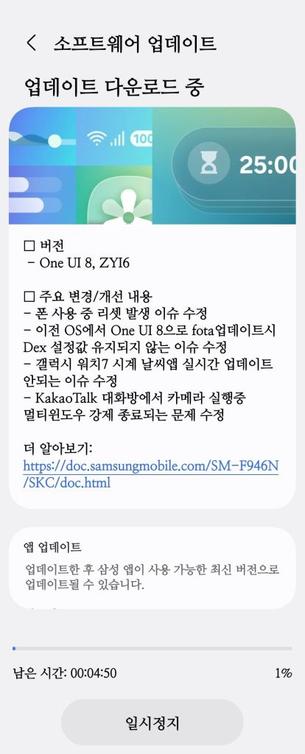
    One UI 8 has made a significant appearance, with new features and other improvements. We are very thrilled to announce that Samsung has released the second beta version of One UI 8 (build ZYI6), as Korean testers for the Fold5 and the Flip5 pointed out, that has the following changes:

    • Bugs that have been fixed
      • The phone would reset while in use.
      • DeX settings would not be saved when updating from the previous OS to One UI 8 via FOTA.
      • The weather app on the Galaxy Watch 7 would not update in real-time.
      • The multi-window would be forced to close while using the camera in a KakaoTalk chatroom.
    • Many other improvements

    Samsung has confirmed that the official rollout starts September 2025.

    #Android #Android16 #AndroidB #AndroidBaklava #Flip5 #Fold5 #GalaxyZFlip5 #GalaxyZFold5 #news #oneUi #OneUI8 #OneUI80 #OneUI85 #Samsung #SamsungGalaxyZFlip5 #SamsungGalaxyZFold5 #smartphone #Tech #Technology #update #ZFlip5 #ZFold5

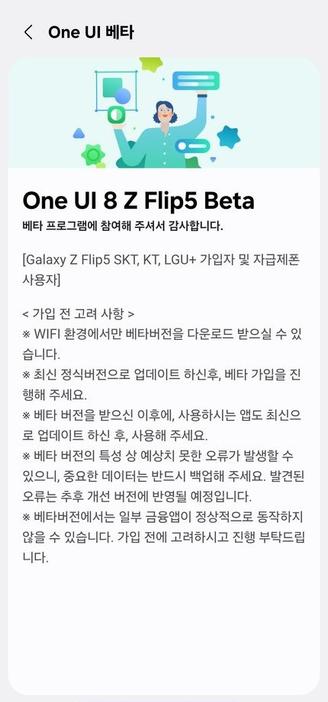
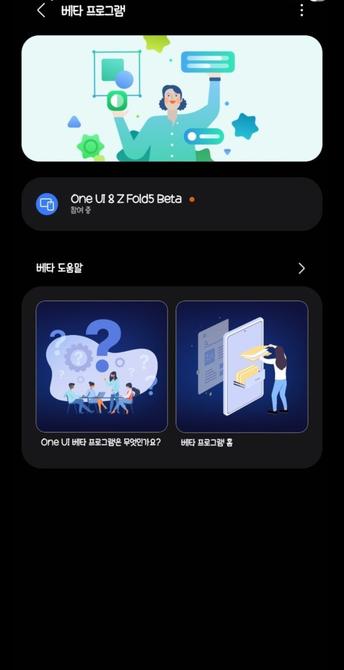
    One UI 8 Beta Program is now open for the Galaxy Z Fold/Flip 5 series!

    One UI 8 has made a significant appearance, with new features and other improvements. We are very thrilled to announce that Samsung has recently opened the One UI 8 Beta Program for the Galaxy Z Fold/Flip 5 series in the following countries:

    • Korea
    • United States of America (soon)
    • United Kingdom (soon)

    This gives us a hint that the Beta Program is now open. Users should be able to try out One UI 8 in its earliest shape and form on their Galaxy Z Flip/Fold 5 devices. You can identify the update with ZYHB.

    To join the Beta Program, you must have the latest version of Samsung Members installed. You can get the latest version through either the Galaxy Store or the Play Store. Once done, you should be able to join the program if you have an eligible device.

    #Android #Android16 #AndroidB #AndroidBaklava #GalaxyZFlip5 #GalaxyZFold5 #news #oneUi #OneUI8 #OneUI80 #OneUI85 #Samsung #SamsungGalaxyZFlip5 #SamsungGalaxyZFold5 #smartphone #Tech #Technology #update #ZFlip5 #ZFold5

    One UI 7 Set for Global Launch on Key Samsung Devices

    Samsung's One UI 7 update based on Android 15 is rolling out globally next week for Galaxy S23, Z Fold 5, and Tab S10 series.

    Gizchina.com

    Samsung Galaxy Z Fold5 gets the One UI 7 update!

    We are excited to announce that starting from today, users can now download the One UI 7 update to their Galaxy Z Fold5 foldables as Samsung has finally released this exciting version of One UI. Your Galaxy has now become more powerful, amazing, and gorgeous as One UI 7 brings more powerful features and a redesigned appearance consisting of a simple, impactful, and emotive design.

    The firmware information states:

    • Galaxy Z Fold5:

    You can see the overview of what One UI 7 brings in the above linked article at the bottom section. Meanwhile, you can see a two-minute video trailer for One UI 7 highlighting its biggest features here.

    https://youtu.be/P4AEIu3V6F4

    To obtain the update, perform the following steps:

  • Open the Settings app
  • Navigate to Software Updates
  • Tap on Download and Install
  • Wait until you see One UI 7 at the top of the page, then tap on Download
  • Wait for the download to complete, then tap on Install
  • After you perform the above steps, your foldable will be running One UI 7 based on Android 15, and you can enjoy its new features and with many improvements on place. This makes sure that your experience gets improved.

    If you still didn’t get the update for your device, wait for a few days or a few weeks, then check for updates again. If you still see “Your software is up to date,” this means that the update didn’t reach your region yet.

    Note that the update process may take 15 to 20 minutes, and this can vary from device to device. The download process may incur extra charges if you’re using the cellular network as the update size is around 5 GB, depending on the device, so we recommend downloading it through Wi-Fi. Never interrupt the update process in any way, or problems may occur. Make sure that your foldable gets charged before you initiate the installation process.

    #Android #Android15 #AndroidV #Fold5 #Foldable #GalaxyFold #GalaxyFold5 #GalaxyZFold5 #news #oneUi #OneUI7 #OneUI70 #Samsung #SamsungGalaxyFold5 #SamsungGalaxyZFold5 #smartphone #Tech #Technology #update #ZFold5

    Tarun Vats (@tarunvats33) on X

    One UI 7 rollout in Korea!! The Galaxy Z Fold5/Flip5 begins receiving the One UI 7 update in Korea.

    X (formerly Twitter)

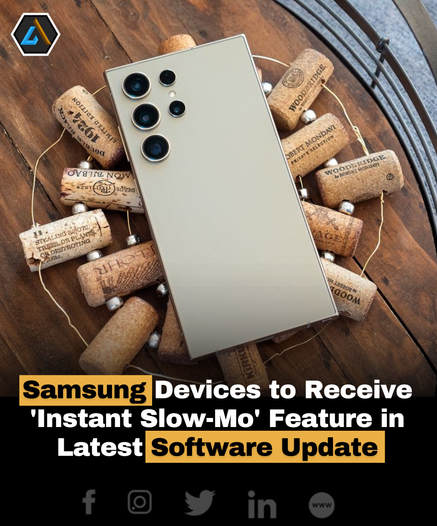
    Samsung announces that older devices, including Galaxy S23 series, Z Fold 5, Z Flip 5, and Tab S9 series, will now have access to the 'Instant Slow-Mo' feature through an upcoming software update. This feature, leveraging artificial intelligence, transforms standard videos into slow-motion footage, with plans for compatibility expansion up to 8K resolution and beyond. Stay tuned for the One UI 6.1 update, expected to roll out by the end of the first half of 2024.

    #Samsung #InstantSlowMo #SoftwareUpdate #GalaxyS23 #GalaxyZFold5 #GalaxyTabS9 #ZFold5 #ZFlip5 #TabS9 #OneUI6 #CaptureTheMoment

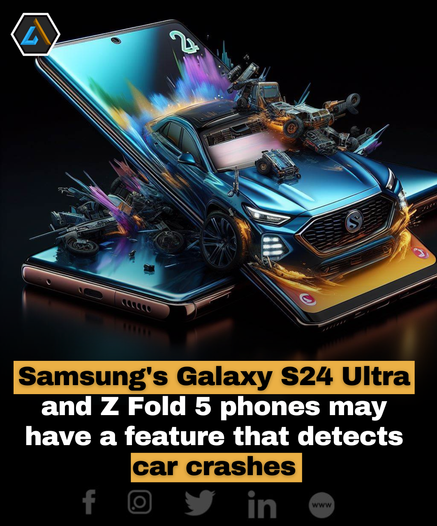
    Samsung's Galaxy S24 Ultra and Z Fold5 are rumored to have a hidden crash detection feature, discovered by developer Mishaal Rahman. The "Car Crash Detect Wakeup" feature utilizes a composite sensor that combines data from physical sensors like the accelerometer and gyroscope through the Android Sensor Hub.

    It remains to be seen when Samsung will officially introduce this feature through a software update and whether it will be available on other models like the Galaxy S24 and Galaxy S24+.

    #Samsung #GalaxyS24Ultra #ZFold5 #CrashDetection #SmartphoneFeature

    Samsung Galaxy Z Fold5 review: Holding strong, Samsung is still the foldables king

    My Samsung Galaxy Z Fold5 is late in the year but even so, Samsung is still the king of the foldables market, at least in the U.S.

    #ZFold5 #technews #reviews #Samsung

    https://techaeris.com/2023/12/30/samsung-galaxy-z-fold5-review-holding-strong-samsung-is-still-the-foldables-king/

    Samsung Galaxy Z Fold5 review: Holding strong, Samsung is still the foldables king

    My Samsung Galaxy Z Fold5 is late in the year but even so, Samsung is still the king of the foldables market, at least in the U.S.

    Techaeris

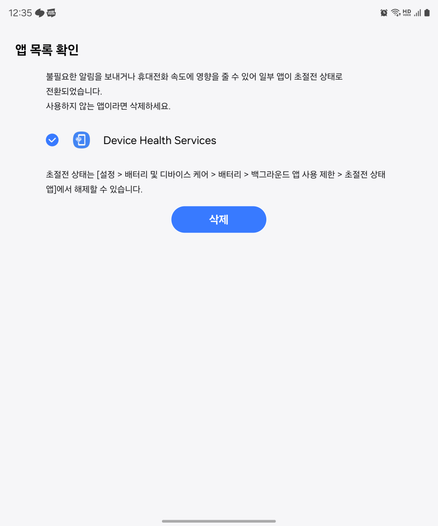
    자꾸 자기 앱 죽인다며 삭제하라는데,초절전에도 안 들어가 있고 삭제도 안 된다.

    #Samsung #ZFold5