Radio_Azureus
listed.to
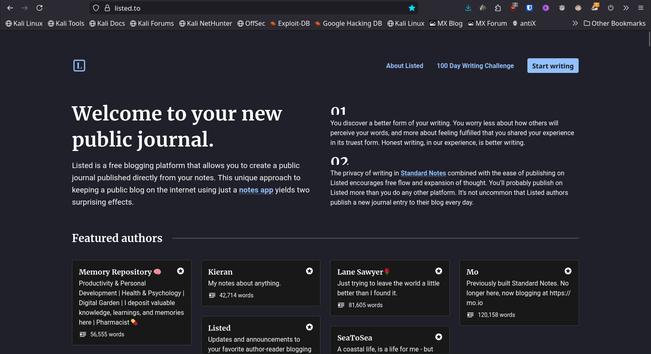
TIL about https://listed.to/
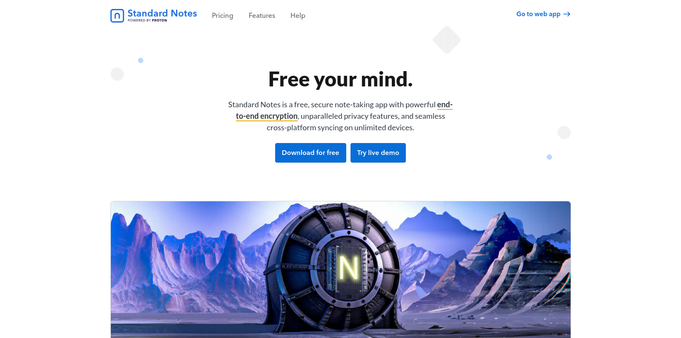
I've been using Standard Notes for a while. It's much handier to type in your toots & posts in a nice editor, than in the puny port in the web interfaces of mastodon and other web interfaces.
I started to look for a handy solution when I began typing long posts on my Androids
- phone interfaces suck balls when you have a tall corpus
- touch screen keyboards suck major
- everything is too small
- fingers slam & flow over on other letters than touched
- typing errors are major
- auto correct is a must but a privacy hell (exposing everything you write to Alphabet / google)
- It takes 10 times longer to type in a short post on a Android capacitive interface with auto correction keyboard and word suggestion enabled
- In comes the saviour
Standard Notes is double encrypted, markdown capable, auto-synchronizes and available on all platforms you work in
- have a browser ready with JavaScript and tls
- Standard Notes has MFA 2FA encryption for your account
- paid extras of the service are not needed here
- you may enable them if you choose to thave that convenience
- I use md editors on my machines to have previews of my markdown formatted notes
- On Linux I use the powerful
ghostwriterwhich uses very powerful libraries pandoc version 3.1.11.1cmark version 0.30.2multimarkdown version 1.35- These tools and libs make my markdown experience incredible smooth, surpassing what Standard Notes has to offer
Today I learned about Listed when I walked down the Standard Notes preferences
- Listed is linked to Standard Notes
- Listed is free (as in beer)
- You can blog you secure notes when you explicitly choose to do so
- You have to enter your super long (64 character) password to blog a note standard remark 1
- A key pair is generated to enable standard notes to publish that one note in your blog
- You have to enter your password for every note you want to blog [logical since notes are per default secure and private]
- The blogging port is timer based 60 seconds is the shortest timer
- You have to manually update your Listed blog post
- Listed blog posts are presented in a nice clean and fast interface on port 443
- Listed can be configured to your own taste including your gravatar
remarks
- Your passwords should be really long, use password managers to process them
- make sure you have weird characters in them
- make it a PITA to enter the passwords manually
- use MFA 2FA everywhere you make accounts
- There is no cloud just somebody elses server
Sources
https://standardnotes.com/privacy
https://app.standardnotes.com/
https://github.com/commonmark/cmark
https://fletcher.github.io/MultiMarkdown-6/MMD_Users_Guide.html
https://listed.to/@kieran/60239/goodbye-windows-11-hello-linux-mint
#network #synchronization #mathematics #technology #encryption #MFA #2FA #sync #standard #notes #listed #to #programming #blogging #opensource #ghost #writer #cmark #pandoc #mulitmarkdown #markdown