- YouTube
This post demos a script I put together to help move SQL Server database files to another drive and folder by generating PowerShell and T-SQL commands.
This is an alternative for when you might not be allowed to install #dbatools.
#sqlserver #sqldba #microsoftsqlserver #mssqlserver #mssql #mssqldba #PowerShell
https://vladdba.com/2025/02/06/move-sql-server-database-files-another-drive-folder/
The more I build my own tooling for exploring a database before I build a reporting query, the more I just do all my work at the command line. I donât need #SSMS to show me my results, I just dump them to the cli output.
This post brought to you by my use of #dbatools and the Invoke-DbaQuery command specifically. That plus my data profiler query.
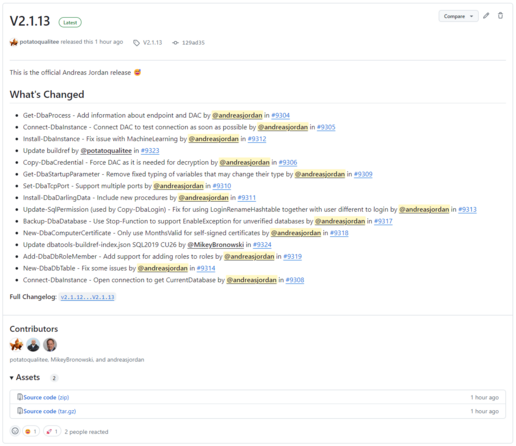
To all the #SQLServer DBAs out there: A new release of the PowerShell module #dbatools has been published today.
Most of the changes were made on a rainy Sunday in France. So this is the official France release...
In this post I cover two ways to export and import multiple SQL Server tables to and from CSV in one go with the help of a little PowerShell magic and tools like @dbatools or bcp.
https://vladdba.com/2023/11/16/export-multiple-sql-server-tables-to-csv-files
#sqlserver #sqldba #microsoftsqlserver #mssqlserver #mssql #mssqldba #dbatools #powershell
Join me at #sqlsatboston next Saturday, October 14 for âAnswering the Auditorâs Call with Automationâ featuring #dbatools #sqlfamily #sqlserver
Iâm happy to announce that I will be speaking at SQL Saturday Boston on October 14th, 2023. This yearâs session is Answering the Auditorâs Call with Automation As DBAs, weâre called on regularly to produce documentation for security & compliance audits. Being able to show who has what level of access to an instance is the minimum, but weâre often asked for more. Collecting this information and compiling it into something usable by auditors could take you hours or even days.