
@marcoarment fwiw, I’ve seen some wonky behavior from apps on my watch that have otherwise been quite stable. Widgets somehow got lost… had to re-install the app and then re-configure the widget in question. I don’t blame #weathergraph in the least.
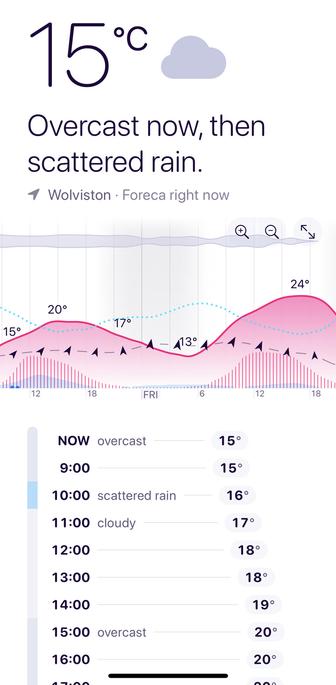
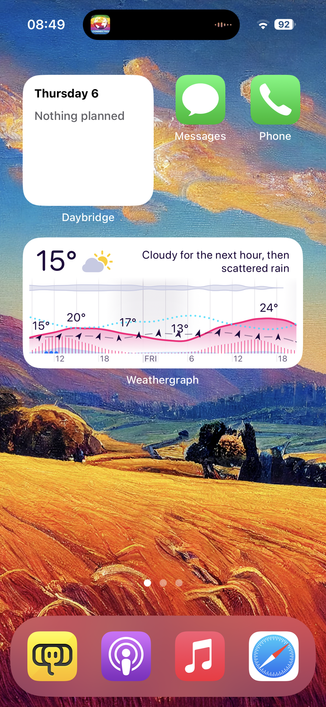
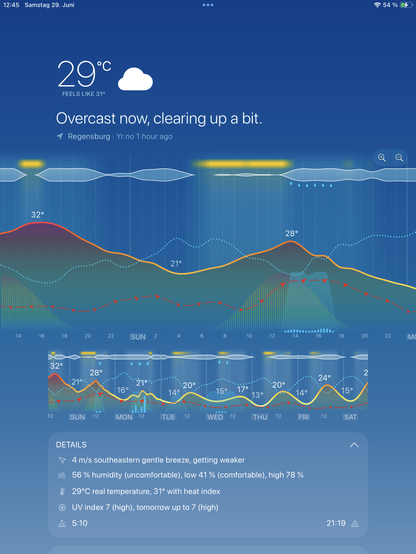
I recently switched from Weatherpro - which was becoming more and more unreliable and showing completely different forecasts on iPad vs iPhone to https://apps.apple.com/de/app/weathergraph-weather-widget/id1501958576 Weathergraph. It is really well done, has beautiful graphics and you can choose between different datasources. The yearly price for that luxury is onpar with other competing apps with similar features. Recommended! #weatherapp #weathergraph @tomaskafka
‎Weathergraph weather widget

‎WARUM OUTDOOR-FANS WEATHERGRAPH LIEBEN • Wunderschöne, stündliche Visualisierungen der Wettervorhersage – alles auf einen Blick • Branchenführende Widgets für Apple Watch, iPhone, iPad und Mac • Hochpräzise Regen- und Schneevorhersagen mit 30-minütigen Nowcast-Updates • Echtzeit-Niederschlagswarnun…

App Store
Further to this, removing the ‘problem apps’ signing out of #iCloud, refreshing the copy of Sonoma and then signing back into iCloud has fixed the rogue ‘#sync messages’, at least I’ve not had any for 5 days.
I’ve now reinstalled #monaapp and it’s reporting no problems with iCloud sync within itself, plus no error messages on iCloud sync so far.
I’ll give it a few days and all is still okay then I’ll install #Weathergraph and we’ll see how it goes.
Fingers are firmy crossed.

An update on my #macos #icloud sync issues. This was where files sync but the status in Finder never completes.

I’ve been working on this with #Apple support for two months, sending two lots of debug data, and so far they can’t find anything.

Going back 9 months to when iCloud sync broke completely (ended up rebuilding the Mac) I identified issues were tied to #monaapp and / or #Weathergraph.

I’ve reinstalled a fresh copy of #Sonoma things were no better.

I’ve uninstalled both apps. No fix. Signed out of iCloud and rebooted the Mac. Reinstalled Sonoma now that the apps are gone.

Logged into the Mac and signed into iCloud. Files are now synching - no error messages and even the ‘search query’ has synched which has not done for months.

All has been good for 24 hrs. I’ve reinstalled WeatherGraph this morning and I’ll install Mona tonight.

To me it looks like the apps I removed were somehow blocking needed permissions. IMHO.

Oh and I’ve removed Mona from all my devices for the time being.

If all still works I’ll check if Mona is still showing #cloudkit sync errors in its log. If so then it does look to be corrupted cloudkit zones / partitions which Apple will need to fix on my account.

I’ll report back to Apple as to how everything goes tomorrow. Good to know my logical I.T mind still works.

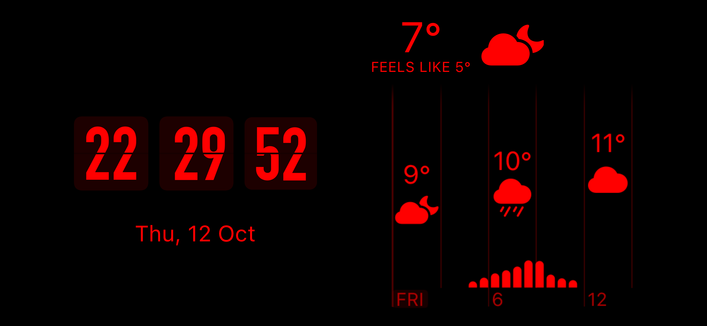
My latest standby mode. #flipclock #weathergraph
Another change is that after several years of using Carrot weather, I’ve changed over to Weathergraph . It’s not as in-depth as Carrot in a lot of ways but for me, that’s not a bad thing. I muted the Carrot’s snark feature last year and just really like what I saw when trying out #WeatherGraph (free version) It’s got a yearly sub just like Carrot but I went with buying the forever subscription.
@Breznsoiza Danke für den #Homescreen, sonst hätte ich #Weathergraph nie entdeckt. Geile App. Das wird wohl ein Abo. Welchen Wetterdienst bevorzugst du?

@romskii 👍🏼

@kachelmannwetter

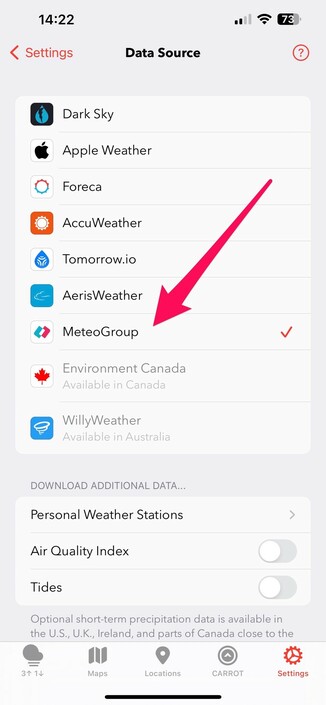
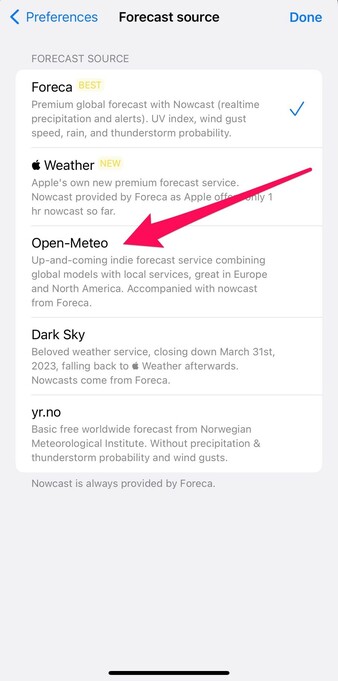
Does anyone know whether Open-Meteo is any close to Meteogroup forecast (screens from #carrotweather and #Weathergraph app)

Looking for good data Germany.

#Weathergraph App.

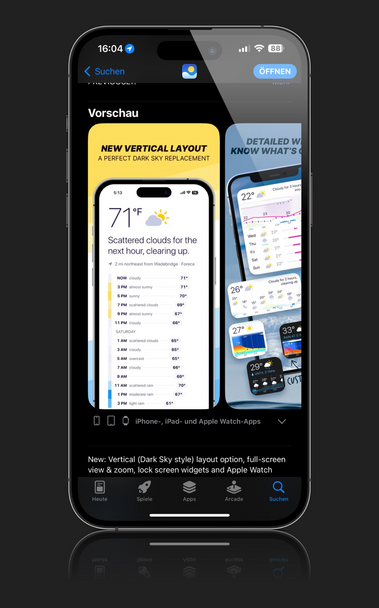
It‘s not #carrotweather, but also a nice alternative to have a #DarkSky layout on iPhone and AppleWatch. And it is cheaper (as of now: one time payment).

Currently checking how accurate weather forecast is.

https://apps.apple.com/de/app/weathergraph-weather-widget/id1501958576