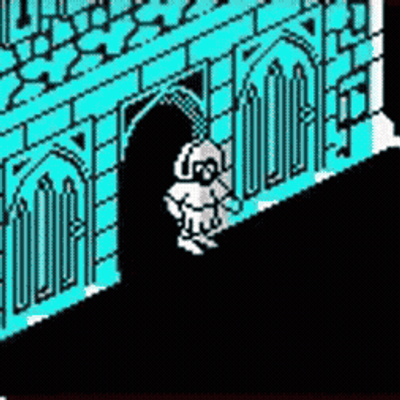
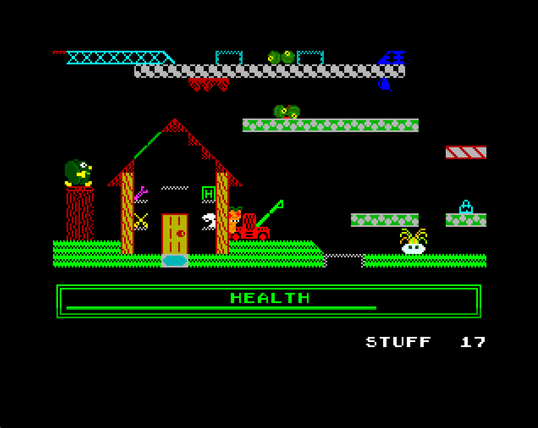
Live streaming this Thursday at 7.30pm; a selection of games from the Spectrum Next - the modern spiritual successor to the Sinclair ZX Spectrum. Hopefully see you there!

Channel Link:
https://youtube.com/RetroSpectives

#zxspectrum #spectrumnext #zxspectrumnext

Good news for all backers of the #spectrumnext Issue 3 who are interested in using the cassette player or drives of the #c64

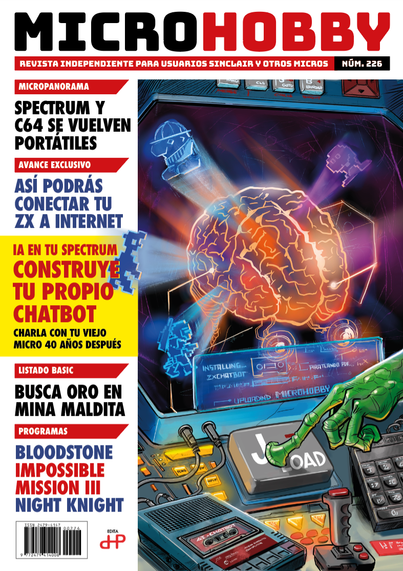
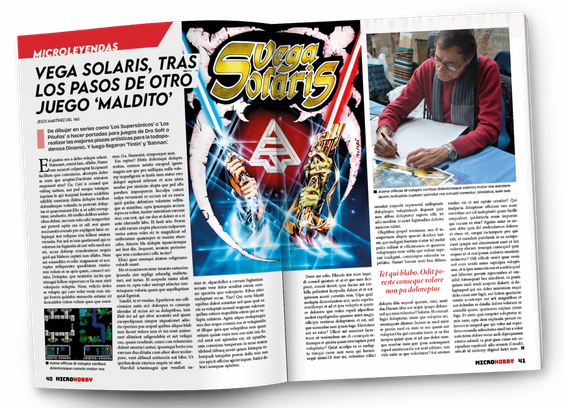
De paso, ya se puede conocer la portada del nuevo ejemplar de Microhobby (222). ¡Ya a la venta!

#Revistas #ZXSpectrum #Microhobby #Amstrad #Commodore #MSX #SpectrumNext #Compras

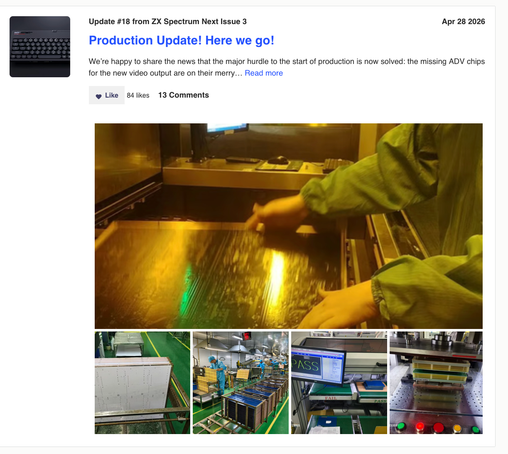
Unfortunately due to manufacturing and logistics delays The ZX Spectrum Next KS3 delivery has been pushed to late February.

Personally, I prefer the Next team to deliver a solid release and get it right, instead of getting it rushed and green.

https://www.kickstarter.com/projects/spectrumnext/zx-spectrum-next-issue-3-0/posts/4556106

#ZXSpectrum #Speccy #Spectrum #SpectrumNext #ZXSpectrumNext
#retrocomputing #retrogaming

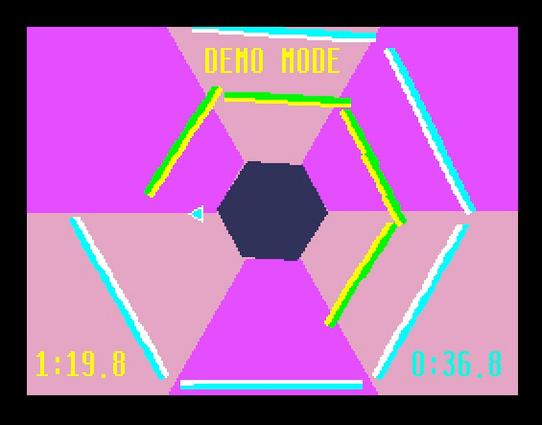
Nuevo videojuego en desarrollo para ZX Spectrum Next, del cual se ha lanzado una demo jugable: "Go With The Flow!", descargable desde su página web.

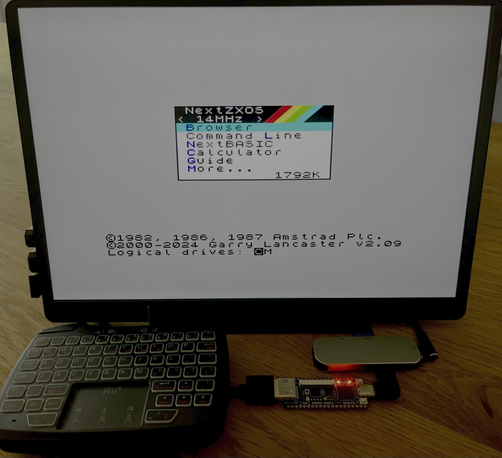
Requisito: 2Mb ZX Spectrum Next con Next ZXOS vers. 2.09

Fecha de lanzamiento: Prevista para el verano de 2026.

#SpectrumNext #WIP #Developments #videojuegos

https://technoshedsoftware.com/go-with-the-flow

Go With The Flow!

Go With The Flow! Demo Available Now – See Below! Go With The Flow! is a new original ZX Spectrum Next game from Technoshed Software – it’s an arcade pirate puzzle platformer with…

Technoshed Software
Manic Miner – The Lower Caverns (2025) for Sam Coupé (and soon #SpectrumNext via compatibility) #ManicMiner #SamCoupe #RetroComputing #RetroGaming #RetroGames #ZXNext 👉 www.worldofsam.org/products/low...

PS/2 Port Functionality on the N-GO

The N-GO board includes a single PS/2 connector that is dual-purpose. It supports both a keyboard and a mouse. Internally, the firmware and FPGA core multiplex the PS/2 data lines, similar to the ZX Spectrum Next Issue 2B that it clones.

You can connect:

  • A PS/2 keyboard only, plugged directly into the port; or
  • A PS/2 keyboard and mouse together, by using a Y-splitter cable (a PS/2 dual adapter with one connector for the board and two female ports marked “keyboard” and “mouse”).

How to Connect Both

  • To use both devices, you need a PS/2 splitter cable (also known as a PS/2 keyboard and mouse Y-adapter).
  • It has one 6-pin mini-DIN male plug on one end (to connect to the N-GO board) and two female PS/2 sockets for the keyboard and mouse.

Once connected:

  • The keyboard works normally for typing and ZX Spectrum BASIC input.

The mouse is supported through NextZXOS and other software that recognize the Kempston Mouse interface emulation provided through the PS/2 port.

Compatibility Notes

The PS/2 port uses true PS/2 signalling. Passive USB-to-PS/2 adapters only work if the connected USB keyboard or mouse supports dual protocols (PS/2 mode). Many older devices do; most modern ones do not.

Active USB-to-PS/2 converters (with a built-in controller) will also work but can introduce minor lag or require external power.

If you are mounting the board in a case with internal peripherals, you can route the Y-splitter cable inside the case for a cleaner setup.

#NGO  #NGOspectrum #ZXSpectrumNext #SpectrumNext

If you missed out on the KS3, here's a price alert that may be of help:

ZX Spectrum Next for €110
https://ultimatemister.com/product/zx-spectrum-next-n-go-board/

This is a N-GO-branded, perfect clone of the ZX Spectrum Next Issue 2B (TBBlue board only).

Bring your own keyboard and PS/2 mouse.

#ZXSpectrum #ZXSpectrumNext #SpectrumNext #Spectrum #Speccy #retrocomputing #retrogaming