 lymenzies
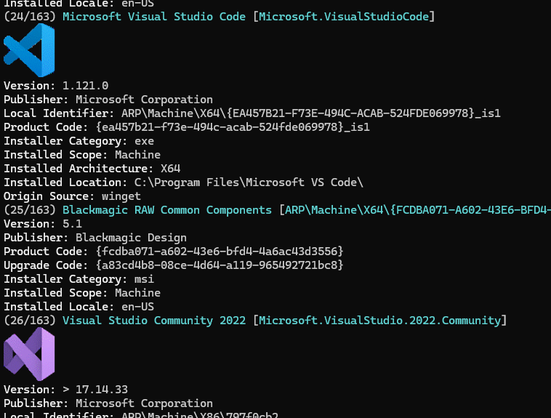
I'm sure by now everyone knows that Windows Terminal supports sixels and winget can be configured to output #sixel icons and progress bars. But I still think it's neat. I wonder what else does sixel on Windows.
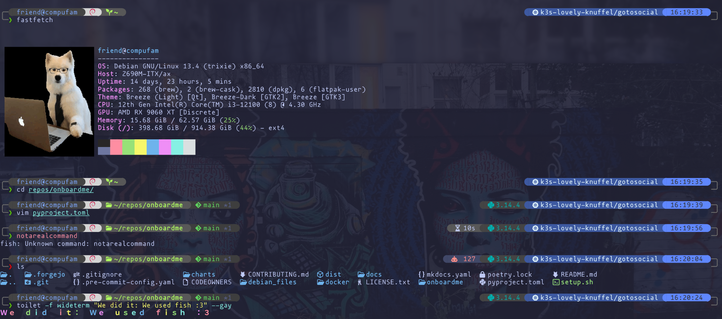
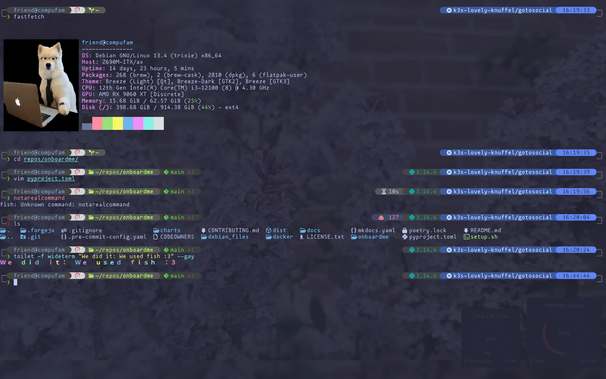
Pretty happy with my terminal setup again. Took me a while, because I recently switched both my terminal and prompt, but it's coming along nicely 
OS: Asahi Linux (Unstable Debian Bananas) SSHed into a Debian Trixie machine
Terminal: Konsole
Theme: Spacechalk
Font: mononokai (with nerd fonts)
Shell: fish
ls replacement: lsd
Images: sixel
(The terminal background is transparent and so the image you see is just my desktop background, which is a photo I took of some graffiti in Amsterdam. Edit: added a second image so you can see what it looks like full screen when my desktop background changes to different photos I've taken - this time it's some flowers)
#linux #konsole #fishshell #fastfetch #debian #sixel #nerdfont
#termux doesn't support #sixel graphics, there is a several year old pull request with several week old activity but I don't want to replace my fdroid's termux in case something goes wrong, still less compile it myself...
meanwhile termux x11 works but is much less convenient than the terminal.
hoping it gets merged, released, packaged by fdroid sooner than another several years...
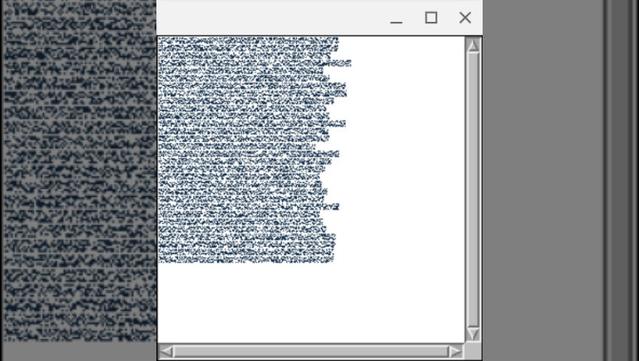
Things got a little screwy, but I added parsing for the historic #sixel notation.
"P #0;2;3;4#3;2;3;4
#0abcde$
#0abcde-
#3abcde$
\\"
CL-USER> (with-input-from-string (in *) (read in))
(BASICALLY-SIXELS (#1=(1/50 3/100 1/25) #2=(1/50 3/100 1/25)) (#1# A B C D E $)
(#1# A B C D E -) (#2# A B C D E $))
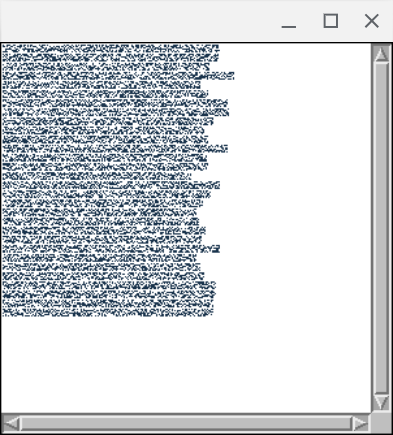
That output e.g. renders sixels in a #mcclim application pane & also makes it clear why that macro looks how it does. #commonLisp #programming #unironic #retrocomputing
#lispyGopherClimate #lambdaMOO #AprilFools #McCLIM #SIXEL #DEC #climate
 @reiver ⊼ (Charles)
 JesseBot
 claude
 drěvo dužestv:oooooo:ĺno 🍕🍍
 Jan van der Laan
 R.L. Dane

 🍵
🍵 
 screwlisp
 Lispy Gopher Climate w/ screwlisp
 mark sta ana