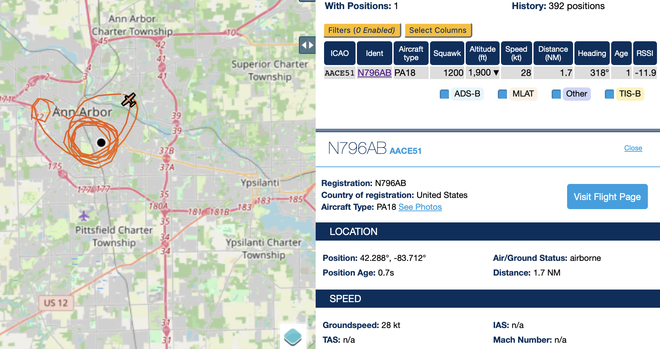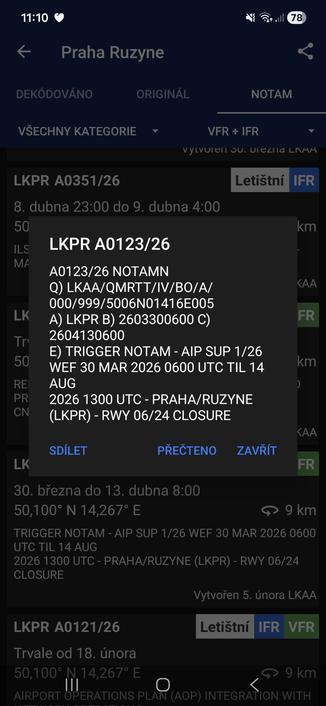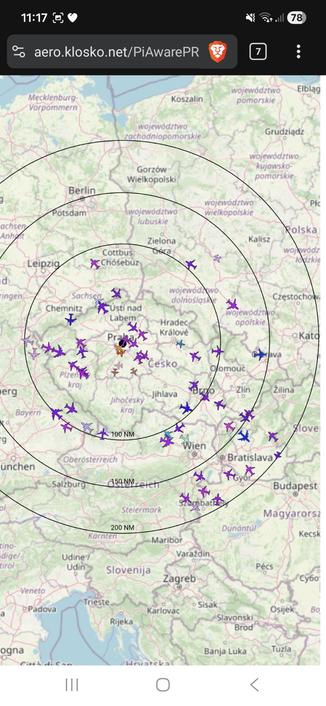

The #UAT instructions I followed for #Piaware / #flightaware are here

https://support.flightaware.com/hc/en-us/articles/32728331148951-Dual-Band-Raspberry-Pi-installation-1090-978

"This article will show how to create a dual frequency PiAware with 1090 and 978 on one platform."

this uses two SDR devices and two antennas.

Added a 978 MHz #UAT receiver to my #Piaware setup. I had an antenna already and had a spare SDR and turns out also had a spare USB-A to USB-A cable so that everything fits on the PI 3.

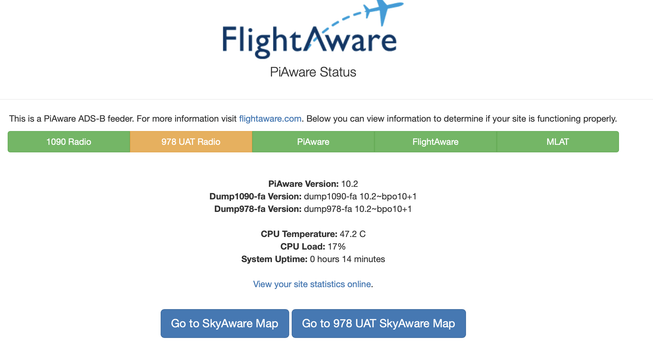
On the good side, all software seems to check out, and I'm getting "system is up" readings.

On the bad side for now, there are no low-flying UAT aircraft overhead so it's not easily possible to test.

The configuration is really aimed at U of Michigan football game days when planes tow ad banners, until then ?

evilotto ADS-B Feeder Statistics - FlightAware

Statistics for sites feeding ADS-B flight tracking data to FlightAware. Sites, users, countries, regions, and teams are ranked by the number of aircraft reported.

FlightAware

PiAware 10 now running on a Pi 3B - did not use the 32bit image, installed the bare bones 64bit OS and pulled from the repository. For some reason my RTL-SDR V4 is not liked so I am using the older V3. I'll dig around tomorrow in the logs to find out why. Probably some driver quirk that's documented and I missed it. Antenna on my desk too, I need to connect it to the one on the roof tomorrow. I'm in the flight path of RDU which is why I'm getting *something*.

#PiAware #ADSB

So I added another SDR to my #PiAware device for 978kHz, because a few flying machines flew over but I didn't get any info from them, so I assumed they were using the older wavelength, and I've sadly not seen anything yet.

#SDR #planespotting

Finished splitting out the #ultrafeeder from the #piaware pod. Even gave it it's own namespace so only those pods have elevated privileges to access the #SDR plugged into the #USB port. Both feeders are now connecting to that pod. Also started enabling #MLAT for bonus points, but had to give those pods a lot more CPU becausing that turns out to be very timing sensitive ๐Ÿ˜…
Next up is splitting out the #ADS-B #ulterfeeder from the #piaware pod so ultrafeeder runs on a node with a #RTL-SDR connected to it but the feeder pods (those that send to data to websites) can run anywhere since those don't have a hardware requirement.

This is one of my favorite pieces of software. Plash - put a webpage on your #Mac desktop. I use it to display my #PiAware map.

https://github.com/sindresorhus/Plash

GitHub - sindresorhus/Plash: ๐Ÿ’ฆ Make any website your Mac desktop wallpaper

๐Ÿ’ฆ Make any website your Mac desktop wallpaper. Contribute to sindresorhus/Plash development by creating an account on GitHub.

GitHub

Did a bit of hacking on my #magicmirror dashboard and #homeassistant setup yesterday. Still pretty basic and sorry for the bad pics (took them from an angle and in a dimly lit room), but it now has three pages:
1. default view, just some basic weather info, etc. more to come here
2. my local #piaware view of flights in the area
3. just the clock (playing with this for a nighttime setup)

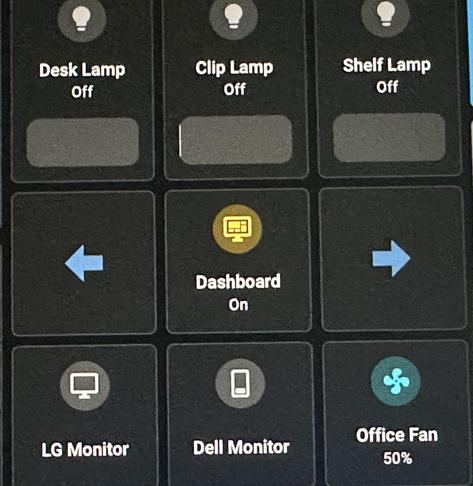
Last pic is of the HA screen that lets me turn it on/off and change the pages.

Success... long weekend with pihole (ad and malware blocker) on the home network, and didn't hear anyone complain about anything changing. #piaware #cybersecurity