Some new features actually don't show up much in the user interface, but are important anyway.
Here is one we added to #NeoFinder 9.2 for #macOS.

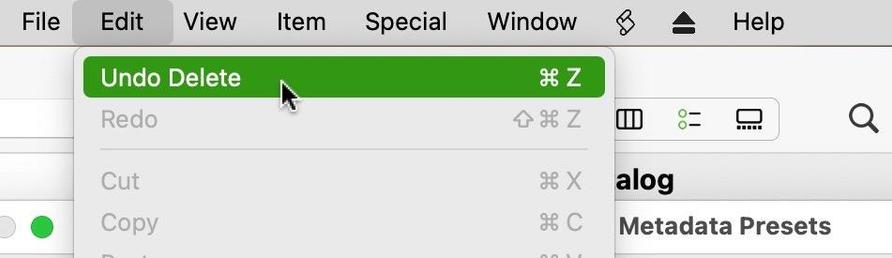
It is about deleting a Metadata Preset in the Presets Editor, which now supports Undo, and thus won't ask you for confirmation anymore.

https://www.neofinder.de/forum/phpBB3/viewtopic.php?p=784#p784

#PhotoArchive #Olympus #Canon #Nikon #Fuji #Sony #Hasselblad #MediaAssetManager #Photography #Lightroom #PhotoOrganizer #PhotoLibrary #IndieDev #Aperture #iMatch #PhotoMechanic #Cumulus

I love to say this: It is the little things!
It is always the little things that help your job getting finished faster and easier.
Like this one:

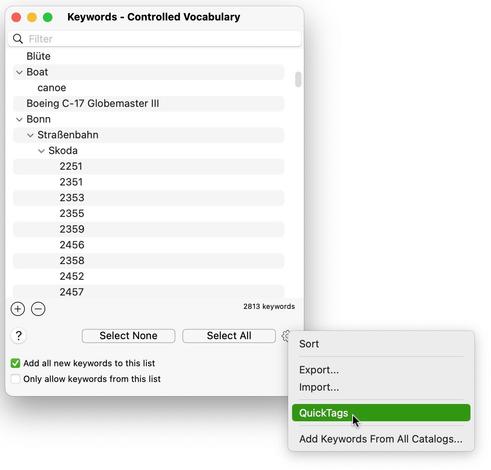
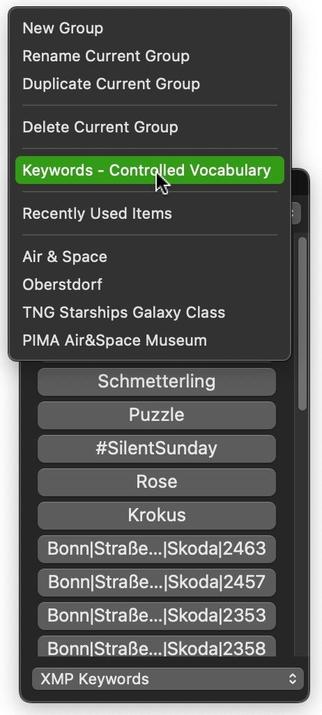
#NeoFinder 9.2 for #macOS now has a command to open the Controlled Vocabulary window directly from the QuickTags menu.

https://www.neofinder.de/forum/phpBB3/viewtopic.php?p=774#p774

#PhotoArchive #Olympus #Canon #Nikon #Fuji #Sony #Hasselblad #MediaAssetManager #Photography #Lightroom #PhotoOrganizer #PhotoLibrary #IndieDev #Aperture #iMatch #PhotoMechanic #Cumulus

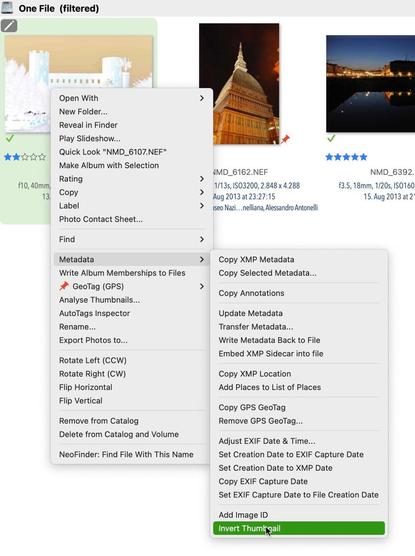
#NeoFinder 9.2.1 for #macOS has a new command in the Metadata context menu to invert a photo thumbnail in the catalog, if you are using scanned color negatives.

We have updated the NeoFinder Users Guide with more information and an example.

https://www.neofinder.de/forum/phpBB3/viewtopic.php?p=763#p763

#PhotoArchive #Olympus #Canon #Nikon #Fuji #Sony #Hasselblad #MediaAssetManager #Photography #Lightroom #PhotoOrganizer #PhotoLibrary #IndieDev #Aperture #iMatch #PhotoMechanic #Cumulus

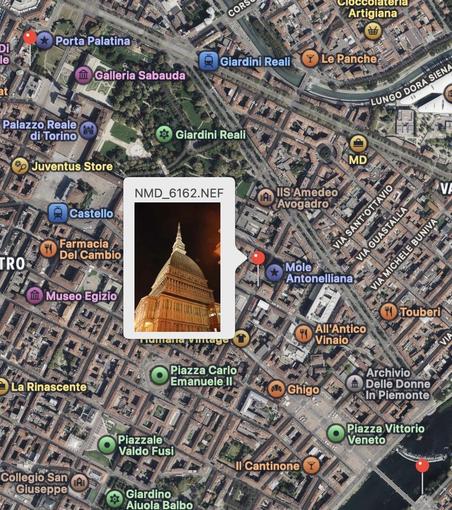
#NeoFinder 9.2.1 for #macOS has an improved Map navigation when multiple pins are shown: The Map shows the thumbnail of a pin in a "callout" when you click on it.

If you click into that thumbnail, only that one file will be selected.

https://www.neofinder.de/forum/phpBB3/viewtopic.php?p=758#p758

#PhotoArchive #Olympus #Canon #Nikon #Fuji #Sony #Hasselblad #MediaAssetManager #Photography #Lightroom #PhotoOrganizer #PhotoLibrary #IndieDev #Aperture #GeoTagging #PhotoMechanic #Cumulus

We think it is the small things that make all the difference.
Like Help Tags.
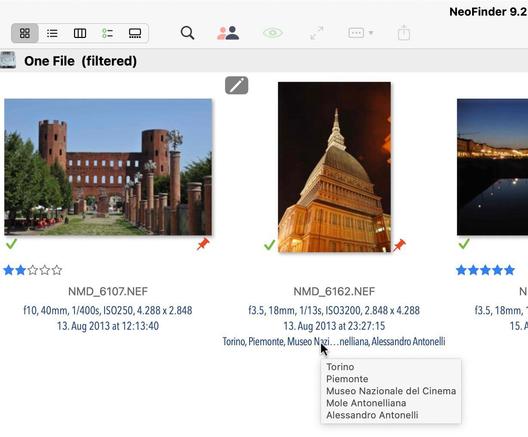
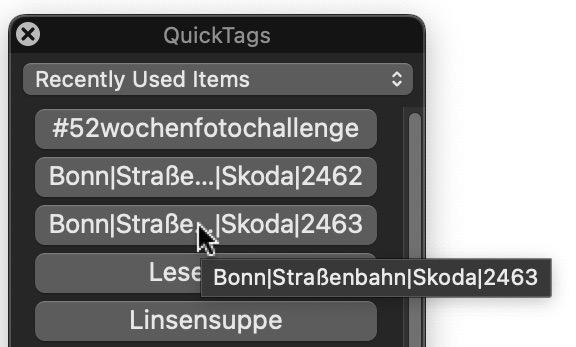
We have added them to the QuickTags and QuickPersons in #NeoFinder 9.2 for #macOS.

If the panel is not wide enough to show a person name or keyword, hover over it and NeoFinder will show you the complete content in a Help Tag.

https://www.neofinder.de/forum/phpBB3/viewtopic.php?p=749#p749

#PhotoArchive #Canon #Nikon #Hasselblad #MediaAssetManager #Photography #Lightroom #PhotoOrganizer #PhotoLibrary #IndieDev #Aperture #iMatch #PhotoMechanic #Cumulus

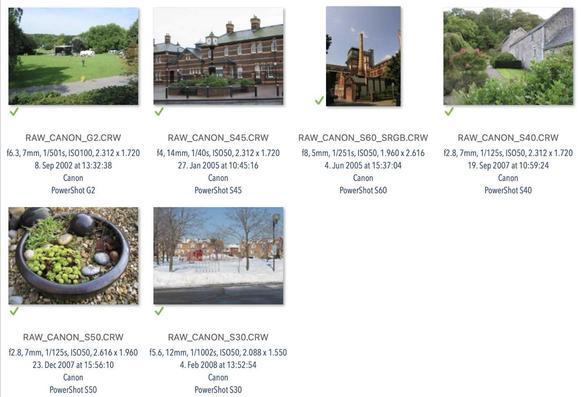
My #NeoFinder 9.2 for #macOS software has a new "Invert Selection" menu command for all content view styles!

That makes it again easier to quickly work with large amounts of data.

And this is one of the cool ideas we have received as feedback from a user, and it was great to add that.

https://www.neofinder.de/forum/phpBB3/viewtopic.php?p=746#p746

#PhotoArchive
#IndieDev
#PhotoMechanic