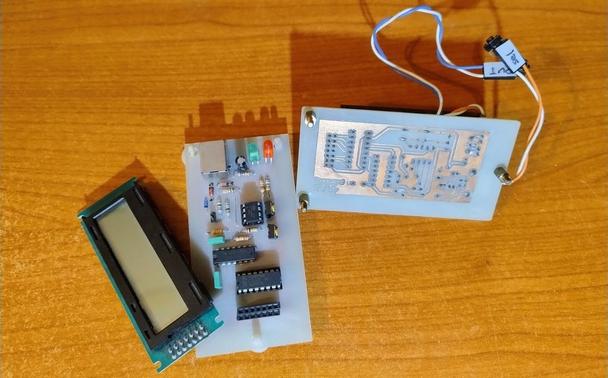
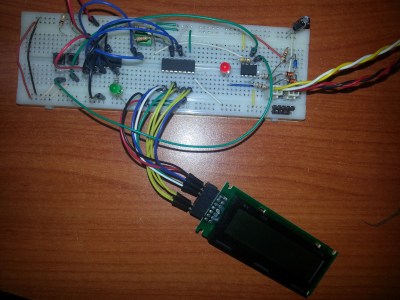
When Clever Hardware Hacks Bite Back: A Password Keeper Device Autopsy

Sometimes you have this project idea in your mind that seems so simple and straightforward, and which feels just so right that you have to roll with it. Then, years later you stumble across the sad…

Hackaday

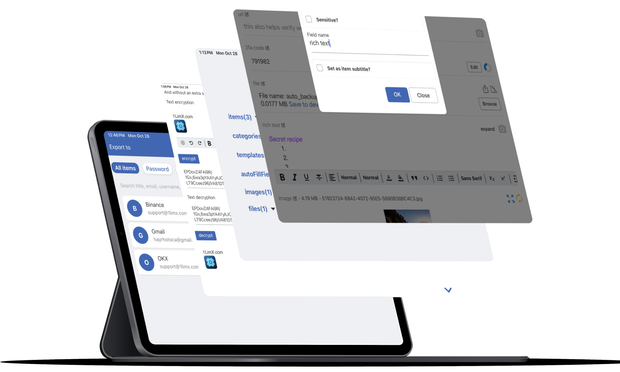
1LimX PC v3.1 and mobile v4.1 just dropped with the ability to sync all encrypted data over your own Google Drive and other exciting updates.

Also, an extension for Chromium-based and Firefox browsers on PC has been released to make autofilling logins a breeze.

Check out https://1limx.com/changelog/ to see what's changed.

#password #passwordmanager #passwordkeeper #secure #file #data #encryption #vault #offline #googledrive #1limx

Changelog | 1LimX - Offline cross-platform encryption/decryption and information, password Management tool

Changes of each version of 1LimX

Starter

We're thrilled to announce the release of 1LimX PC v2.1 and mobile v3.1! This update brings exciting new features, improvements, and bug fixes:

• Added ability to import items from JSON file.
• Added ability to export items to JSON, CSV (not including files and images and having option to export CSV file for PC browsers like Chrome, Firefox Edge, Brave,... autofill).
• Fixed a bug where a backup file smaller than 500MB and containing more than 51 files could not be decrypted and run.

Check it out: https://1limx.com/downloads.

#password #passwordmanager #passwordkeeper #secure #file #data #encryption #vault #offline

Download 1LimX for iOS, Android, Mac, Windows, Linux devices, computers | 1LimX

Looking for the best password manager and a text, rich text, file encryption/decryption tool for iOS, Android, Mac, Windows, Linux? Download our app for iOS, Android, Mac, Windows, Linux. No credit card or sign up required and enjoy unlimited items, unlimited item custom fields, unlimited file, image attachments in items and more for free.

Starter

We're excited to announce the release of 1LimX mobile app version 3 and PC app version 2. These versions include Rich Text data type and many improvements:

1. Rich Text data type replaces Paragraph data type and all existing paragraph fields will automatically changed to rich text fields.
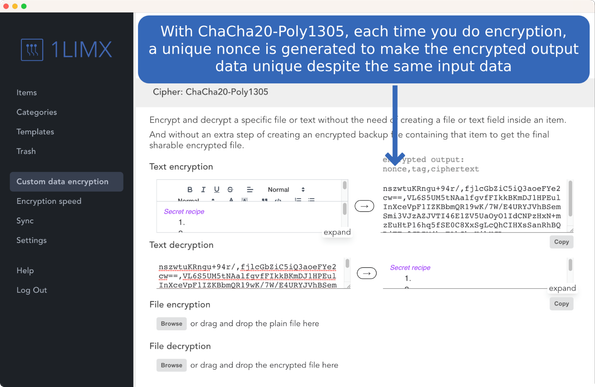
2. Rich Text data type also replaces plain text on Custom Data Encryption screen.
3. Rich Text data type offers what you normally see in the Microsoft word editor.

See full changelog at: https://1limx.com/changelog/

#information #password #passwordmanager #passwordkeeper #secure #file #data #encryption #vault

Changelog | 1LimX - Offline cross-platform encryption/decryption and information, password Management tool

Changes of each version of 1LimX

Starter