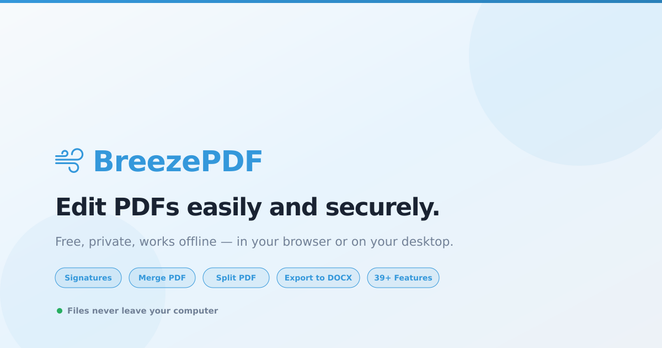
🌐✨ Look out, world! #BreezePDF is here to revolutionize the art of making PDF edits as thrilling as watching paint dry! 🎉🌟 Forget about uploading—because who doesn't love the ineffable joy of waiting for your browser to crash while juggling 30 tools you never asked for? 🤡🔧
https://breezepdf.com/?v=2 #PDFediting #techinnovation #userexperience #productivity #HackerNews #ngated
BreezePDF — Edit PDFs Easily and Securely

A powerful PDF editor with 39+ features that runs entirely in your browser or locally on your desktop. Add text, signatures, merge files, export to DOCX — free, offline, and completely private. Files never touch our servers.

BreezePDF

Google Chrome Introduces New Productivity Features: Split View, PDF Editing, and Google Drive Integration

Google Chrome desktop users get new Split View, PDF editing, and Save to Google Drive features from February 2026 to improve productivity.

#ChromeUpdate, #ProductivityTools, #GoogleDrive, #PDFEditing, #SplitView

https://newsletter.tf/google-chrome-adds-split-view-pdf-editing-and-save-to-drive-in-february-2026/

Google Chrome now has Split View for two tabs at once, PDF editing, and a direct save to Google Drive option. This makes using Chrome much easier for daily tasks.

#ChromeUpdate, #ProductivityTools, #GoogleDrive, #PDFEditing, #SplitView

https://newsletter.tf/google-chrome-adds-split-view-pdf-editing-and-save-to-drive-in-february-2026/

Google Chrome desktop update adds Split View, PDF editing, and Google Drive save from February 2026

Google Chrome desktop users get new Split View, PDF editing, and Save to Google Drive features from February 2026 to improve productivity.

Struggling with a corrupted PDF file and upcoming deadlines? 😅

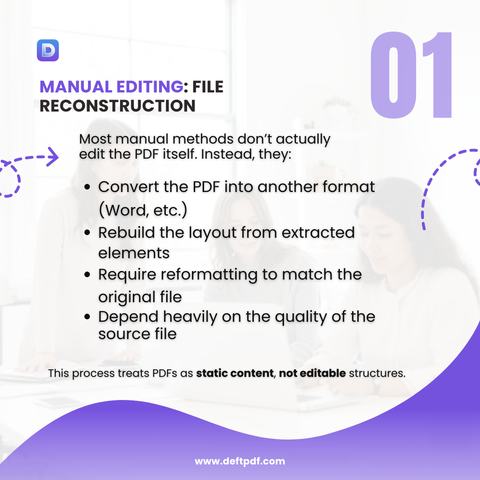
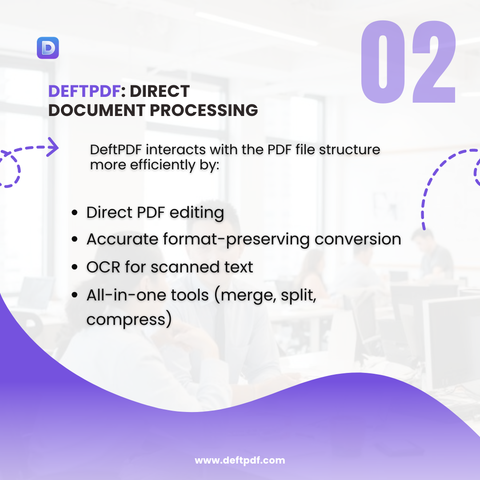
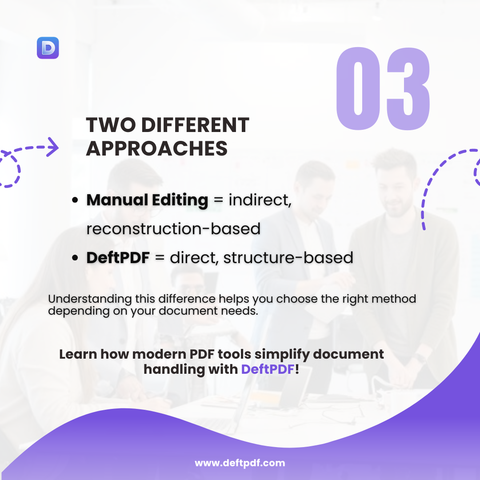
DeftPDF comes to the rescue! Easily repair corrupted PDFs, edit and convert files, merge or split documents, and securely manage your PDFs online—all in one powerful PDF tool to keep your workflow smooth and deadlines stress-free. 📄💻

www.deftpdf.com
PDFRepair #DeftPDF #CorruptedPDF #PDFEditing #DigitalProductivity

Word of the Day: Cross-Reference Table (XRef) 📄

Understanding XRef is key for PDF editing, recovery, and optimization, especially when using tools like DeftPDF. ✨

Keep your PDFs organized, fast, and error-free by mastering the XRef table! www.deftpdf.com

#PDFTips #PDFEditing #XRef #PDFOptimization #DeftPDF

Who can relate? 😫

Glad DeftPDF exists! 🙌 Say goodbye to PDF headaches and enjoy stress-free, all-in-one PDF management online with DeftPDF!

www.deftpdf.com
#DeftPDF #PDFTools #PDFEditing #DigitalDocuments #PaperlessWorkflow #WorkSmarter

Word of the Day: OCR (Optical Character Recognition) 📝

Knowing how OCR works is crucial for converting paperwork into editable text, automating tasks, and boosting productivity. ✨

Make your PDFs smarter with DeftPDF’s OCR tools!

www.deftpdf.com
#OpticalCharacterRecognition #PDFTools #DeftPDF #DigitalDocuments #PDFEditing

I be like… where have YOU been all my life? 😫

Say goodbye to endless scrolling, formatting headaches, and messy documents! With DeftPDF, you can edit, convert, merge, and organize your PDFs effortlessly—all in one place. 🙌

www.deftpdf.com
#DeftPDF #HolidayDocuments #PDFEditing #PDFConverter #OrganizePDFs #PDFTips

Who can relate? Spending hours trying to fix documents… only to mess up the formatting again! 😩

Say goodbye to the hassle — get your PDFs ready effortlessly with DeftPDF. Edit, convert, and organize your documents in minutes. ✅

Try DeftPDF now and simplify your document workflow! www.deftpdf.com

#DeftPDF #PDFEditing #HolidayDocuments #MergePDFs #PDFConverter #OrganizePDFs #WorkSmarter #StressFreeHolidays #DigitalOrganization

🔍 Oh, look! It's yet another CLI tool that thinks it's revolutionary by letting us edit PDFs with something called "Nano Banana" 🍌. Spoiler alert: it's just a glorified way to break your documents while pretending to be productive. 🙄
https://github.com/gavrielc/Nano-PDF #CLItools #NanoBanana #PDFediting #ProductivityFail #DocumentDisaster #HackerNews #ngated
GitHub - gavrielc/Nano-PDF: Edit PDF files with Nano Banana

Edit PDF files with Nano Banana. Contribute to gavrielc/Nano-PDF development by creating an account on GitHub.

GitHub