Aptivi
Don’t install One UI 7 before switching away from SwiftKey!
If you’re using SwiftKey and you’re going to install One UI 7 on your phone as soon as it rolls out to your country, then… STOP!
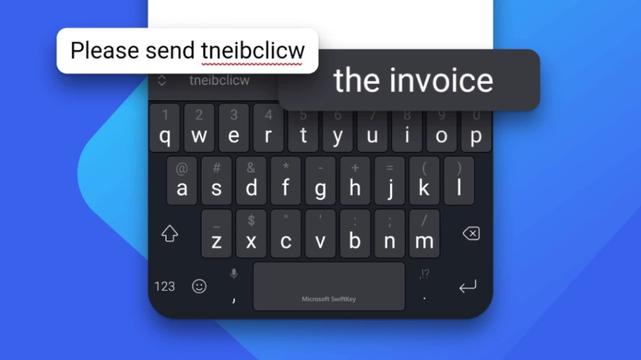
Why? Because once you install One UI 7 while using the SwiftKey keyboard, and you’ve set your phone to lock with a password, you will never be able to get back to your phone again. That’s due to the keyboard not showing the Enter button because it’s hidden under the navigation bar. The blank areas in the navigation bar are untouchable, so this means that your phone will be rendered useless unless you either factory reset your device or try to perform a workaround.
Microsoft has fixed the problem and released the new version of SwiftKey. This has affected all Galaxy S25 phones and any other phones that run One UI 7. Consider updating SwiftKey and switching to Samsung Keyboard before you initiate the update. After the update, switch back to SwiftKey after unlocking your phone.
#Android #AndroidV #microsoft #MicrosoftSwiftKey #news #oneUi #OneUI7 #OneUI70 #Samsung #smartphone #SwiftKey #Tech #Technology #update
 Tech Chilli
 Spaceship