 Nathaniel Daught
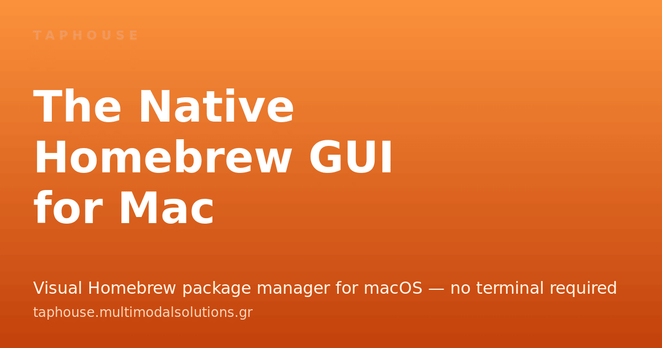
Wow I just learned about 2 Homebrew GUI apps this week! Both look great.
 Mark Gardner
#Perl script for upgrading #Homebrew packages *only* to the newest patch level is now on #Codeberg: https://codeberg.org/mjgardner/brew-patch-upgrade
Working on the blog post for https://phoenixtrap.com/tag/perl

 David Cantrell 🏏
`xz 5.6.1 -> 5.4.6`
Well that's an unusual thing to see while doing a sofware upgrade. And this is definitely an upgrade. #xz #MacHomebrew
 Mark Gardner
Upgrading @bbedit to a new major version via the #macOS terminal and @homebrew:
```
brew upgrade --cask --greedy bbedit
```
@philsplace The #Perl software #Pinto? Yeah, that’s not in #MacHomebrew, and it’s also kinda dead and dusted. THALJEF moved on. Take a look at @oalders’s OrePAN2 and related software if you want a DarkPAN manager: https://metacpan.org/pod/OrePAN2
I updated the #GraphicConverter @homebrew cask to the latest release of version 12. So if you’re a #MacHomebrew user and were wondering why you were stuck on version 11, that’s why.
https://formulae.brew.sh/cask/graphicconverter
https://github.com/Homebrew/homebrew-cask/pull/146649
GraphicConverter is a legendary thirty-plus-year-old #macOS #shareware image editing powerhouse; #Apple even bundled it with new #Macs before they released #iPhoto.

@randomgeek @minego @perigrin @gizmomathboy #ManyTricks #Moom fits my #macOS window tiling needs—it doesn’t force weird keyboard combos that may not map well on TKL or smaller keyboards. https://manytricks.com/moom/
And I have a bunch of other tweaky things and apps I consider essential. #Homebrew Bundle makes sure they’re repeatably installable on a new machine. https://github.com/Homebrew/homebrew-bundle

 William Rehwinkel
#peertube -multipart-upload is now available on #homebrew #homebrewmac #machomebrew from my personal tap "FiskFan1999/FiskFan1999 https://codeberg.org/FiskFan1999/homebrew-FiskFan1999.git" (custom link to repository), for those of you who use this package manager. The instructions to install via homebrew can be found here: https://github.com/ObieSource/peertube-multipart-upload#installation

 Mina
Minadoes anyone, anyone, pronounce #machomebrew any other than "macho me brew"?