Tip of the day: There are four different sidebars in a #DEVONthink window: the Navigate sidebar, the Reading List, the Import sidebar, and the Extras sidebar. The latter may seem like just a simple pane in the interface, but we believe it’s a useful place to get some additional information from us. #pkm #productivity #tipoftheday https://www.devontechnologies.com/blog/20260224-devonthink-extras-sidebar
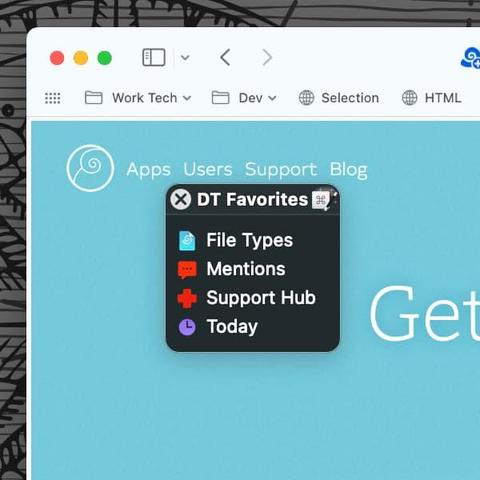
Tip of the day: Even as our #DEVONthink databases continue to grow, there are always certain documents or groups we deal with daily. Here is a way to create a launch palette in the popular Keyboard Maestro utility to quickly jump to an item in your database. #pkm #productivity #thirdparties #tipoftheday #workflow https://www.devontechnologies.com/blog/20230808-palette-keyboard-maestro
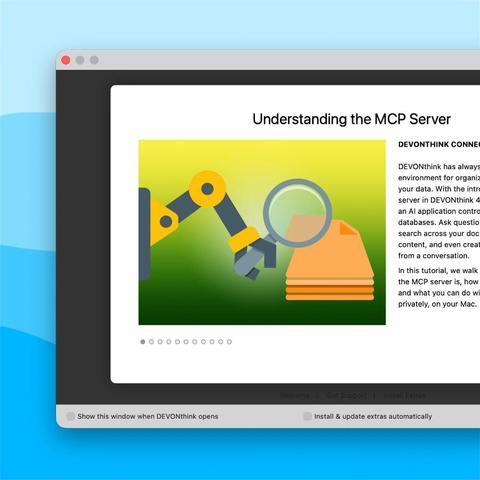
Using the Model Context Protocol (MCP) you can make the data stored in DEVONthink and many of its abilities availble to your preferred AI client, e.g., Claude or Codex. But how does MCP work? We have made two new tutorial about it for you. #devonthink #mcp #ai https://www.devontechnologies.com/blog/20260625-mcp-tutorials
Tip of the day: #DEVONthink databases are created to hold a large number of documents, so robustness is paramount. In addition to that, #DEVONthink has a few build-in commands to check and keep your databases healthy. Here is, how to use them. #pkm #productivity #safety #tipoftheday #troubleshooting https://www.devontechnologies.com/blog/20240723-devonthink-maintenance
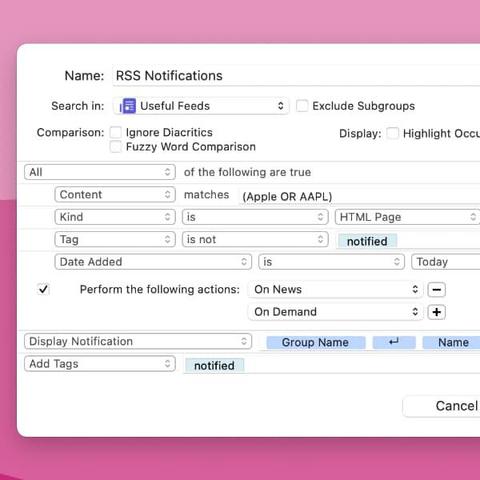
Tip of the day: You can use #DEVONthink as an #RSS reader to subscribe to, read, and archive feeds. Here is a simple way to add notifications when you get new articles. #automation #pkm #productivity #tipoftheday https://www.devontechnologies.com/blog/20250423-rss-notifications-devonthink
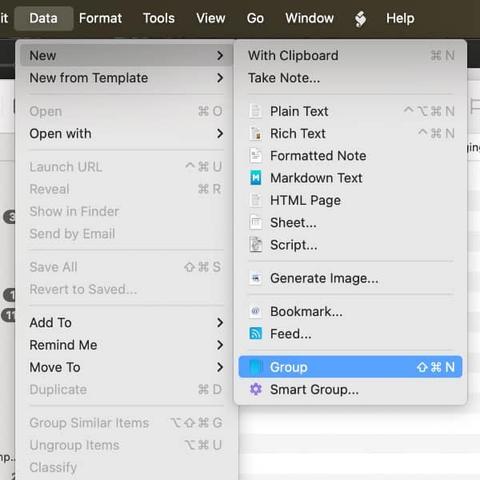
Tip of the day: Groups are a core element in #DEVONthink databases, functionally similar to Finder folders. They are an excellent way to organize your documents and information, and in #DEVONthink, there are many different ways to create them within your workflows. Here is how. #organize #pkm #productivity #tipoftheday https://www.devontechnologies.com/blog/20250826-groups-devonthink
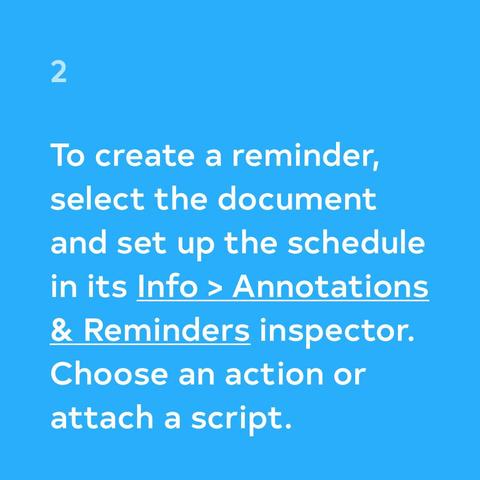
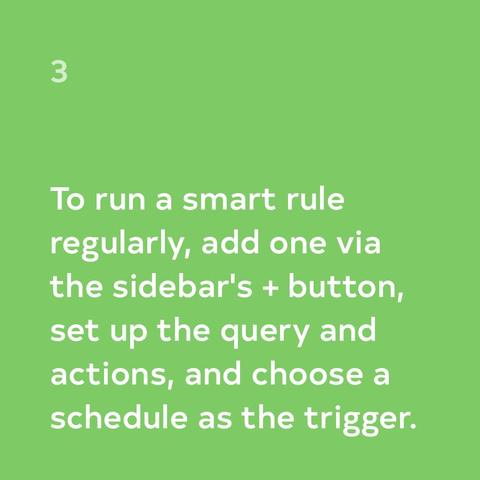
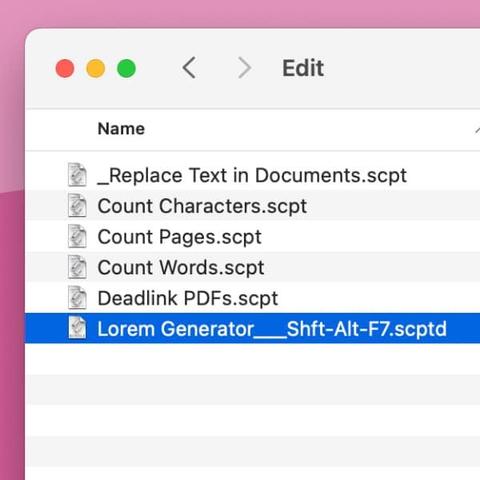
Reminders are one way to automate work in DEVONthink. They let you set exact times, days, and well-defined recurrences for certain time-based actions like playing a sound, opening a document, or even running a script. Here is how that works. #devonthink #automation #workflow https://www.devontechnologies.com/blog/20260623-schedule-tasks-devonthink
Tip of the day: Is there a script in #DEVONthink that you use frequently and would like to have quickly accessible? #DEVONthink has a way to set a keyboard shortcut for scripts and templates. Here is how. #automation #pkm #productivity #tipoftheday #workflow https://www.devontechnologies.com/blog/20250805-scripts-shortcuts-devonthink
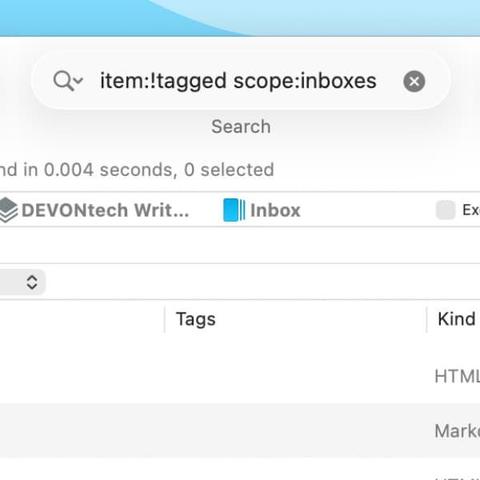
Tip of the day: With #DEVONthink’s search, you can precisely search your databases for documents with specific characteristics, like, for example, tags. Many people often use a Tags property for this, but that isn’t optimal. Here’s how to correctly search for this. #devonthinktogo #pkm #productivity #tipoftheday https://www.devontechnologies.com/blog/20260407-devonthink-search-by-item
Tip of the day: If you are working on a project, Favorites can be an effective way to quickly access it. But having too many items in one’s Favorites can be counter-productive. Here’s something you can do in #DEVONthink and #DEVONthinkToGo. #organize #pkm #productivity #tipoftheday #workflow https://www.devontechnologies.com/blog/20251021-temporary-favorites-devonthink