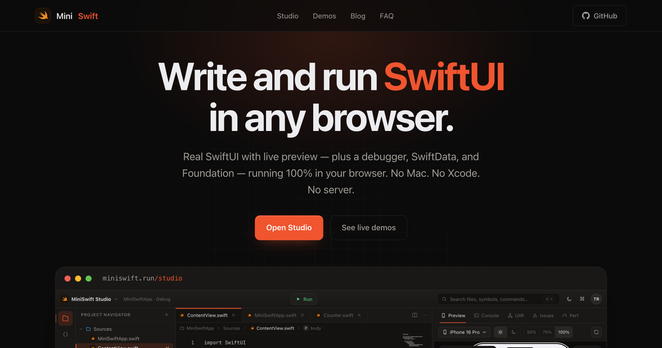
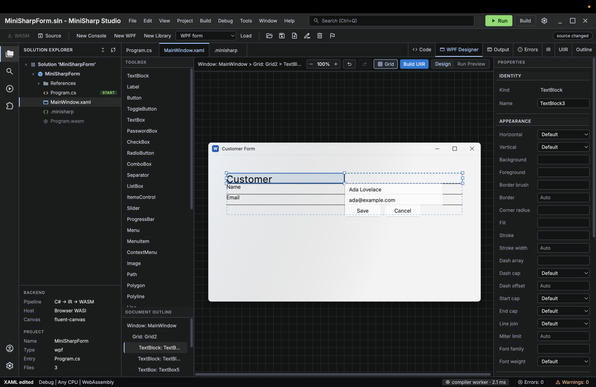
Very soon you will be able to edit WPF and Win C# applications on the web ;-)

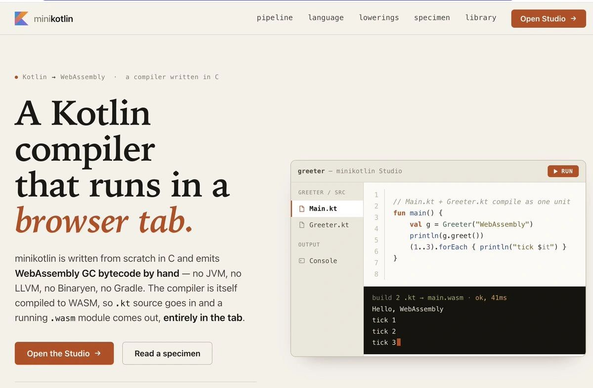
MiniKotlin is now available to celebrate Kotlin's 15th anniversary. And it doesn't require the JVM.
Consequently, I likely won't be able to utilize Apple's native Siri services. Because of this, the cloud-based Siri model currently remains a gray area for MiniSwift.
But it’s not a major setback. I’ve overcome plenty of hurdles before, and I’m confident I’ll find a way around this one too ;-)
After extensive trial and error, I built my own foundation model and successfully embedded it into this project, leveraging WebGPU once again.
Since Apple’s 3B foundation model wasn't highly efficient to begin with, I was confident that I could replicate and reflect the core capabilities it offered.
However, with the upcoming Apple 27 update, it looks like they are transitioning to a completely cloud-based architecture.
As for the AI side of things, I’d like to share a few thoughts.
Initially, the Foundation library that came with macOS 26 was more ideal for my needs, as it featured a 3B local model. This aligned perfectly with MiniSwift’s core philosophy of offline-first operation.
So, how did I tackle the challenge when things shifted?
I developed an end-to-end LLM architecture called https://llm.istanbul written entirely in WebGPU, giving me absolute control over the system.
The MiniSwift macOS Emulator is nearing completion. Below is a sample video showcasing the Siri emulation.
I’d like to clarify a few points here:
1. This visual output is not a CSS or JS emulation.
2. It takes your Swift project's SiriKit integration code, processes it through UIIR, and renders it directly onto a web canvas.
OH! No, that's outdated information.
Because now there's https://miniswift.run/ ;-)
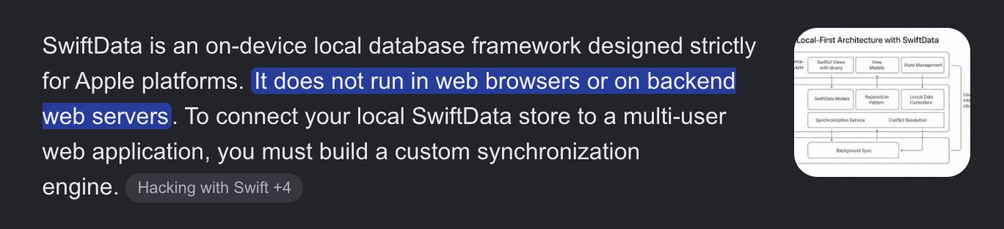
Does SwiftData work in the browser?
YES with MiniSwift
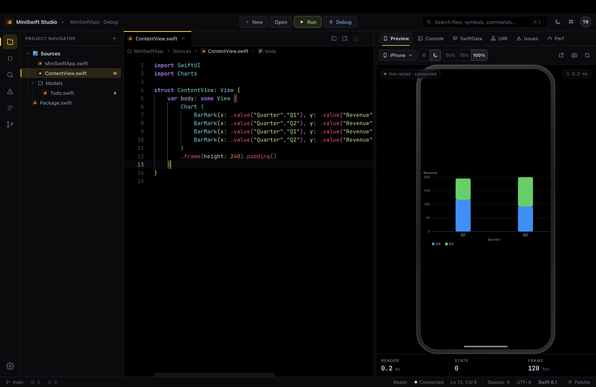
Swift Charts now runs in the browser.
Write Chart { BarMark(x: .value(...), y: .value(...)) } in MiniSwift Studio and watch it render live — bars, lines, scatter, pie, multi-series with legends. No Mac. No Xcode. No server.
The wild part: it's a Swift compiler hand-written in C → WebAssembly, and the charts are drawn on a <canvas> straight from the compiled UI tree. 100% client-side.
You can now install a Swift IDE as an app and write, compile, and run SwiftUI fully offline. No Mac. No Xcode. No server.
The compiler and runtime are WebAssembly — and the live debugger (SharedArrayBuffer) keeps working even from the offline cache. So… compile SwiftUI on a plane.