Two pixel height font: https://joefatula.com/twoslice.html (via @kottke )
| Work | glyphsapp.com |
| Work | glyphsapp.com |
Top tip for the three other people who need this:
You can "upgrade" UnicodeChecker to pre-release versions of Unicode by replacing all the database files in "/Applications/UnicodeChecker.app/Contents/Resources/Unicode Data" with the updated versions from https://www.unicode.org/Public/draft/UCD/ucd/
Workshops, Workshops, Workshops!
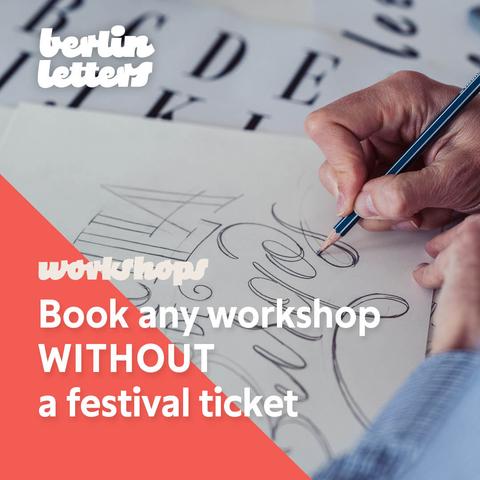
We compiled a wide range of professional classes for you. Expand your skills, get your hands dirty and learn from the best in small groups of like-minded letter enthusiasts.
If you can’t join us for all three festival days, you can book any workshop also without a festival ticket.
Check out all our workshops: https://berlinletters.com/workshops-overview/
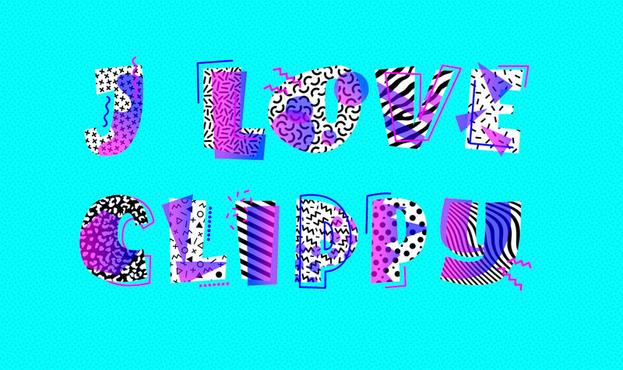
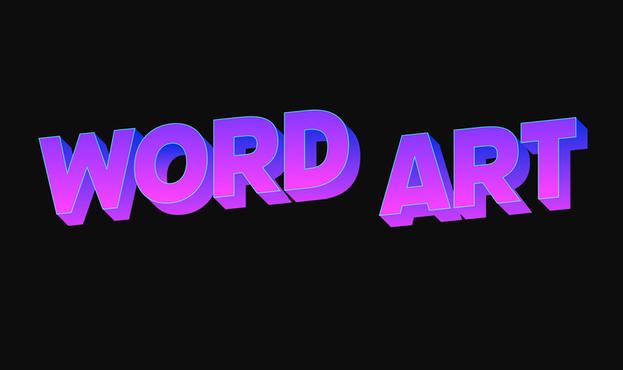
Remember WordArt and Clippy? Stretched letter shapes with textures, shadows, gradients, and 3D effects allowed a limitless way to express creative freedom.
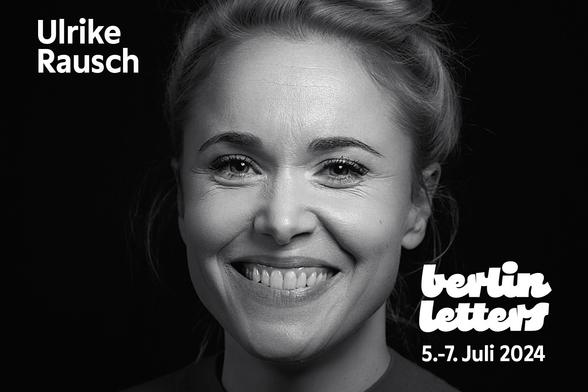
In her talk, Ulrike Rausch from @LiebeFonts will satisfy your ’90s nostalgia and demonstrate how to revive Word Art masterpieces with the latest font technology: Let’s Make Fonts Like It's 1995!
Rainer @mekkablue and Georg @schriftgestalt will unveil the full power of components in Glyphs 3. These insights will save you hours, if not days, in your workflow. In this 3-hour workshop, you will learn how to efficiently reuse shapes across your typeface:
- regular components
- corner components
- cap components
- segment and brush components
- smart components
- what to do when you cannot use components, but still need to sync shapes

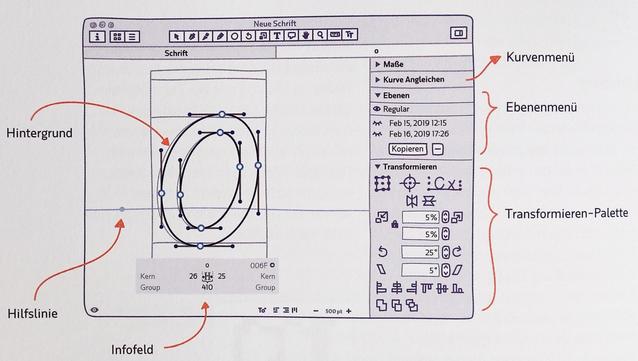
Together with the release of Glyphs 3.2, there is now also a web edition of the handbook: https://handbook.glyphsapp.com
The site is generated from the same LaTeX source as the PDF edition, which makes it easy to keep the two in sync. The TeX to HTML converter is custom (built with more regexes than one would expect) since no off-the-shelf tools worked particularly well.
Images are mostly auto-converted from PDF to SVG using pdftocairo. Some images require special handling for both output formats.

 Ethan Marcotte
 Simon Cozens
 @charakterziffer
 Berlin Letters

 Florian Pircher
 Tim Bray