 Alain
AlainPlanify 4.19.2 is out!
Automatic daily backups, system accent color support, CalDAV section sync, past date selection in the date picker, and several bug fixes.

| Web site | https://useplanify.com/ |
| Github | https://github.com/alainm23/planify |
Planify 4.19.2 is out!
Automatic daily backups, system accent color support, CalDAV section sync, past date selection in the date picker, and several bug fixes.
Hey everyone
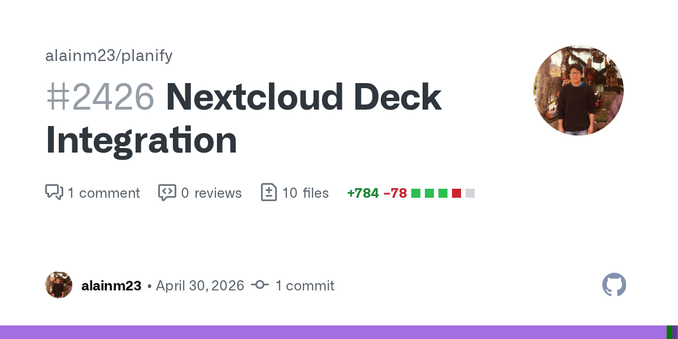
Just a quick update — I’ve started working on Nextcloud Deck integration for Planify.
It’s still a work in progress, but if you’re interested in what’s coming (or want to share thoughts early), you can check the PR here:
https://github.com/alainm23/planify/pull/2426
Feedback is always welcome 🙂
🚀 Planify 4.19.1 is out!
- CalDAV sync improvements for Posteo and other servers, fixed task completion
conflicts, recurring task subtask reset, and several bug fixes.
- Plus two new features: expand description dialog and CLI backup export
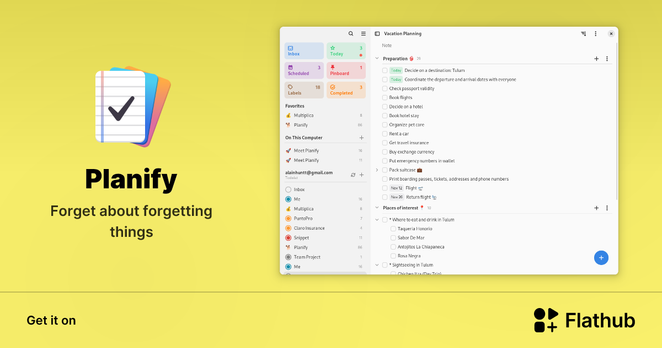
Get it on Flathub 👇
https://flathub.org/apps/io.github.alainm23.planify
🚀 Planify 4.19.0 is out!
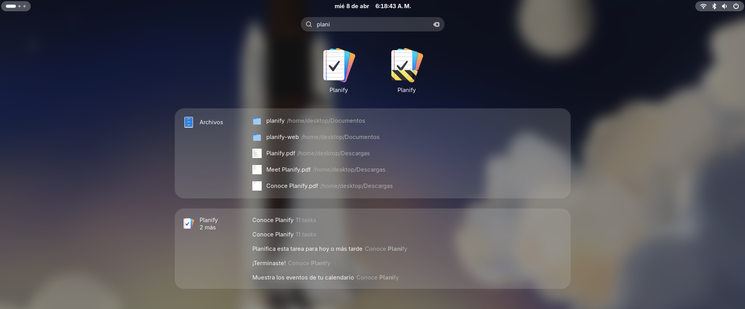
Major CalDAV overhaul with ETag conflict detection, sync-collection fallback for Posteo/Mailbox.org/Vikunja, and tons of fixes. Plus GNOME Shell search, PDF export, productivity stats, and more.
Full changelog: https://useplanify.com/blog/#planify-4190-caldav-overhaul-gnome-search-and-productivity-features
🚀 New! @planifyapp now has a CLI tool — manage your tasks directly from the terminal!
Add, list, update, and complete tasks without leaving your workflow. JSON output makes it perfect for scripting, automation, and voice assistants.
New feature coming to @planifyapp Summary & Productivity!
Track your tasks at a glance, see what's done, what's pending, and how you're doing against your daily and weekly goals. With animated stats and motivational messages to keep you going .
This is just Phase 1 — more stats and insights coming soon!
🚀 Planify 4.18.3 is out!
This release adds an initial CLI interface, a redesigned date/time picker, better calendar event handling, and several stability fixes.
Thanks to all contributors and supporters who help keep Planify improving ❤️
Today Planify reached 5,000 stars on GitHub ⭐
When I started this project, I simply wanted to build a beautiful and powerful task manager for Linux. Seeing thousands of people interested in it, using it, and contributing ideas is incredibly motivating.
Open source is amazing because it shows what can happen when people from all over the world support and improve a project together.
Thank you to everyone who uses Planify, reports issues, contributes ideas, and supports the project.