Jonas Salling

@jsalling
42 Followers
110 Following
224 Posts
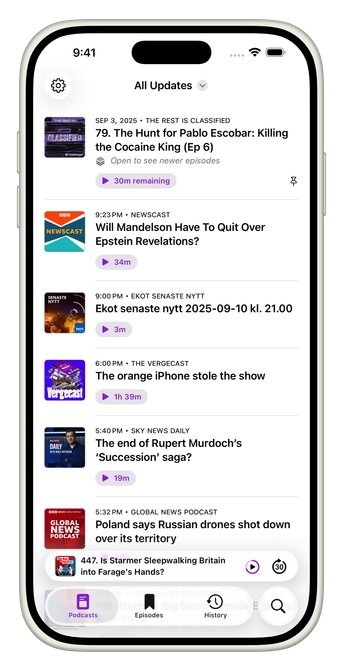
Building apps since 2003, mostly at the intersection of Apple and mobile—early projects include Salling Clicker and MobileSync. Over the past decade, I’ve helped companies big and small—including Skype, Schibsted, and Storytel—craft high-quality iOS apps. I'm passionate about thoughtful, well-made software, and sometimes open to new consulting opportunities. My podcast app https://indieapps.space/@updates: https://apps.apple.com/app/id6737241203
GITHUBhttps://github.com/salling
LINKEDINhttps://linkedin.com/in/jonassalling/

I feel like the implementation of the tabViewBottomAccessory API in SwiftUI was done by someone who didn't really know what they were doing (or didn't get enough support). Yes, this is harsh critique, but look at this 26.1 breakage (thankfully not affected by it in my podcast app Updates, but had to work around this bug when working around another "misfeature" in the same API):

https://developer.apple.com/forums/thread/805923

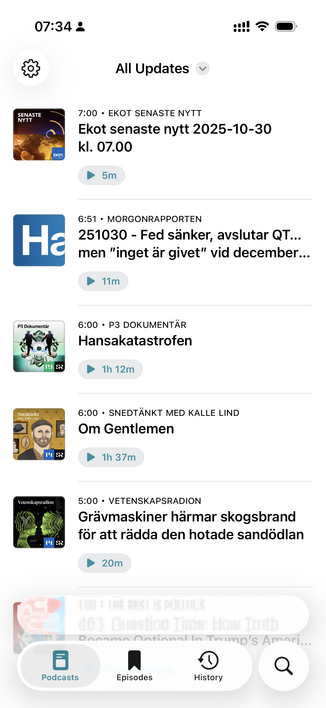
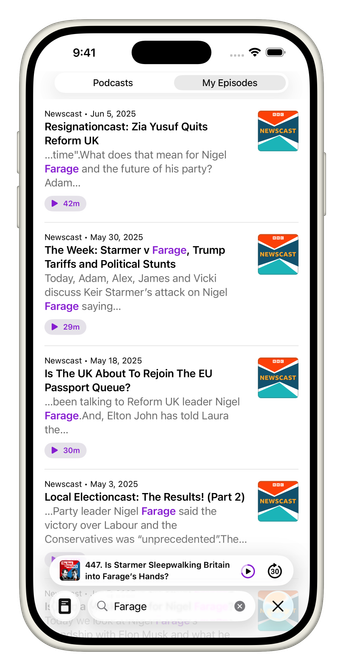
Here, btw, is the breakage my users will see in iOS 26.1 (not possible to hide the MiniPlayer; it’s visible also when empty). An alternative to dropping LG for now is to stick something in the MiniPlayer when otherwise empty (this includes new users, with no podcast subscriptions). WDYT?
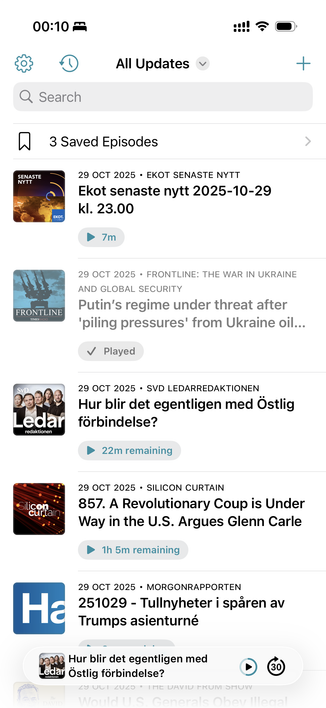
Here's an experimental build to get a feel for what it's like to drop the problematic iOS 26 tabViewBottomAccessory API. Also, because the tab-less UI relies on adding the "Saved Episodes" item to the home screen's list as a result of a swipe action, I had to enable UIDesignRequiresCompatibility because of FB19602925 (filed in mid-August, with minimal demo-project) which causes List animations to be very broken when resulting from user swipe-action.

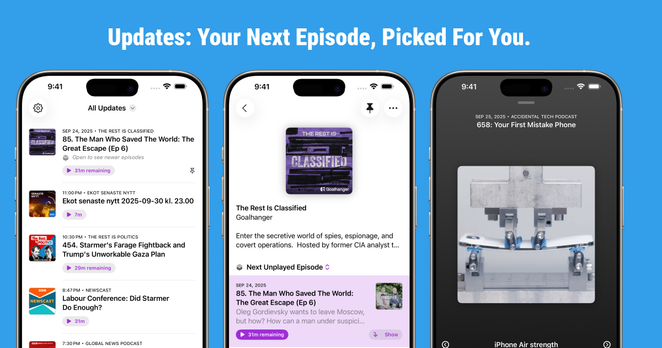
Updates v1.10 is here!

A cleaner look, sharper layouts, smarter time formatting—and a more polished timeline and chapter experience on iOS 26.

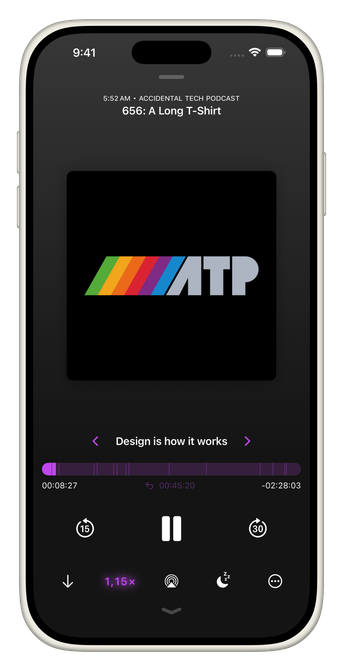
The full-screen player now has unlimited undo for accidental seeks, so you can always get back to where you were.

https://apps.apple.com/app/id6737241203

#IndieDev #iosapp #liquidglass #ios26

iOS 26.1 beta 1.

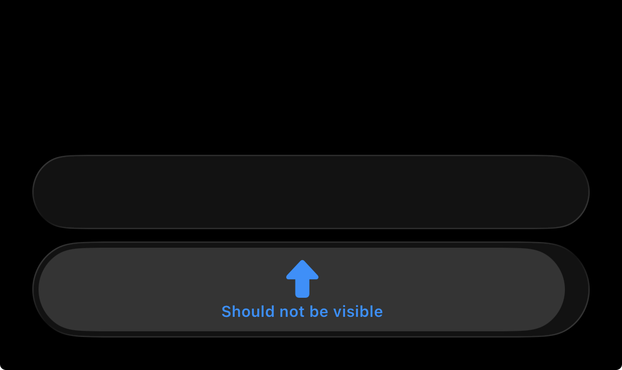
.tabViewBottomAccessory { // Nothing here. }

This results in an empty accessory view (was expecting it to be hidden). Unsure how to work around it without incurring re-renders of the stuff that contains the tabViewBottomAccessory, so I'm hoping for a fix in the next beta.

FB20425139

SwiftUI issue in iOS 26 (FB20272800) affecting Picker (.inline) wrapped in a Menu (.button). Has anyone discovered a workaround? I don't want to use Picker (.menu) because it adds padding that makes it challenging to align with other items. It's all illustrated in the gif. Can't wait for iOS 26.1b1 to drop.

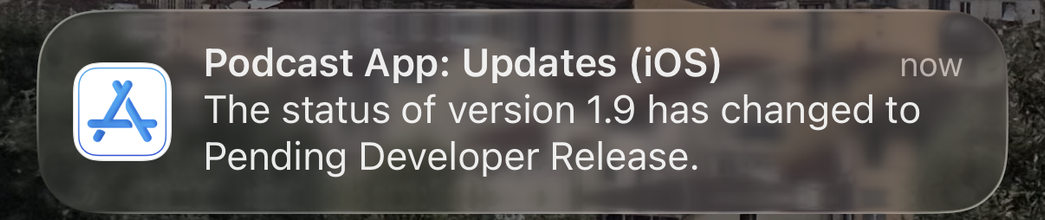
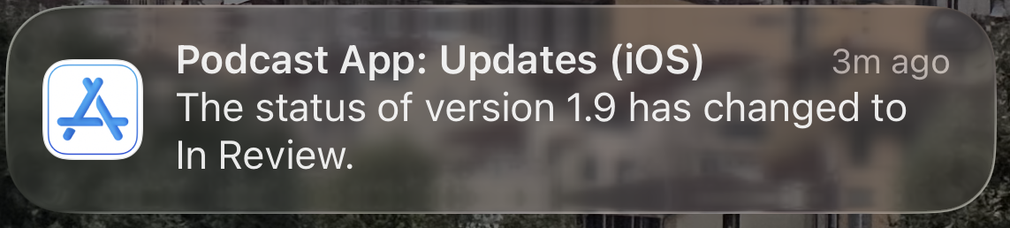
Updates v1.9 is out now!

This release embraces iOS 26 with a refreshed visual design and easier-to-reach controls.

Highlights include:

- A cinematic full-screen player with improved chapter list

- Chapter navigation in CarPlay

- New Lock Screen widgets for quicker access

Requires iOS 17.4 or later. Some design enhancements are limited to iOS 26 and newer.

https://apps.apple.com/app/id6737241203

#indiedev #iosapp #liquidglass #ios26 #podcasts

All good!
It is ON!
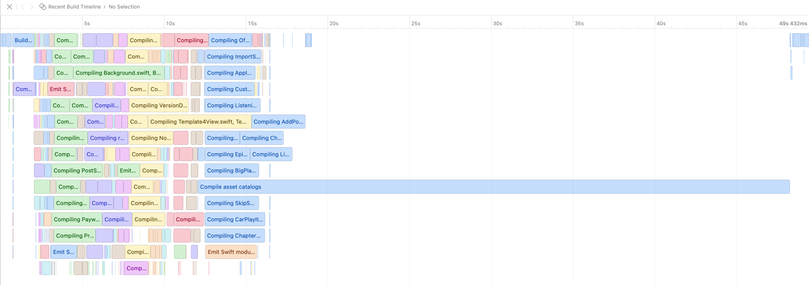
Xcode 26. Nine icons, and 2/3 of the build time is about compiling the assets catalog. I'm glad I don't have more app icons, but jikes. Things can only get better in Xcode 26.1, I guess!