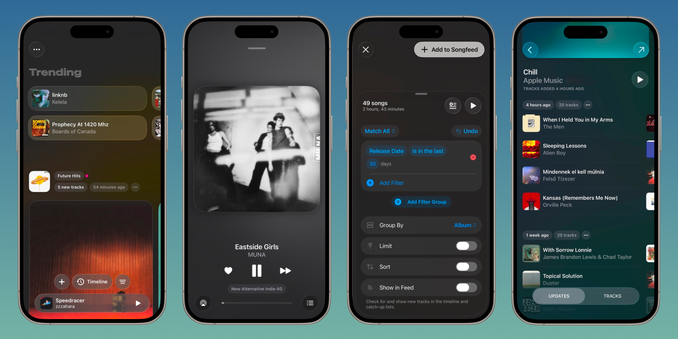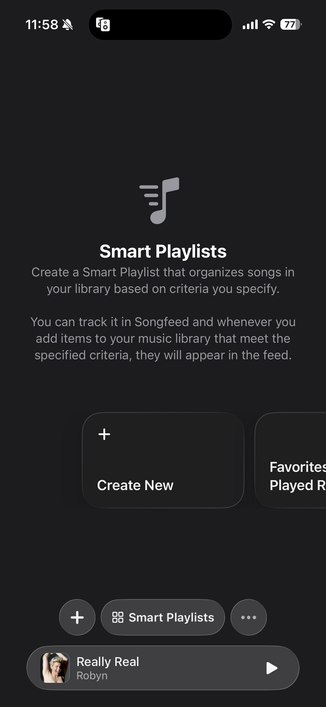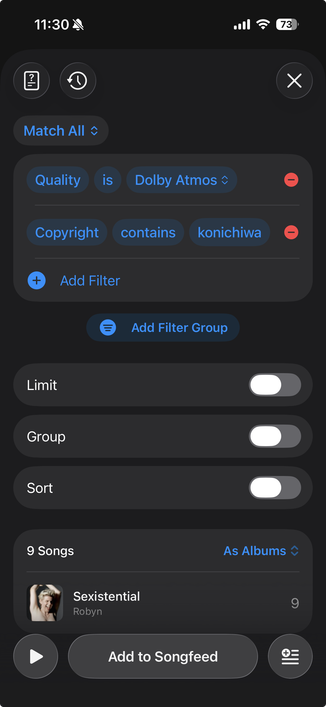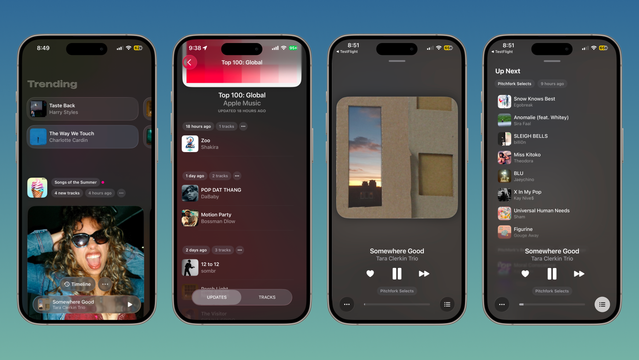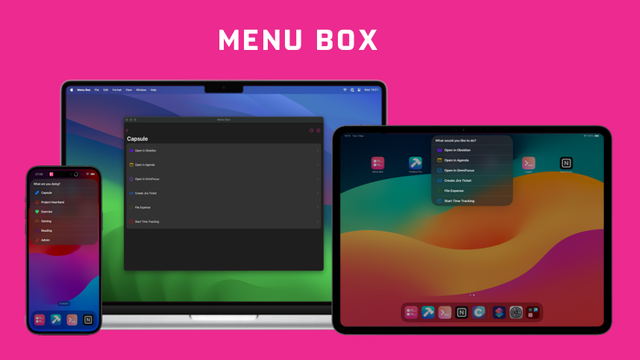
Beta: https://testflight.apple.com/join/GwmbENwr
| Soro for Sonos | https://apps.apple.com/ca/app/soro-for-sonos/id1550457805 |
| Soro for Sonos | https://apps.apple.com/ca/app/soro-for-sonos/id1550457805 |
New blog post. Implementing onChange(anyOf:initial:_:)
In SwiftUI, the onChange(of:initial:_:) modifier performs an action when the given value changes. A limitation of this modifier is that it only accepts a single value. If you want to perform the same action in response to multiple changes, you’ll usually need multiple modifiers.
In SwiftUI, the onChange(of:initial:_:) modifier performs an action when the given value changes. A limitation of this modifier is that it only accepts a single value. If you want to perform the same action in response to multiple changes, you’ll usually need multiple modifiers. .onChange(of: firstName) { saveUser() } .onChange(of: lastName) { saveUser() } The Workaround If the values are of the same type, you can put them in an array:
Latest Soro is now available on the App Store. Completely redesigned to better control your Sonos system and browse your music services.
What's new:
- Liquid glass design with updated UX for more intuitive speaker control and music browsing
- Support for (most) Sonos music services, both in-app and via Shortcuts actions
- Updated Shortcuts actions that are both more powerful and easier to configure
Reminder, you do not need a crazy and risky and super expensive 19m diameter tunnel to provide 99% of the transport capacity the premier of Ontario is talking about on the 401 corridor -- you can easily extend the existing subway.
https://nextmetro.substack.com/p/a-real-solution-to-highway-401-congestion
By the way, if your iOS ships #AppShortcuts with a custom background tile color (for the Shortcuts app), its most likely that it only works on iPhone and not iPad.
I was able to get it to work on iPad by making a duplicate entry in the info plist for “CFBundleIcons" to be “CFBundleIcons~ipad" because I remembered about "Device-Specific Keys" from this article.
So now my background tiles show up green on iPadOS Shortcuts app.
I just released ButtonKit 0.4.0 ; including the external trigger API.
Ever dreamt of a SwiftUI Button that supports Asynchronous, Throwable, with animations, progress support, and that can be triggered externally?
Search no more!