Hello again, after an extended hiatus!
| Articles and word brews | https://medium.com/@deanjean_phng |

Quick tl;dr on media descriptions in Mastodon:
1. When you attach a thing - music, video, image, whatevs - the "Edit" button in the upper-right of the preview gives you a text box.
2. Besides screen readers and the like, hovering a mouse over the media shows the description.
3. A good media description lets everyone in on the joke so we can tell what this is and why it matters.
A couple cool links re: 3:
- Alt Text as Poetry https://alt-text-as-poetry.net/
- Against Access https://audio.mcsweeneys.net/transcripts/against_access.html


@LadyOzma @bookstodon @ronsboy67 Ah! Sorry if I accidentally emphasised that books were somehow better than ebooks, that wasn't my intention at all. 😅
I learnt from this conversation, as I wasn't familiar with the extent of how accessibility options really help those that need them. And this was an eye-opener.
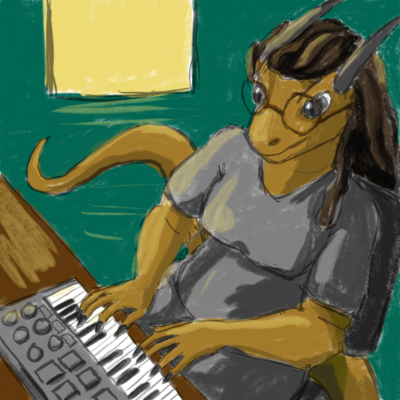 a hivemind of packbats