Andreas Ganske

@ag
155 Followers
236 Following
130 Posts
iOS app developer, founder of TICE Software, creator of the apps Hyperion Remote and Wake Up Light. @[email protected]
Websitehttps://chaosspace.de
GitHubhttps://github.com/ChaosCoder
Twitterhttps://twitter.com/ChaosCoder

Composed a new intro video for my app @WakeUpLight. It's made from the beautiful bedroom scene I already used for the in-app intro.

Goal: Give an intro to the idea of automating your smart home accessories to create your own wake-up light when people visit the website.

So I embedded it into the website at https://wakeuplight.app and hope it brings light into the darkness πŸ’‘πŸ˜‰

Wake Up Light - Light Alarm App for iOS & HomeKit

Wake up more naturally to an artificial sunrise light alarm created with the Wake Up Light app for iPhone, iPad and Mac. Works with your HomeKit home.

Wake Up Light

I strive to make my apps multilingual, but I only speak German and English.

Translators and automated translations miss the context in short texts (which #uidesign consist of a lot) too often. Like whether the label "Sun" refers to the star or Sunday. Also answer things like how long should a text be, or in which tone. Simple glossaries are way too limited here.

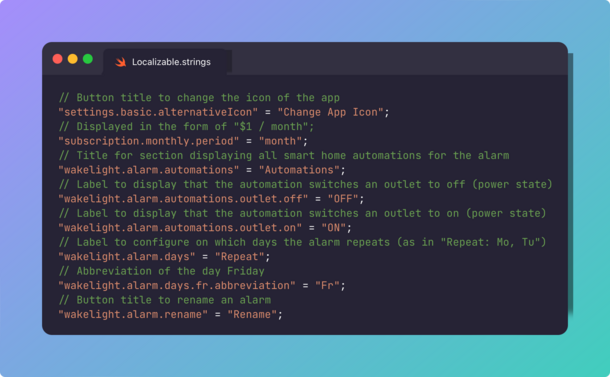
So now I'm adding descriptions to all strings of @WakeUpLight to help in that #localization process.

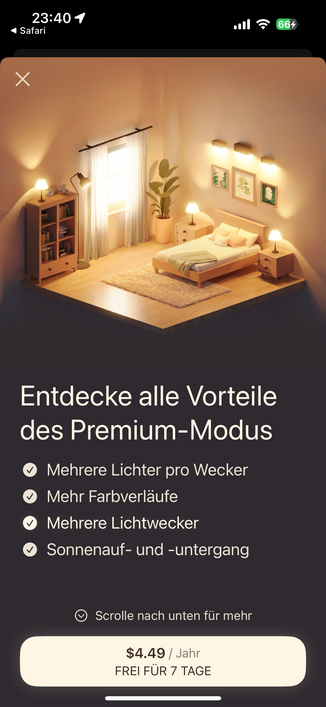
Maybe more light will fix it? The contrast is maybe a bit too much, but I like the direction. But anyways, how will this stop and actually NEGATE the -35% conversion rate?!

Back to the drawing board after AB testing! 😩

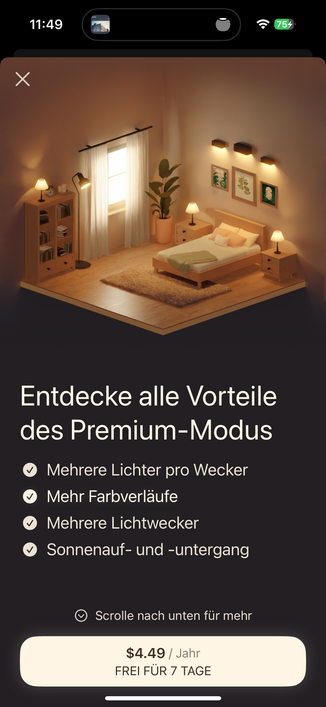
I was AB testing the new subscription screen (see prev. post) against the old one. This old screen had no dark/light variant, so everyone was looking at white on dark text. It was generated by an AI, so I have no possibility to change it much.

Turns out: The new screens (together) perform 35% WORSE in conversion rate. I don't know why. Anyone wants to guess? πŸ€”

(text is actually the same, just the image/colors were changed)

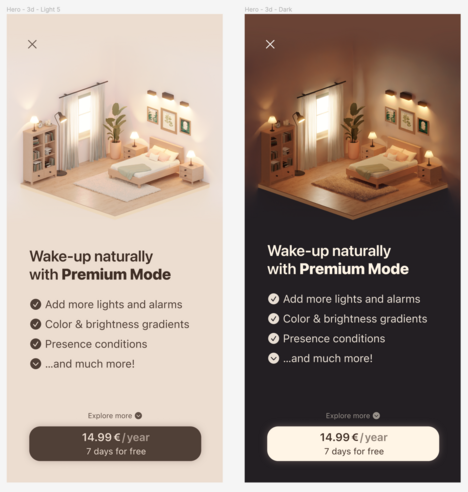
I think I found my light and dark mode variants for my subscription screen for Wake Up Light πŸ‘¨β€πŸŽ¨

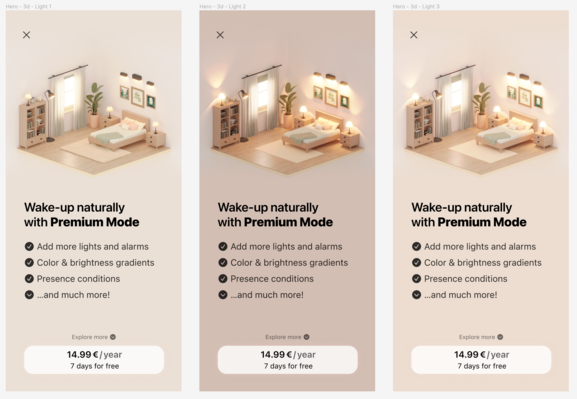
I think I'm making progress here (left to right) with my premium screen of @WakeUpLight getting a light mode.

Currently there only is a dark-ish mode available, which might put people preferring light mode off. Not 100% done yet, so what do you think I could improve on? Contrast? Actually something more β€žwhite-ishβ€œ instead of beige? Other lighting situation? Hit me πŸ™

(Copy is not my focus here and ignore the carpet losing its texture, the rendering broke at some point πŸ˜…)

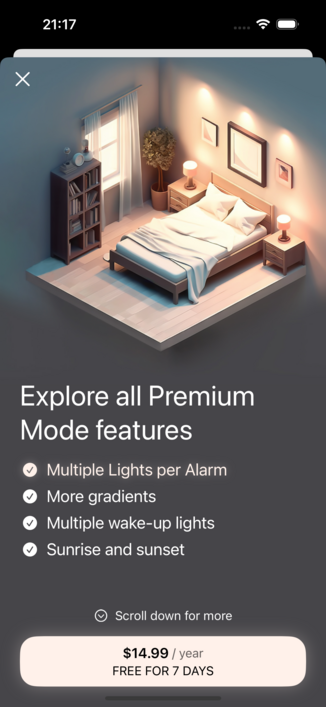
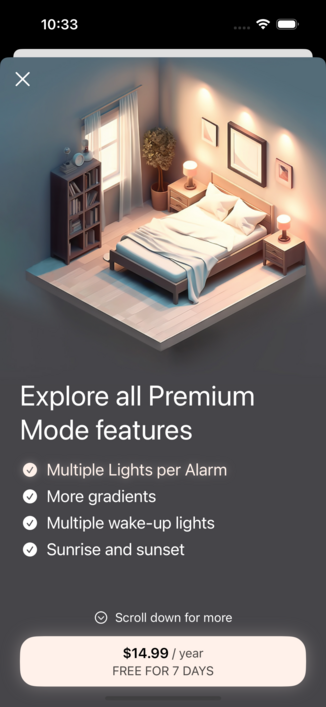
And this was the base when I started to look for a designer. The old bedroom scene was created by Midjourney and definitely has some small quirks. The biggest downside though was that it was just a still image – my photoshop skills are not that good to get a nice animation of all lights from it – not to mention the blinds I animated with the help of the new 3d scene! https://mastodon.social/@ag/111456439888053823

Using AI was a first step of getting a nice visual for my premium screen. But it never felt like what I really envisioned.

I wanted the bedroom scene lighting to be animatable – because in the end, this is what my app does: Turning on lights, fading their brightness and changing their color over time to match a natural sunrise in the morning.

This is why I looked for a 3d designer to re-create the scene and I am so happy with the result! 🀩 #iOSDev #SwiftUI #Animation #3d #3dart #blender

Early this year I used AI (and some manual photoshop work) to create a nice looking isometric bedroom scene to illustrate the premium mode screen of my app Wake Up Light https://wakeuplight.app.

My art skills suck and this image was a big step in the direction I wanted my Premium screen to look (not perfect though). I created a simple scroll animation in SwiftUI to get my users to scroll down and see all premium features and I like it so far. 🀩

#iOSDev #SwiftUI #AI #Animation #Figma

Wake Up Light - Light Alarm App for iOS & HomeKit

Wake up more naturally to an artificial sunrise light alarm created with the Wake Up Light app for iPhone, iPad and Mac. Works with your HomeKit home.

Wake Up Light
I now have an (unfortunately dead) bug IN my display, like literally. It’s really annoying… Will it ever go away? 😭😭😭