 Zhenyi Tan
Launch: Imgpls
I wrote this app to fix a personal annoyance. You probably don’t need it.

| KZeni.com | https://kurtzenisek.com/ |
| https://twitter.com/kzeni | |
| WordPress | https://profiles.wordpress.org/kzeni/ |
| GitHub | https://github.com/KZeni/ |
@bjango @oscarjiminy Just some ideas that came to mind. The current option is nice, but these could be easier for some people.
1 (cont.) I imagine this could even utilize an iStat Menus folder on iCloud where it just saves what the export already wants to save & the list of saved presets reads that folder for saved preset files. Streamlined just a tad.
2 (cont.) This would be less flexible where past versions for devices could be useful on re-install, etc.
@zhenyi Making something that you want which others might like as well is a tried-and-true formula. This seems like one of those small yet common ways the web could be nicer to use so I’m glad you released it!
Any plans to add other similar sites to behave this way as well, or is Imgur your main need where it’s probably good as-is for now? Not a big request or anything; just curious.
Launch: Imgpls
I wrote this app to fix a personal annoyance. You probably don’t need it.
@ehler @Geoffairey While lower priority compared to features/fixes, it could ease concerns people have when they might not think to look where that info is now (or don’t want to go looking outside of the app for that info.)
Adding a “new” pip/indicator to the settings icon (a-la the new downloads icon) & the announcements item in settings to point people to an unread announcement could be helpful, too (bonus if nitpicky details has a toggle for that indicator.)
@ehler @Geoffairey It does seem a bit odd to have it allow multiple items while it just has the one major update from 7/16.
What’s the threshold for anything to be included there if new features & fixes aren’t being mentioned (or a roadmap update)? Having it just be that one item for the foreseeable future seems under-utilized.
I see that current item ideally in a pinned area at top (for now) while the rest show releases and/or roadmap from latest to oldest.
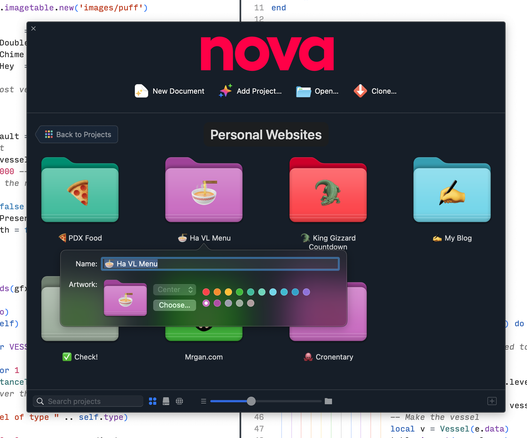
https://Nova.app tip: you can create URLs to open Nova to a specific file and line. The format is:
nova://open?path=[path]&line=[line]&type=[syntax]
A handy addition to your workflow! 🚰

 Panic
Panic
 Nilay Patel