#GIS folks, (maybe #CAD too) how do you draw this kind of shape with guaranteed perfectly tangent lines and only 4 vertices?

I've been trying different things for 3-4 years on and off and the closest I've come is 5 vertices, ESRI leaves a spare vertex in there for some reason and so I don't know which one I delete will ruin the tangent

This is not a need, it's a mental chalenge

#gischat #mapstodon

@crowdotblack Perhaps you can draw two circles, similarly to what @IvanSanchez proposed, then use the minimum bounding geometry feature to get the final shape.

https://docs.qgis.org/3.44/en/docs/user_manual/processing_algs/qgis/vectorgeometry.html#minimum-bounding-geometry

24.1.26. Vector geometry — QGIS Documentation documentation

QGIS 3.44 documentation: 24.1.26. Vector geometry

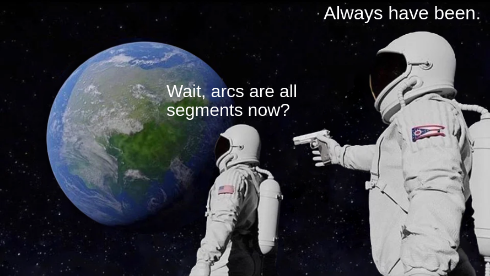
@clubradar @IvanSanchez I believe a convex hull would convert the arcs to segments
@crowdotblack @clubradar But the GIS data model doesn't have circles.
@IvanSanchez @crowdotblack Indeed. GEOS, which handles the convex hull calculation, does not support curve geometries.
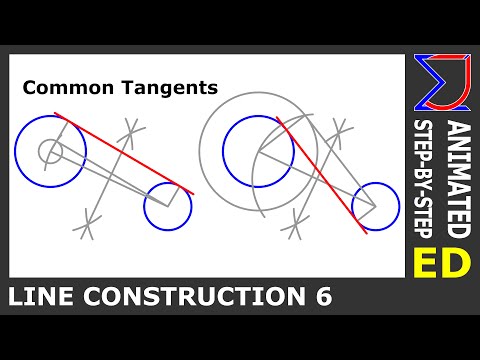
How to Draw common tangents to two circles | Geometric Drawing | Engineering Drawing

YouTube