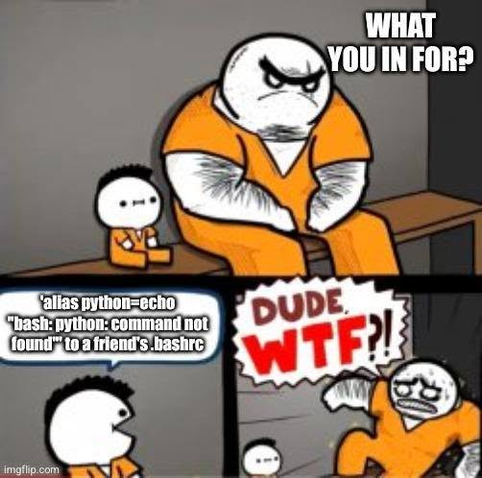
haha. Joke asides, there are few ways to ignore bash aliases. For example, to ignore python alias, type the `command` followed by alias name:
```
command python ...
```
Both \ and " symbols allows you to run real python command and ignore python alias at the CLI:
```
\python ...
"python" ...
```
Or just full path:
```
/usr/bin/python ...
```

more @ https://www.cyberciti.biz/faq/ignore-shell-aliases-functions-when-running-command/ in case if you wish to read.
#unix #linux #opensource
@nixCraft

".\python ..."

??? Is that . there a typo?

@technothrasher fixed it. thanks!
@nixCraft Cool. I wasn't sure, as I'm an old csh nerd who never made the transition to bash.

@nixCraft
Just today I did

sudo less

Even though I was already root to get around an alias.. (Line numbering)

@xdydx yes sudo will ignore. i should probably add this to my page. haha
@nixCraft @xdydx wait is that an inherent thong with sudo, or simply a side effect of temporarily acting as a different user?

@dhfir @nixCraft

Different user, different alias (I.e. none at all)

@xdydx @nixCraft because .bashrc is in $HOME, I am aware.
My guess is that it’s probably just because it’s not being interpreted by the shell so alias doesn’t apply. It doesn’t have to be sudo many other commands could have the same effect such as env or nice.
If that’s what it takes to teach people to use #! I am ok with that.