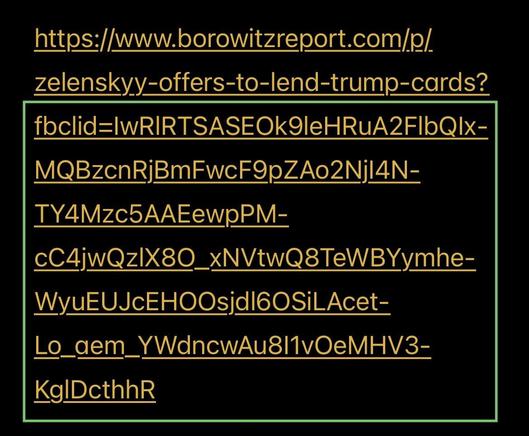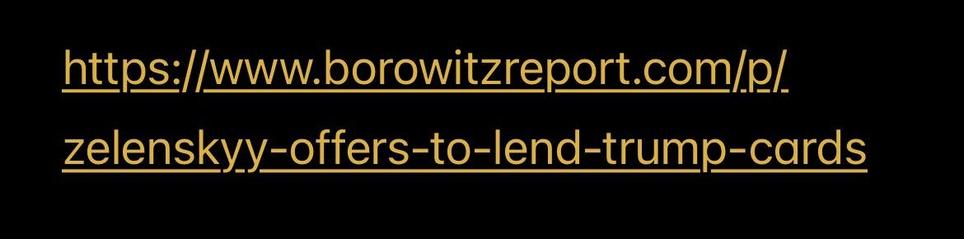
You can remove anything starting with the question mark up to the end of a #URL in most cases. (Not all. Examples follow.)

Long URLs are truncated in #Mastodon posts, so it can be hard to see what's at the end.

You can right click (desktop) or long press (mobile) for a context menu & select "Copy URL." Then paste it into an editor & remove the tracking params from the end.

๐Ÿงต (1/4)

#Fediverse #PSA

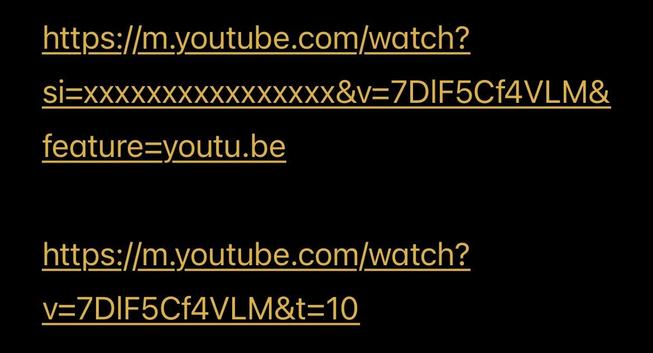
In some cases, eg YT vids, you need certain parameters. In particular, when the link starts with youtube dot com /watch, the v parameter says which video. It has to remain after the question mark (?). But you can remove other params and the ampersands (&) that separate them.

YT also allows a t param in seconds to indicate a starting offset. I often add this manually to jump to whatever's interesting.

You can generally play around with removing params to see what's actually needed.

(2/4)

Tracking params often include "id" (sid, smid, fbclid, etc). You'll also see params starting with utm_ (often from medium, eg). These should all be removed.

(3/4)

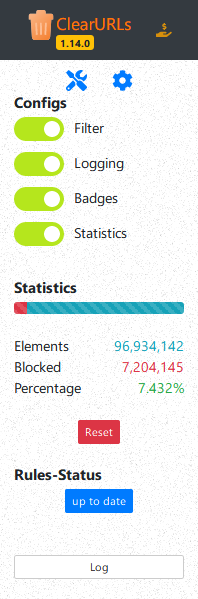
@darth_hideout also clearuls plugin for firefox will automatically remove a lot of these tracking parameters automatically, but not in all situations

https://addons.mozilla.org/en-US/firefox/addon/clearurls/

ClearURLs โ€“ Get this Extension for ๐ŸฆŠ Firefox (en-US)

Download ClearURLs for Firefox. Removes tracking elements from URLs