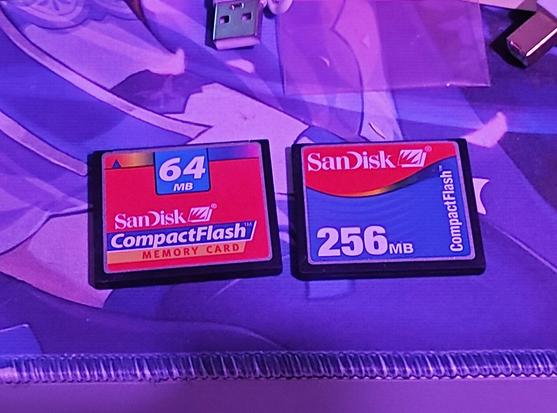
oh right, i ran out of IDE SSDs and their prices have exploded
i do have a CompactFlash adapter though. and possibly even some cards
ok OS9 may be frugal by todays standards but i fear these arent gonna cut it
wtf is even on these
ah yeah these were the ones grandpa (RIP) used in his camera
theres a photo of me at idk, 12-13 years old? it is pretty funny but i will not be posting it 😂

50 photos of the same heart-shaped piece of ice melting on a silver color coated piece of cardboard. can you tell he was a graphic designer?

:')
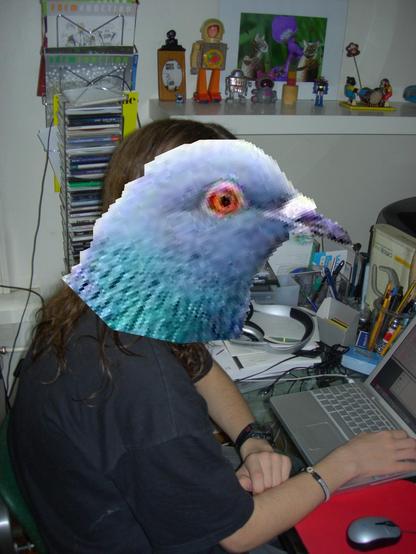
wait theres more. inside the ice is a ☮ shaped piece which is revealed as it melts
me, 16, absolutely COMPUTIN
anyway, im looking at CF cards and these arent any cheaper than the SSDs. sigh
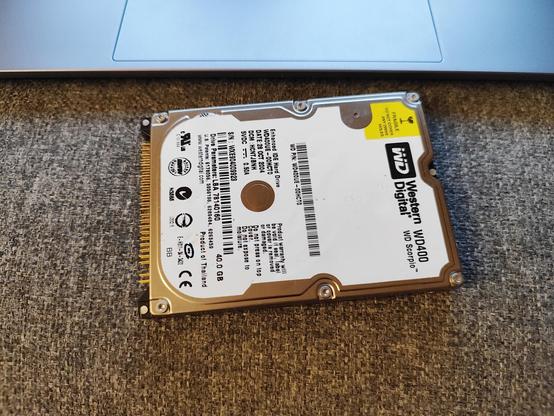
i found a 2.5" IDE HDD. where is it from? does it work? it is a mystery

its not from the iBook G3 because that one had the CF/SD adapter contraption

its not from the iBooks G4 or PowerBook G4 because i havent swapped the disk in those

its not from any desktop because why would they have a 2.5"

it does seem to work though. of course you can never be sure how long that will be true with disks of this age (well, any age, but you know)...

but since this wont be any kind of mission-critical system, maybe ill just put this one in the mac mini and save my money for now?

the real question is do i brew a cup of mate and disassemble the machine now (it is 3 in the morning), or another time

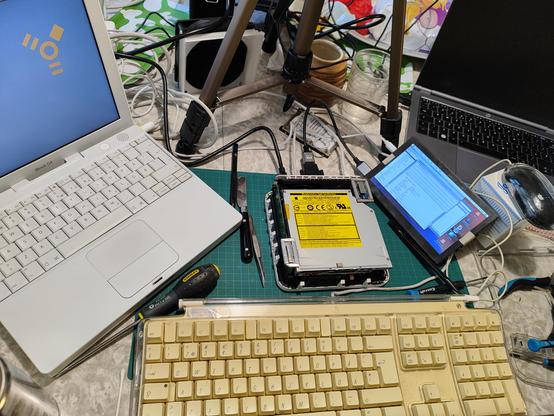
surprise stream: lets repair the mac mini [gone]

entirely unprofessional kitchen table live setup with bad audio! but come hang out if you like :-)
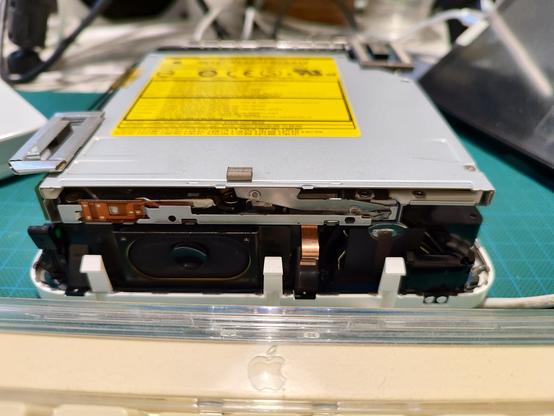
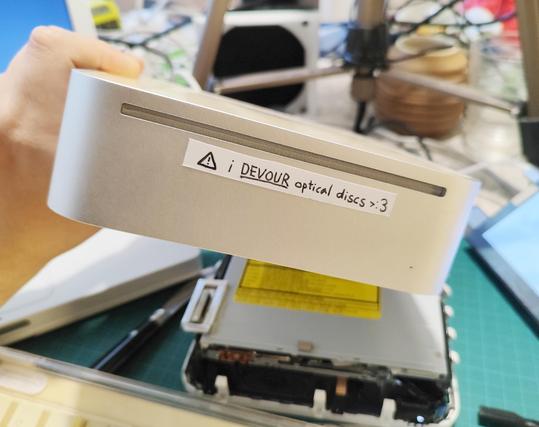
help :D how do i physically eject the disc from a Mac Mini G4 optical drive that doesnt respond via any digital means? #Macintosh #VintageApple
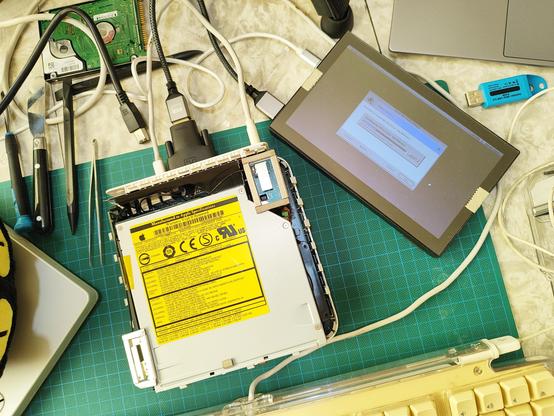
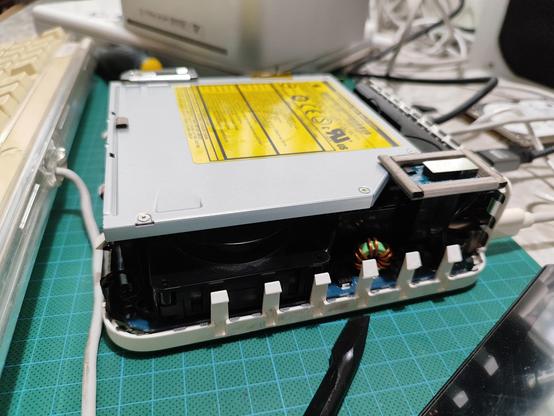
fuck it i disassembled it just enough to pull out the disc
a warning is in order
okay so fun fact about this machine. it is quite easy to accidentally plug in the hard drive such that only one row of IDE pins is inserted into the socket. unsurprisingly, this may result in things not working
thats probably why the optical drive wasnt responding either. with that sorted out, both the HDD and ODD are now recognized. im not gonna try inserting another disc though
basically its ready to try installing operating systems via the usual methods. but ive had enough for now and will go to bed

@q66 warned about the plastic tabs breaking off but all of mine are still intact. well-considered and patient prying with a non-serrated butter knife was key ☝️👩‍🏫

jk i didnt consider shit. i think i just got lucky with some not so degraded plastic :3
woah its another stream. lets install operating systems [gone]
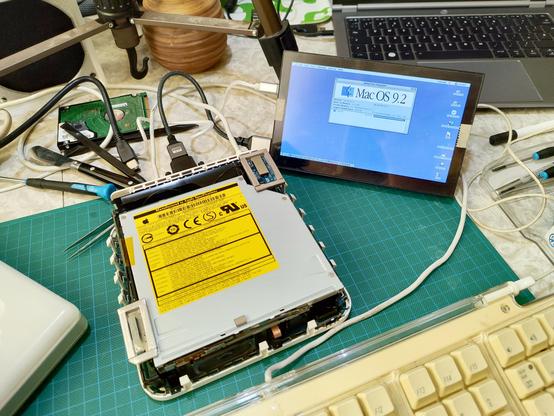
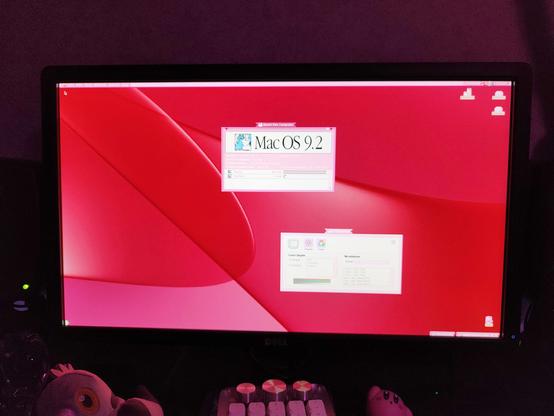
ending the stream on a cliffhanger: Mac OS 9.2.2 for Mac Mini G4 installer is running
to recap, i got Tiger set up on one partition and then tried OS9 from the generic "unsupported G4s" image. that didnt quite work, and then i found out about this one https://macintoshgarden.org/apps/mac-os-922-mac-mini-g4
it works 🥰🥰🥰
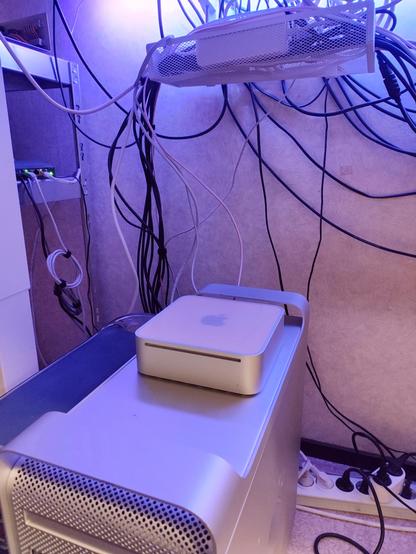
next i need to decide where to put the mini. it is so small there are a lot of options
i probably should have more than one OS9 compatible audio interface

'Sound is a problem for the 1.5GHz "Silent Upgrade" Mac mini'

oh yeah? 😏

(no technical feat on my part here, its just that ASIO works even when Sound Manager doesnt)
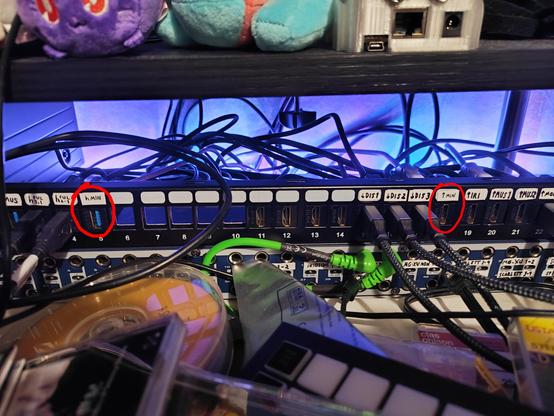
bleh i need to redo a bunch of my under-desk cabling to make this work
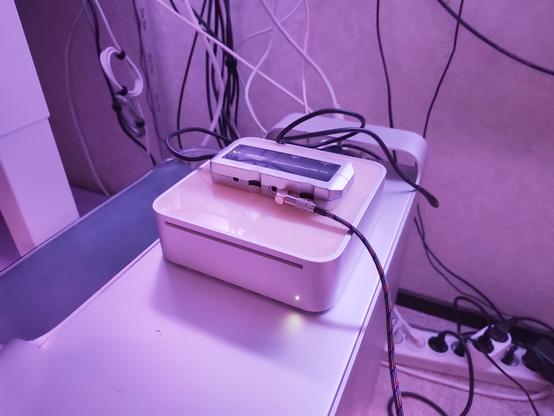
it shall sit here for now. everything is wired up 😌
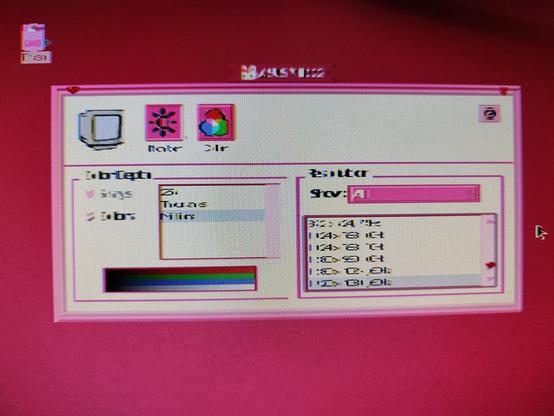
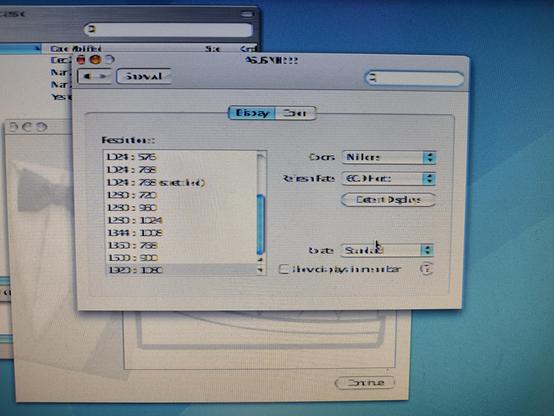
hrm anyone know whats up with this? the Mac Mini G4 claims to support 1920x1080, but i get this scuffed picture in both OS 9 and OS X 😬 #Macintosh #VintageApple
maybe i need to try another HDMI cable and/or DVI-HDMI adapter

same result with a different cable and different adapter. furthermore i get 1920x1080 just fine from my G4 Digital Audio with these same cables/adapters. so it does seem like an issue with the Mini itself 😔

(cc @devlin @janbeta)

MacMini G4 to Sony 46" V2500, 1920x1080?? - Apple Community

what the hell is a non-coherent display 🫠

ok this sucks but it does get me 1080p60 😂

the Mini's output is DVI-I, so i can do DVI-VGA adapter -> OSSC -> HDMI
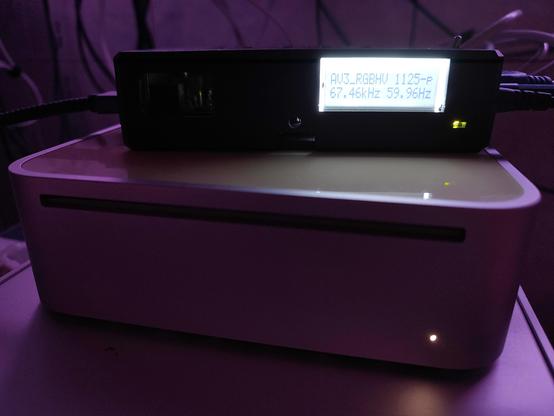
the problem is that i only have one OSSC and i need it for other things

i tried some other ways..

basic VGA to HDMI converter: picture is way off center and squished. OSSC with default settings had the same issue, but i could fix it by tuning OSSC settings. no such option here

VGA directly into display: picture is squished, and settings on the display dont fix it. sigh
not sure if SwitchRes lets you tweak signal timings and stuff, guess i should try. but not today
another OSSC would cost 5x what i paid for the computer, which, no
if nothing else, i imagine SwitchRes will let me do 1080p@30 digitally without hitting the pixel clock issues. which isnt great but might be the least annoying option

anyway

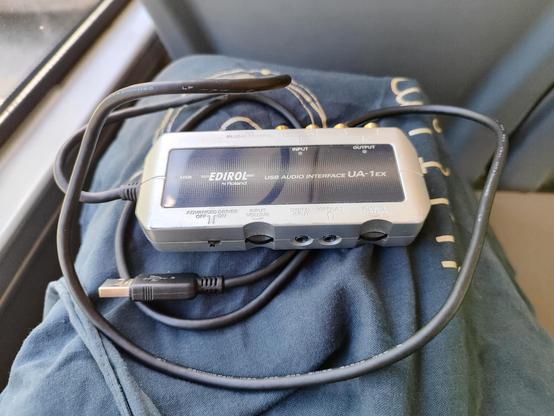
another OS9 compatible audio interface acquired ✅

alright time to poke around in SwitchRes

what?

today the 1080p60 over VGA just works??

im not complaining but

why

lets get this thing on the network then
kinda funny that the 68k macs can get on wifi with WPA2 and all, but this one cant
it is audio time

some results after installing the driver and testing

- the "advanced driver" switch on the side of the device must be set to "on" (unsurprising but i forgot it existed)
- Sound Manager, which previously showed a non-functional built-in device, now shows no devices at all
- the driver package came with four ASIO drivers, one for each combination of ASIO 1.0/2.0 and 16/24 bit. these are working fine with SuperCollider 2
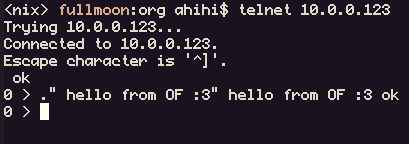
thanks to @aramya's lovely page https://aramya.neocities.org/ofw/ i now know that you can telnet into Open Firmware and enjoy normal keyboard layouts, copy-paste, etc

i read a bunch of threads about the onboard audio situation. this one has some good sleuthing and is quite educational on how to go about figuring out this stuff https://macos9lives.com/smforum/index.php?topic=6701.0

but the latest development is that someone got it kinda working.. with a vibecoded extension

😩

@ahihi “ASIO drivers” hits home differently in Australia 🤣

I’m imagining a chintzy James Bond chase scene right now.

https://www.asio.gov.au

@ahihi Huh. This is the first time I ever hear about coherent/non-coherent stuff. I used to work with PanelLink (precursor of and origin of DVI's TMDS) and also with DVI quite a bit.

Maybe it's just a way to tell that the TMDS signaling is "wonky" somehow? Many ways for it to be so, and one needs to match impedance etc..

If you run across some technical explanation I'd be interested in learning about it (not exactly relevant to my modern day interests, but I am a sponge of useless info).
@ahihi i used to have that!