Dealing with a ton of merge conflicts lately, multiple teams keep touching the same files 😅

What tools do you use to resolve git merge conflicts? Are you using something built into your IDE, a standalone diff tool, or just suffering through the CLI Vim like me?

#Git #MergeConflict #SoftwareEngineering #DevTools #OpenSource #Programming #100DaysOfCode

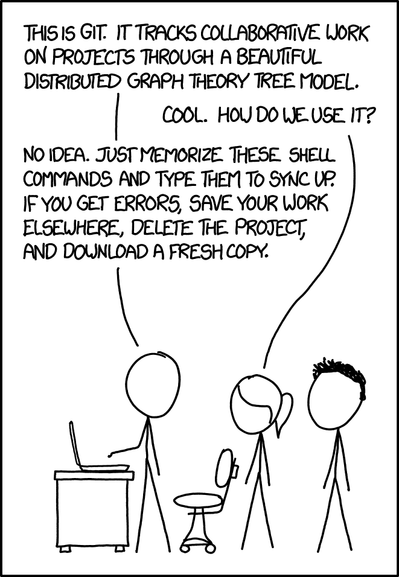
@OVargas I typically follow this reference

https://xkcd.com/1597/

SCNR

Git

xkcd

@OVargas
Most of the time vscode / vscodium / code-oss "conflict view" that comes up when you open a conflicted file is good enough for me, which is a linear view with highlighting and a couple of quick action buttons (keep incoming, keep original, keep both).

When the merge gets a bit hairier, I find most three way merges are pretty similar experiences. Vscode has one and vim has one via vimdiff if you aren't aware.

@OVargas
In case of a #git #mergeConflict I first try rebasing it onto the target branch in #GitLab. If that's not possible, I use #TortoiseGit 🐢 for rebasing. Within 🐢 I then diff all the changes I've made in the remote feature branch and then compare them with a diff between the local feature branch and the remote target branch, which should be the same. Then see if everything locally still builds and if so, rewrite the feature branch.

I just hate merge commits. 🤢

@OVargas just plain ole vim. Well, Vim with a command for showing the output of a Git command.

From time to time I do use that to `git show <hash>:/path` and then diff that buffer with a file or other buffer, because I don't fully trust/understand the four-way split of the vimdiff view.

Maybe a better solution out there, but it works, and I don't have to resort to it very often

@OVargas I use the merge editor in IntelliJ for many years now.