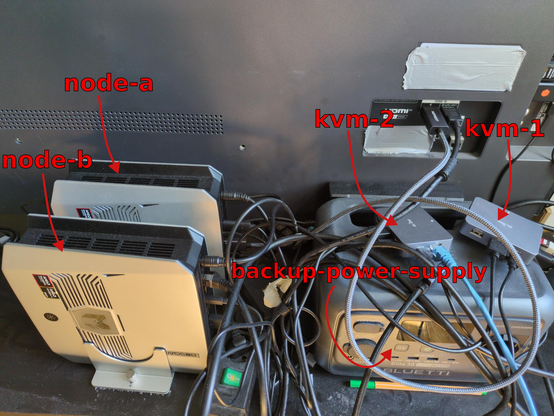
I'm making progress on my local #LLM experiments. Now we moved from single node to 2 node Kubernetes, here a blog post about my initial setup with a bunch of new Bench-marking results: https://blog.t1m.me/blog/building-own-private-kuberntes-ai-cluster

Currently using a simple #k3s server / agent set-up, with DNS-1 certificate issuing and everything in a private #tailscale network.

Already taking the next steps towards migrating from #ollama to #vLLM and optimizing prompt / model caching + routing. Several more changes coming up :)

Building a private LLM Cluster

A hands-on experiment building a self-managed at-home AI cluster with k3s, Ollama, and LiteLLM.

@timschupp Nice job. Great details. I did not manage to discern if any of the computers in the cluster use their GPUs ?

@adingbatponder Yes they def. use the integrated GPUs, confirmed simply monitoring the amdgpu grafics utelisation.

Also I noticed that the vram seems to be more exhaustively used when #vLLM instead of #ollama. Also likely my configuration is still quite sub optimal.

Biggest issue atm is routing breaking prompt caching at the moment, causing hight processing times for long context. At least this is the most important thing to solve for me.

@timschupp I am using Qwen2-VL-2B-Instruct, with:
- Language model quantised to Q4 (~1.3 GB on disk)
- Multimodal projector (vision encoder bridge) at Q8
without GPU on single T480s for OCR of small regions of a pdf table where tesseract fails. I think it would scale nicely.
@timschupp Nixos. GPU use not possible. I am realising that ocr tasks are a nice test case for local AI vLLMs
