 Pachli
Do you write a lot of drafts? Are you juggling and revising multiple scheduled posts? Dealing with lots of clicks in the Pachli UI to manage them?
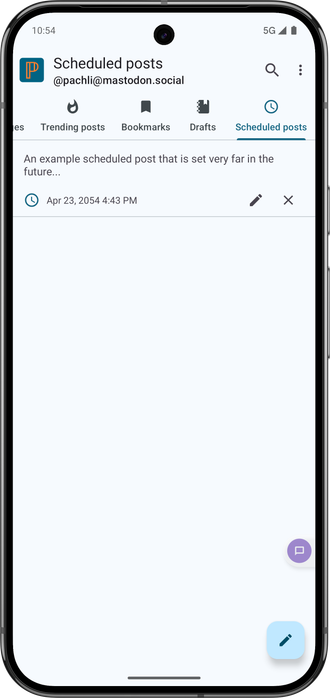
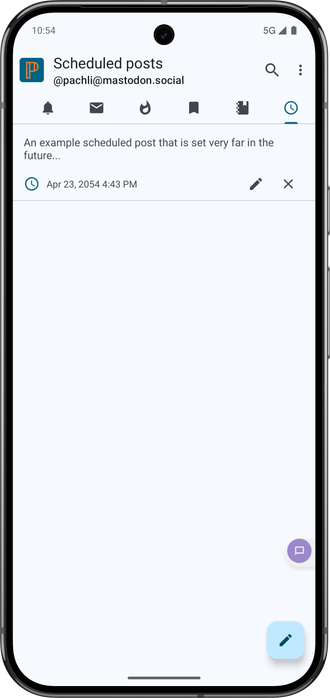
The latest #Pachli Current (on GitHub now, Google Play soon) allows you to add "Drafts" and "Scheduled posts" to tabs.
Either:
- Open "Account preferences > Tabs", and add them there.
- Or, open "Drafts" or "Scheduled posts", and tap the "Add to tab" icon at the top right of the screen.
First suggested by @kaybee335 in https://fosstodon.org/@kaybee335/113590104271491370