 David Revoy
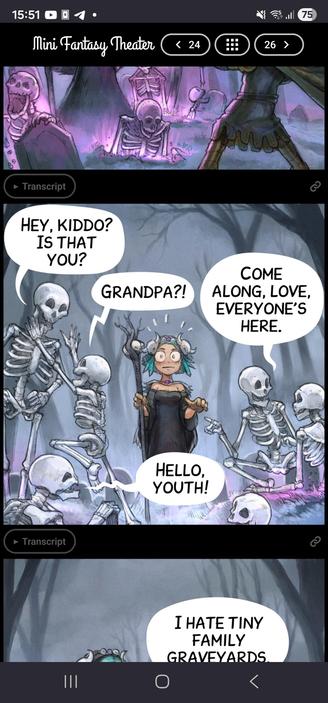
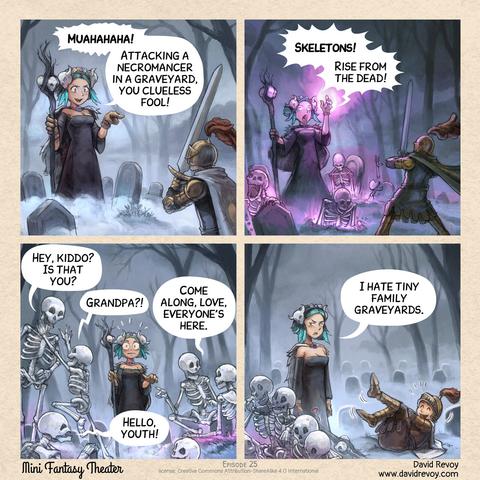
Over the past days, I worked hard on the MiniFantasyTheater website.
I'll blog about it tomorrow, but if you want, you can test before my new homemade comic reader: https://www.peppercarrot.com/en/miniFantasyTheater/025.html
Over the past days, I worked hard on the MiniFantasyTheater website.
I'll blog about it tomorrow, but if you want, you can test before my new homemade comic reader: https://www.peppercarrot.com/en/miniFantasyTheater/025.html
@davidrevoy Great work! 👏
I have one feature request:
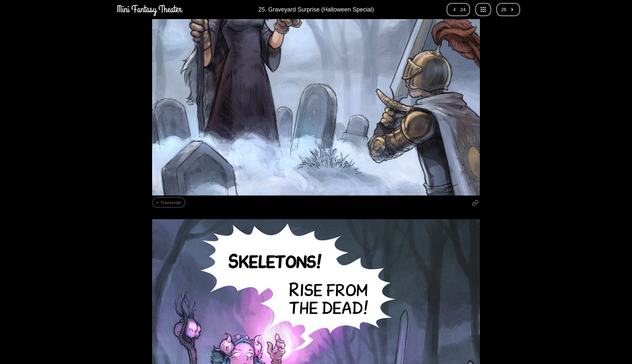
On mobile scrolling through the panels feels great. On the desktop (Firefox / Brave, maximised window, resolution: 1920×1200) it feels a bit off – for me. On mobile (portrait mode) I always see 1 full panel and about 70% of other panel(s). On desktop 1 panel is maximised to fit the whole height. While this is best viewing 1 panel, it feels a bit strange when scrolling as most of the time, you don't see 1 full panel.
Possible solutions (I see): When using the mouse / touchpad / touchscreen to scroll, "jump" from one panel to the other (perhaps with a fast scrolling animation between the "jumps"). When using the keyboard, you could bind those "jumps" to the arrow keys and / or pg↑ or pg↓ keys.
 Axel Stieglbauer