 David Revoy
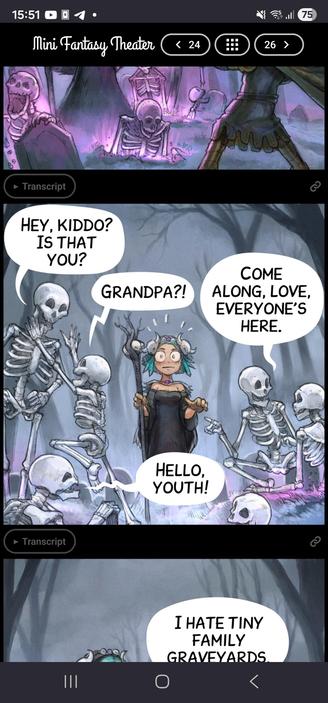
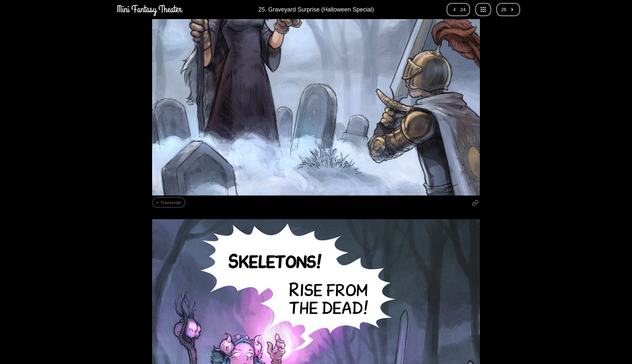
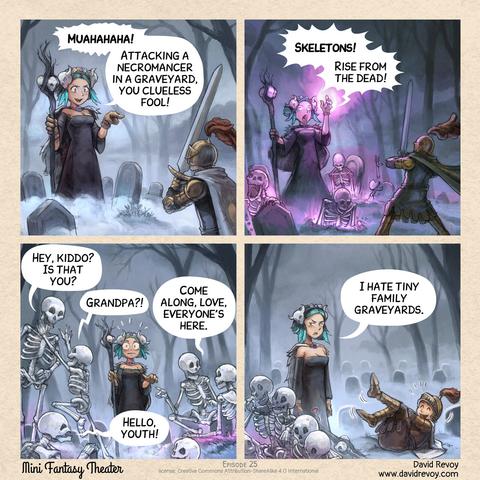
Over the past days, I worked hard on the MiniFantasyTheater website.
I'll blog about it tomorrow, but if you want, you can test before my new homemade comic reader: https://www.peppercarrot.com/en/miniFantasyTheater/025.html
Over the past days, I worked hard on the MiniFantasyTheater website.
I'll blog about it tomorrow, but if you want, you can test before my new homemade comic reader: https://www.peppercarrot.com/en/miniFantasyTheater/025.html
@davidrevoy Great work! 👏
I have one feature request:
On mobile scrolling through the panels feels great. On the desktop (Firefox / Brave, maximised window, resolution: 1920×1200) it feels a bit off – for me. On mobile (portrait mode) I always see 1 full panel and about 70% of other panel(s). On desktop 1 panel is maximised to fit the whole height. While this is best viewing 1 panel, it feels a bit strange when scrolling as most of the time, you don't see 1 full panel.
Possible solutions (I see): When using the mouse / touchpad / touchscreen to scroll, "jump" from one panel to the other (perhaps with a fast scrolling animation between the "jumps"). When using the keyboard, you could bind those "jumps" to the arrow keys and / or pg↑ or pg↓ keys.

The CSS scroll snap module provides properties that let you control the panning and scrolling behavior by defining snap positions. Content can be snapped into position as the user scrolls overflowing content within a scroll container, providing paging and scroll positioning.
 Axel Stieglbauer