 Prof. Rachel Thorn 🍉🇺🇦🏳️⚧️🏳️
Has anyone else found that Elementary OS works fine if you don't try to change anything, but if you do try to change something it breaks easily? Japanese input does not work out of the box. No matter how I tweaked the settings, I simply could not input Japanese. So I searched and found a page by a Japanese user describing their convoluted path to Japanese input. When I copied what they did, not only can I still not input Japanese, but notifications are broken, too. #ElementaryOS #日本語入力
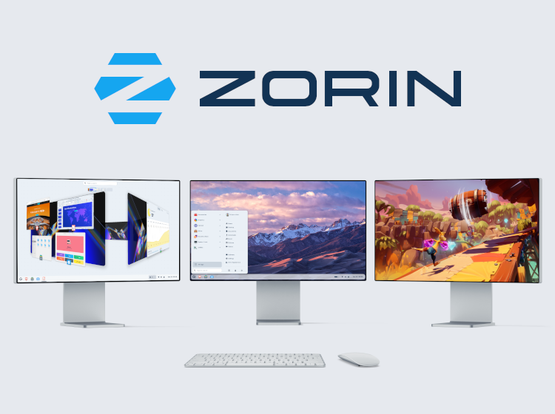
Anyway, I'm ready to give up on this distro. They obviously don't take Japanese users seriously, despite having a Japanese version of their site online. The main appeal for me was the similarity to the Mac OS UI, but using Zorin on another device (on which I can input Japanese easily), I found that Zorin has grown on me. (But I'm not going to pay to get a more Mac-like UI.) #Zorin #ElementaryOS #日本語入力
 Morten Mosgaard
@RachelThornSub the Touch desktop layout on Zorin (free version) is a pretty Mac-like UI.
You can see it under Standard layouts here (Don’t ask me why you can only see the free layouts on the Pro site):
Great Distro!
@mosgaard Yes, I chose the "Mac-like" UI and I'm pretty happy with it. Too bad about Elementary OS, though. I had such high hopes that I donated money to them! I think in future I'll confirm I can actually use something before donating to its creators.