I need your ideas

Been building a little Mac app (for myself but increasingly maybe for release) and the design is very native-standard on purpose

The lack of strong color drives me nuts but I can't figure out how to add it while maintaining the liquid glass design ethos 🤔
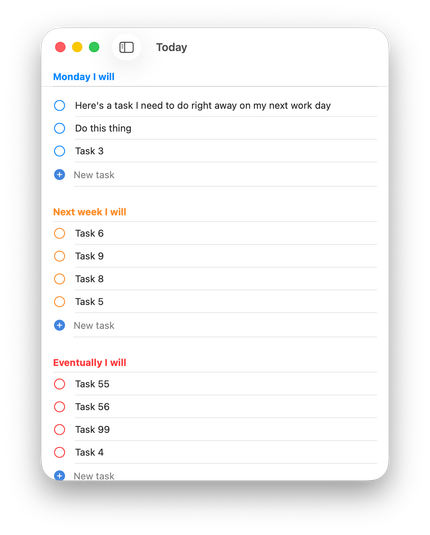
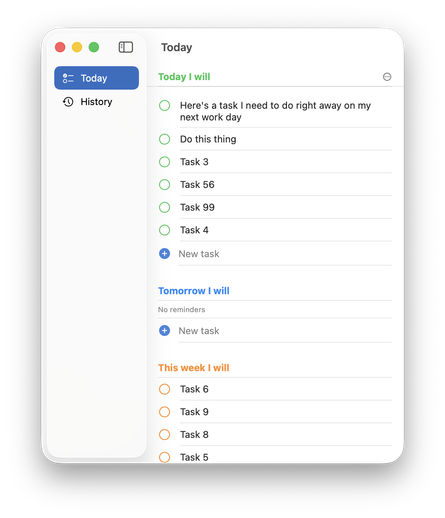
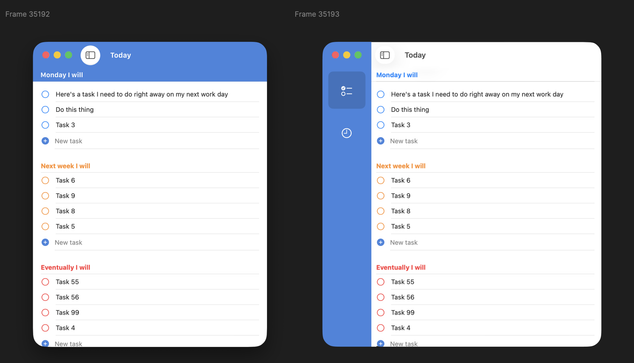
I'd love to do a strong color bar like I've mocked up here, but SwiftUI & Tahoe get super cranky if you start trying to draw in the toolbar or sidebar area.

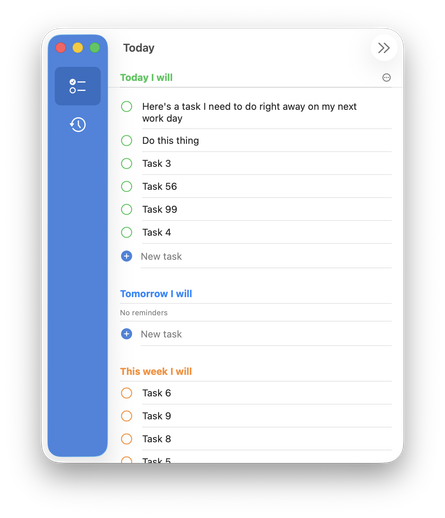
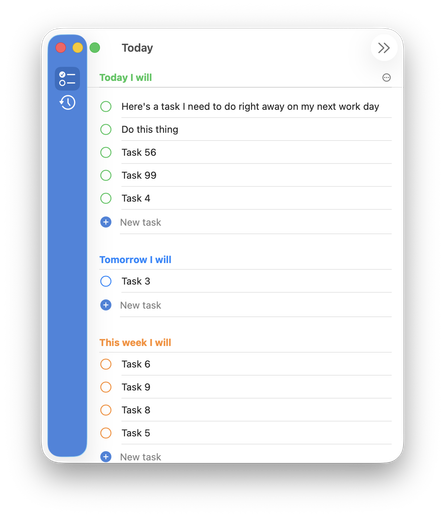
And the sidebar gets uncomfortably chonky to account for the new stoplights with extra padding

I could tint the glass sidebar which looks... ok? But it's still too chunky unless I ignore the stoplights but, ew. The whole things feels really fragile when I start trying to customize anything

Like hiding the dismiss toolbar button causes the old window radius to pop up 😅

Is the new liquid glass way to really just make every app look exactly the same unless there's big, pretty, photo content inside?

Surely there's a way to do this so I can quickly recognize my app's window in Mission Control but keep the app feeling at home in the new world?

@charliemchapman I feel like this was always the case with SwiftUI’s standard styling (nothing new with Liquid Glass)

Every app looks like Reminders unless you spend time customizing.

@charliemchapman top aligned radial gradients go a long way imo.

@ellenich @charliemchapman

This is a nice way to go. The Journal app does something similar and I’m taking inspiration from it for my new app.