 Jiří Eischmann
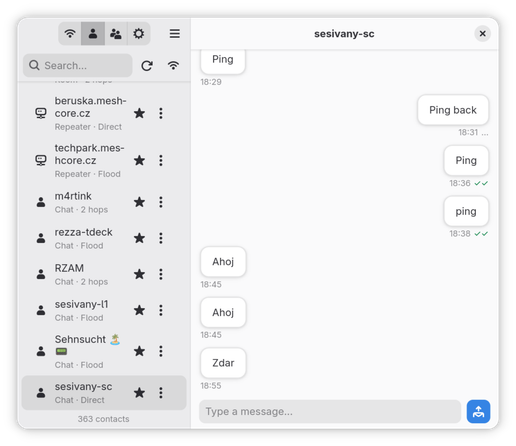
@sesivany thank you for starting this. and as i am trying this out... do you know what i have to "turn on" somehow to make bluetooth ble work? On the Desktop I only use usb companions for that reason.
INFO:meshy.ble:Initiating connection to /org/bluez/hci0/dev_FA_5F_1D_D8_3F_6E
INFO:meshy.ble:Connect call succeeded for /org/bluez/hci0/dev_FA_5F_1D_D8_3F_6E
DEBUG:meshy.ble:Checking ServicesResolved (attempt 1)
DEBUG:meshy.ble:Checking ServicesResolved (attempt 2)
@stereo @jorgeluis at the moment it sort of expects the companion to be already paired. And the most reliable pairing on Linux is getting the device's MAC address, going to bluetoothctl and in the interactive mode executing: pair [device MAC address]. Then you will be prompted to type the pairing PIN. Pairing via e.g. GNOME Settings doesn't work because it pairs, but without using the PIN verification, so the companion looks connected, but refuses to communicate.
It's on my todo list to support pairing with a new device, I'll have to explore if it's possible to iniciate the pairing and enforcing the PIN verification from a client using Bluez Dbus.
@sesivany @jorgeluis SUCCESS, thank you. pairing with pin and not over gnome settings! finally.
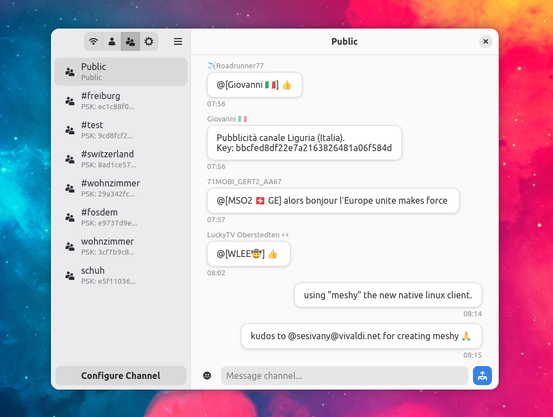
will send "using Meshy" into Pub ;)
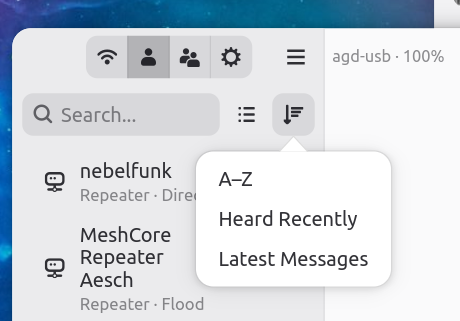
i guess next in the backlog is "contact search and sort"?
and as a matrix admin a timeless classic "unread state" ;)
makes some beers at next fosdem for you ;)
 Jorge Saturno
 ralf tauscher